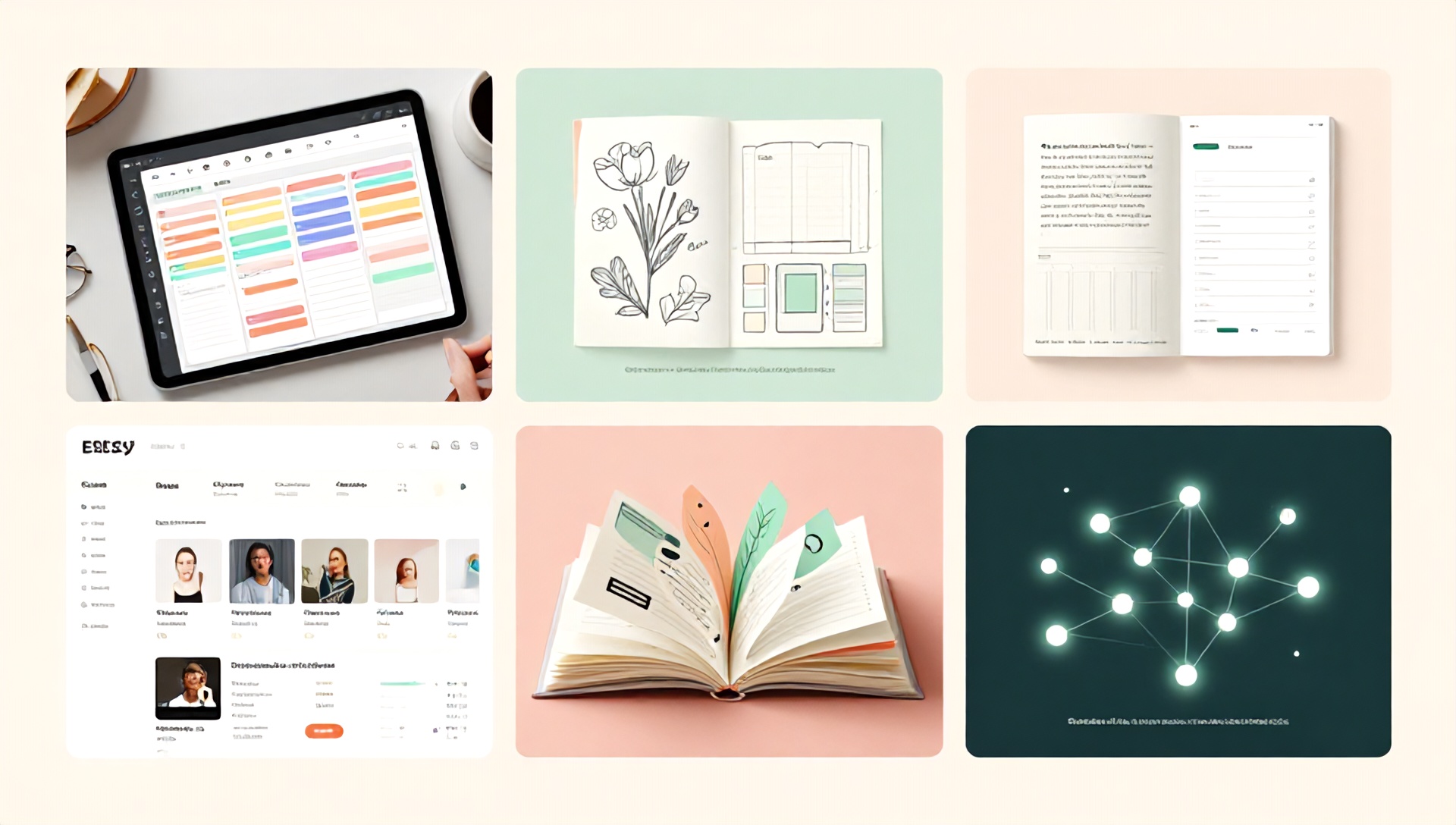
The Ultimate Guide: How to Create Digital Planners for Etsy (Plus the Best AI Tools for Etsy Sellers)
Introduction: Tapping into the Digital Planner Boom on Etsy
The world of planning has gone digital, and Etsy has become a bustling marketplace for creative entrepreneurs selling digital planners. For Etsy sellers, this trend represents a golden opportunity: a high-demand product with no inventory, no shipping, and the potential for passive income. But in a crowded market, how do you create a digital planner that stands out and sells consistently? The secret weapon for modern sellers lies in leveraging technology. This comprehensive guide will walk you through the entire process of creating a best-selling digital planner for Etsy, with a special focus on the best AI tools for Etsy sellers that can revolutionize your workflow, from conception to marketing.
What is a Digital Planner and Why Sell Them on Etsy?
A digital planner is a hyperlinked PDF file designed to be used on tablets (like iPads) or smartphones with note-taking apps such as GoodNotes, Notability, or Xodo. It mimics the experience of a physical planner but with interactive tabs, clickable links, and reusable pages.
Why Etsy is the Perfect Platform:
- Established Audience: Millions of users actively search for “digital planners,” “PDF planner,” and “GoodNotes planner” on Etsy.
- Low Overhead: You create the product once and can sell it an infinite number of times.
- High Profit Margins: After the initial design effort, each sale is nearly pure profit.
- Scalability: You can easily create complementary products like sticker packs, dashboard covers, and more.
Step-by-Step: How to Create a Digital Planner for Etsy
Step 1: Niche Research and Conceptualization
Before you open a design program, you must validate your idea. Use Etsy’s search bar to analyze popular planners. Look for gaps in the market. Are you targeting students, busy moms, small business owners, or fitness enthusiasts? Use keyword research tools like eRank or Marmalead (integrated with Etsy data) to find high-demand, low-competition niches.
AI-Powered Insight: Tools like Jasper or Copy.ai can help you brainstorm unique planner themes, section ideas, and even product names by analyzing current trends and generating creative concepts.
Step 2: Planning Your Layout and Functionality
Sketch out the structure. A typical planner includes:
- Cover Page
- Hyperlinked Index/Tabs (The most crucial technical element)
- Yearly, Monthly, Weekly, and Daily Views
- Specialized Pages: Goal setting, habit trackers, finance, meal planning, etc.
- Bonus Pages: Notes, graph paper, dotted pages.
Pro Tip: User experience (UX) is key. Ensure navigation is intuitive and hyperlinks are flawless.
Step 3: Design and Creation
This is where your vision comes to life. You have two primary paths:
A. Using Design Software (Full Creative Control):
- Adobe InDesign: Industry standard for multi-page PDF creation with master pages and hyperlinking.
- Affinity Publisher: A powerful, one-time-purchase alternative to Adobe.
- Canva Pro: Extremely user-friendly. Use the “Brand Kit” for consistency and the “Magic Resize” tool. While hyperlinking is more manual, it’s a great starting point.
B. Using AI Design Tools (Speed & Inspiration): This is where knowing the best AI tools for Etsy sellers becomes a game-changer.
- Midjourney or DALL-E 3: Generate stunning, unique cover art, section dividers, and decorative elements. Prompt: “Minimalist watercolor floral design for a planner cover, soft pastel colors, clean aesthetic.“
- Adobe Firefly: Integrated into the Creative Cloud, it can help generate vectors, recolor artwork, and create templates ethically (trained on Adobe Stock).
- Looka or Canva’s AI Tools: For logo creation and consistent brand asset generation for your planner line.
Step 4: The Technical Heart: Adding Hyperlinks
This transforms a static PDF into an interactive planner.
- Design your tab system on a master page.
- Using Adobe Acrobat Pro, InDesign, or even Canva Pro (with link hotspots), create clickable links that jump to the corresponding section.
- TEST RELENTLESSLY. Open the final PDF on a tablet in GoodNotes and click every link.
AI Efficiency Boost: While AI doesn’t directly hyperlink, using an AI-assisted design tool to create perfectly aligned and consistent button graphics speeds up the entire process.
Step 5: Export and Quality Assurance
Export your final product as a high-quality, compressed PDF. Ensure the file size is manageable (ideally under 50MB for easy download). Create a few sample pages as a “Preview” file for your Etsy listing.
Step 6: Preparing for Etsy Listing
Your listing is your salesperson. It must convince and convert.
- Title: Include primary keywords like “Digital Planner,” “Hyperlinked PDF,” “GoodNotes,” “iPad Planner,” and your niche (e.g., “for Students”).
- Images & Video: Create a compelling mockup video showing the planner in use on a tablet. Use tools like Placeit or Smartmockups. Show the hyperlinks working!
- Description: Detail the features, included pages, compatible apps, and instructions. Highlight the benefits, not just the features.
The AI Advantage for Listings: This is a prime area for the best AI tools for Etsy sellers. Jasper, Copy.ai, or even ChatGPT can:
- Write persuasive, SEO-rich product descriptions.
- Generate multiple title variations to A/B test.
- Create bullet points that highlight key selling points.
- Draft your shop policies and “About” section.
The Best AI Tools for Etsy Sellers: A 2024 Breakdown
Integrating AI into your Etsy business isn’t about replacing your creativity; it’s about amplifying it and automating the mundane. Here are the top categories and tools:
1. AI Content & Copywriting Tools
- Jasper: The powerhouse. Excellent for generating marketing copy, blog posts for driving traffic, and entire product description suites. Its “Brand Voice” feature learns your style.
- Copy.ai: User-friendly and fantastic for short-form content. Perfect for brainstorming listing titles, taglines, and social media posts.
- ChatGPT (Plus with GPT-4): Incredibly versatile. Use it to brainstorm product ideas, write email sequences for customers, create “How to Use” guides to include with your planner, and research SEO keywords.
2. AI Visual Design & Asset Creation Tools
- Midjourney: Unmatched for generating artistic, high-quality visual concepts for covers and interior art. Requires learning prompt engineering.
- DALL-E 3 (via ChatGPT Plus or Microsoft Designer): Easier to use than Midjourney for more realistic or specific imagery. Great for creating cohesive graphic elements.
- Canva’s AI Suite (Magic Media, Magic Write, etc.): All-in-one convenience. Generate images directly within your design, translate designs, and write copy.
3. AI for SEO and Market Research
- eRank (with AI Insights): An Etsy-specific tool that uses AI to analyze your competition, suggest keywords, and predict trends.
- Podsell AI or Vendo: Emerging tools that analyze Etsy data to suggest high-potential products and niches.
4. AI for Operational Efficiency
- GrammarlyGO or Wordtune: Edit and polish all your customer communications, listings, and marketing materials to sound professional.
- AI Chatbots for Customer Service: Tools like ManyChat can be set up to answer common pre-purchase questions (e.g., “Is this compatible with Samsung Notes?”), saving you time.
Marketing Your Digital Planner: Beyond the Etsy Listing
- Create a “How to Use” Video: A simple screen-recorded tutorial builds trust and reduces customer confusion/questions.
- Utilize Pinterest: Create stunning pins linking to your Etsy listing. Pinterest is a visual search engine full of people planning their lives.
- Build an Email List: Offer a free, mini-version of your planner as a lead magnet on a simple landing page. Nurture this list with tips and new product launches.
- Leverage AI for Social Media: Use tools like Predis.ai or Buffer’s AI assistant to generate a month’s worth of social media content ideas and captions based on your planner.
FAQ Section
Q1: What apps do customers need to use my digital planner? A: The most popular apps are GoodNotes (iOS/iPadOS), Notability (iOS/iPadOS), and Xodo (Android/Windows/iOS). Always list the compatible apps in your Etsy description. Note that the planner itself is a PDF, so any PDF annotation app will work, but hyperlinks function best in the apps mentioned.
Q2: Can I use AI-generated art in my digital planners to sell on Etsy? A: You must be extremely careful. Check the licensing terms of the AI tool you use. Some, like Adobe Firefly, are designed for commercial use. For others, the legal landscape is evolving. The safest practice is to use AI-generated elements as inspiration or a base layer, then significantly modify them in your design software to create an original work. Always disclose if you use AI if required by the platform’s terms.
Q3: How do I handle customer support for a digital product? A: Most issues are about file access or technical use. Create a detailed “Read First” PDF included in the download. Use AI tools to draft comprehensive FAQ documents and automated response templates for common questions like “Where is my download link?” or “The hyperlink isn’t working.” This ensures quick, consistent support.
Conclusion: Your Creative Business, Supercharged
Creating digital planners for Etsy is a fulfilling venture that blends creativity with entrepreneurship. By mastering the design process and strategically incorporating the best AI tools for Etsy sellers, you can work smarter, not harder. AI can handle the heavy lifting of ideation, copywriting, and visual asset creation, freeing you to focus on the high-level creative strategy and customer connection that make a shop truly successful.
The digital planning market is growing. Start by identifying your niche, building a beautiful and functional product, and using AI to optimize every step from listing to marketing. Your next best-selling digital planner is waiting to be created.
Ready to launch your digital planner empire? Start by leveraging AI today!
Choose one of the AI tools mentioned above—like Jasper for your listing copy or Canva for your design—and take the first step. Sketch your planner idea, then use AI to bring it to life faster. Your future customers are searching Etsy right now for a planner just like yours. Don’t keep them waiting.
Start creating. Start selling. Start thriving.