How to Sell Notion Templates: Leveraging AI Tools for Etsy Success
Introduction: The Digital Product Gold Rush on Etsy
The marketplace for digital products is booming, and Etsy has emerged as a premier platform for creators. Among the most sought-after digital goods are Notion templates—customizable, all-in-one workspaces for productivity, planning, and life organization. For the savvy seller, this represents a significant opportunity. However, standing out in a crowded market requires more than just a good template; it demands exceptional presentation. This is where the fusion of artificial intelligence and creative strategy comes into play. By harnessing the best AI tools for Etsy sellers, you can transform your Notion template business from a side hustle into a substantial income stream.
Why Notion Templates Are a Perfect Etsy Product
Notion has exploded in popularity due to its flexibility. Users from students to CEOs leverage it to organize their lives and work. Yet, building an effective dashboard from scratch is time-consuming. This is where your templates provide immense value.
Key Advantages for Sellers:
- High Profit Margins: Once created, a template can be sold infinitely without additional production costs.
- Evergreen Demand: The need for organization and productivity is constant.
- Low Overhead: No inventory, shipping, or physical materials are required.
- Scalability: You can build an entire shop around niche template categories (e.g., “Content Creator Hub,” “Student Academic Planner,” “Small Business CRM”).
The primary challenge is visual appeal. Your listing’s imagery is your first and most critical sales tool. This is precisely where AI image generation tools like Midjourney become a game-changer.
Midjourney: Your AI-Powered Visual Design Partner
Midjourney is an advanced AI program that generates images from textual descriptions (prompts). For an Etsy seller, it acts as an on-demand graphic designer, capable of creating stunning, unique visuals for your listings without requiring advanced design skills or expensive software.
How to Use Midjourney for Notion Template Listings
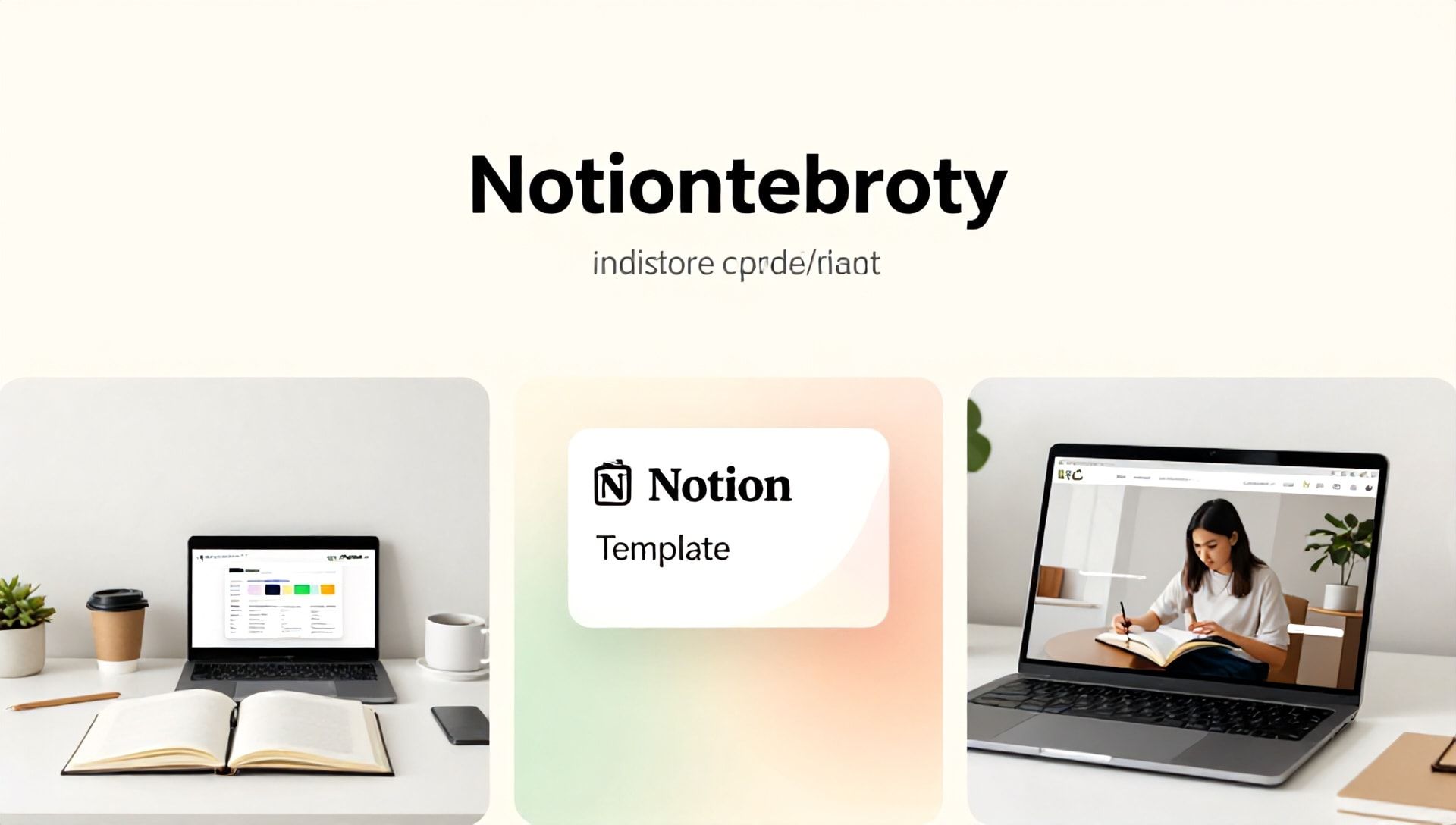
- Create Conceptual Scene Images: Instead of only showing screenshots of your template, generate beautiful lifestyle images that evoke the feeling of using your product (e.g., “a serene, minimalist home office with a laptop open to a beautiful productivity dashboard, morning light, aesthetic, flat lay style”).
- Design Logo and Brand Elements: Generate icons, logos, and decorative elements to give your template and shop a cohesive, professional brand identity.
- Craft Attention-Grabbing Thumbnails: Create bold, beautiful banner images that stop scrollers in their tracks on Etsy’s search page.
- Visualize User Benefits: Generate images that represent outcomes—like a calm mind, a packed schedule, or a achieved goal—to connect emotionally with buyers.
Example Midjourney Prompt for a Notion Template:
/imagine prompt: A visually appealing digital dashboard for project management displayed on a modern laptop, surrounded by plants, a notebook, and a coffee cup on a wooden desk. Soft light, clean aesthetics, pastel color scheme, high detail --ar 16:9
This approach elevates your listing from a simple screenshot to a compelling visual story.
Beyond Imagery: The Ecosystem of Best AI Tools for Etsy Sellers
While Midjourney handles visuals, a successful Etsy shop requires a full toolkit. Here are the best AI tools for Etsy sellers to automate, optimize, and scale.
1. AI for Product Description and SEO: Jasper or ChatGPT
Your title, tags, and description are vital for Etsy search. AI copywriting tools can:
- Generate persuasive, benefit-driven product descriptions.
- Brainstorm hundreds of relevant long-tail keyword phrases for tags.
- Create compelling shop announcements and “About” sections aligned with Etsy’s SEO.
2. AI for Marketing Copy: Copy.ai
Craft your social media posts, email newsletters, and Pinterest pin descriptions quickly. Maintain a consistent brand voice across all platforms to drive traffic to your Etsy shop.
3. AI for Customer Service: ManyChat or Chatfuel
Set up automated but friendly responses to common pre-sale questions (e.g., “How do I access the template after purchase?”). This improves buyer experience and saves you time.
4. AI for Business Management: Notion AI (Meta-Irony!)
Use Notion’s own AI within your business dashboard to analyze sales data, generate to-do lists from meeting notes, and summarize customer feedback trends.
Step-by-Step Guide: Selling Your First AI-Enhanced Notion Template on Etsy
Step 1: Template Ideation & Creation
Identify a specific problem or niche. Use Notion to build a functional, well-structured template. Ensure it is fully linked, uses native Notion databases correctly, and includes clear instructions.
Step 2: Visual Asset Creation with Midjourney
Generate 5-7 high-quality images:
- 1-2 Conceptual lifestyle images.
- 2-3 Detailed, annotated screenshots of key template features (you can overlay text and arrows on the AI-generated base image).
- 1 Banner image for the listing thumbnail.
Step 3: Listing Optimization with AI
Feed your template’s key features into a tool like ChatGPT:
- Prompt: “Write an Etsy product description for a Notion ‘Fitness Tracker’ template. Highlight benefits like workout logging, meal planning, and progress visualization. Include a friendly tone and a call to action. Also, suggest 10 long-tail Etsy search tags.”
- Use this output to craft your polished listing.
Step 4: Pricing & Launch
Research competitors. Price your template competitively at first ($10-$25). Consider offering a “Beginner Bundle.” Use Etsy’s scheduling tool to launch during a high-traffic period.
Step 5: Post-Launch Marketing
Share your stunning AI-generated visuals on Pinterest, Instagram, and relevant subreddits. Link directly to your Etsy listing.
Ethical Considerations and Best Practices
- Transparency is Key: While AI generates your marketing images, your template must be your original, functional work. You are selling the Notion template file, not the AI art.
- Avoid Misrepresentation: Ensure your images are representative of the actual template experience. Use screenshots for core functionality.
- Edit and Refine: AI outputs are a starting point. Always edit text for authenticity and tweak images to ensure they align perfectly with your product.
The Future of AI for Etsy Entrepreneurs
The integration of AI is not a passing trend; it’s a paradigm shift. Tools will become more sophisticated, offering even more seamless ways to handle product variation ideation, dynamic pricing analysis, and hyper-personalized customer outreach. Sellers who adopt and adapt to these best AI tools for Etsy sellers will secure a formidable advantage, freeing up time to focus on what truly matters: innovation and customer connection.
Frequently Asked Questions (FAQ)
Q1: Is it allowed to use AI-generated images for my Etsy listings? A: Yes, Etsy’s policies currently allow the use of AI-generated imagery in listings. The crucial factor is that you are accurately representing the digital product you are selling—the Notion template file itself. The AI images serve as marketing and conceptual visuals.
Q2: As a beginner, which AI tool should I invest in first? A: Start with a versatile language model like ChatGPT (free tier available) for mastering your SEO and descriptions. Once your copy is strong, invest in Midjourney for visual differentiation. This two-pronged approach covers the most critical aspects of your listing: discoverability and click-through rate.
Q3: Can I really compete with established Notion template sellers using AI? A: Absolutely. AI tools level the playing field by giving you access to professional-grade marketing assets. Your competitive edge will come from combining these powerful visuals with a genuinely useful, well-constructed template that solves a specific problem for a defined niche. Quality and niche targeting, amplified by AI presentation, is a winning formula.
Ready to Launch Your AI-Powered Etsy Shop?
The intersection of Notion’s utility and AI’s creative power creates an unprecedented opportunity for digital entrepreneurs. You have the blueprint: identify a need, build a solution in Notion, and present it to the world with the compelling, professional edge offered by the best AI tools for Etsy sellers.
Stop wondering if your listings are good enough. Start creating visuals that captivate and copy that converts. Your future customers are searching for organization and clarity—use AI to ensure they find it with you.
Begin your journey today. Design your template, craft your first Midjourney prompt, and transform your creative skill into a thriving Etsy business.