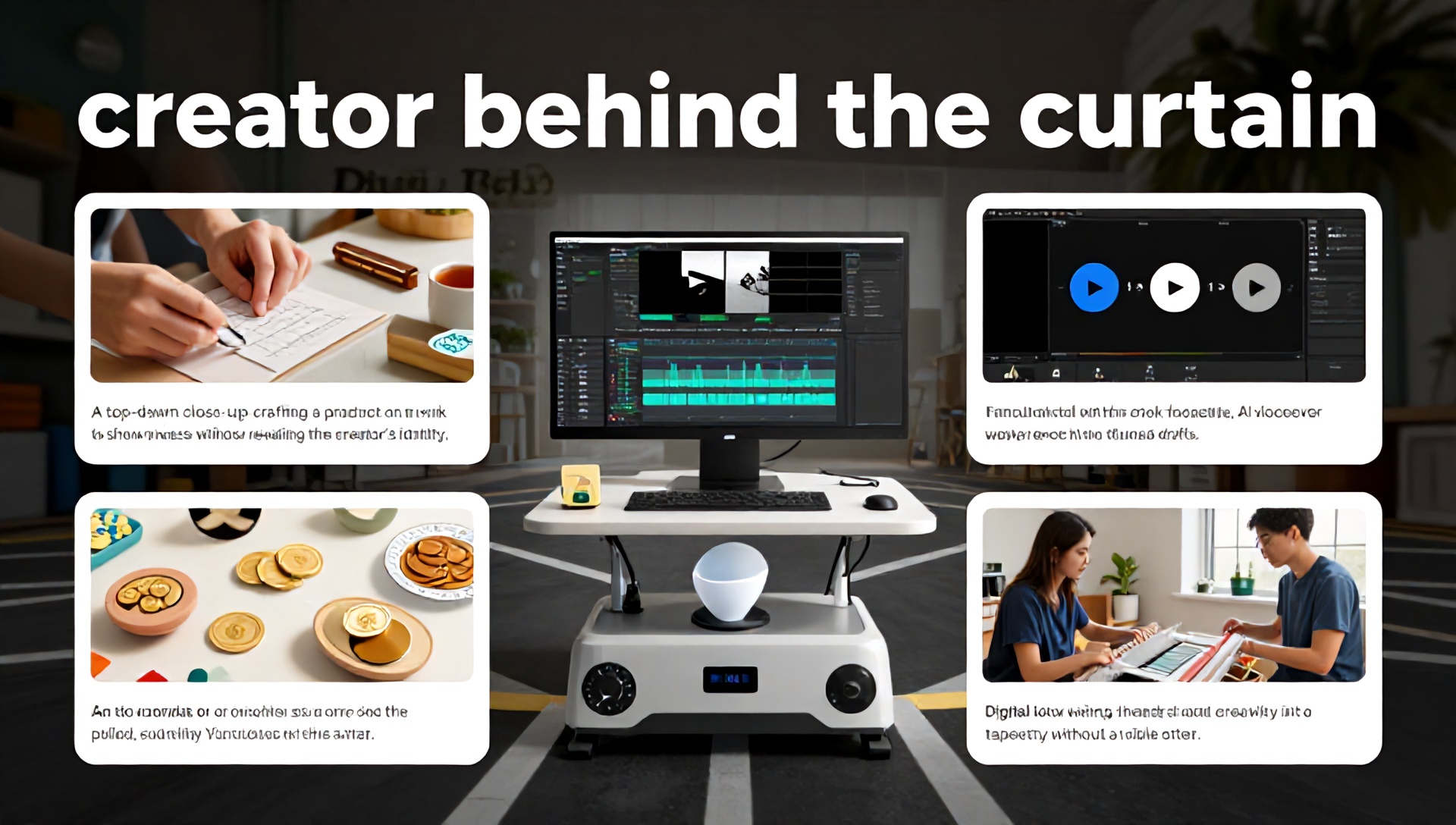
The Ultimate Guide to Starting a Faceless YouTube Channel: Leveraging the Best AI Tools for Etsy Sellers
Introduction: The Rise of the Faceless Creator
In today’s digital landscape, you don’t need to be in front of the camera to build a successful YouTube channel. The “faceless YouTube channel” model has exploded in popularity, offering creators anonymity while building substantial audiences and revenue streams. For Etsy sellers, this presents a unique opportunity to drive traffic, build brand authority, and showcase products without the pressure of being on-screen.
This comprehensive guide will walk you through every step of launching and growing a faceless YouTube channel, with a special focus on leveraging the best AI tools for Etsy sellers to streamline content creation, maximize efficiency, and compete in crowded niches.
What is a Faceless YouTube Channel?
A faceless YouTube channel is a content platform where the creator never shows their face or personal identity on camera. Instead, these channels utilize:
- Screen recordings and tutorials
- Voice-over narration
- Stock footage and B-roll
- Animation and motion graphics
- Slideshow presentations
- Product demonstrations without personal appearance
This approach is particularly valuable for Etsy sellers who want to maintain privacy while creating content about their craft, niche, or industry expertise.
Why Etsy Sellers Should Consider a Faceless YouTube Channel
1. Drive Targeted Traffic to Your Etsy Shop
YouTube is the world’s second-largest search engine. Properly optimized videos can attract highly targeted viewers who are already interested in your niche, leading directly to your Etsy storefront.
2. Establish Authority in Your Niche
Regular, valuable content positions you as an expert in your specific craft or product category, building trust with potential customers before they ever visit your shop.
3. Diversify Your Income Streams
Beyond driving Etsy sales, a successful YouTube channel can generate revenue through:
- YouTube Partner Program ad revenue
- Affiliate marketing for relevant tools and supplies
- Sponsorships from brands in your niche
- Digital product sales (guides, templates, courses)
4. Repurpose Content Across Platforms
Content created for YouTube can be repurposed into blog posts, social media snippets, email newsletters, and Pinterest pins, maximizing your content investment.
Step-by-Step: How to Start Your Faceless YouTube Channel
Step 1: Niche Selection and Channel Strategy
Identify Your Specific Niche
Rather than broad categories like “handmade crafts,” drill down to specific sub-niches:
- Leather journal making for beginners
- Sustainable polymer clay jewelry
- Vintage-inspired digital printables
- Modern macramé home decor
Analyze Competitor Channels
Study successful faceless channels in your potential niche. Note their:
- Most popular video topics
- Video length and format
- Upload frequency
- Engagement strategies
Define Your Content Pillars
Create 3-5 main content categories that will form your channel’s foundation, such as:
- Tutorials and how-tos
- Product creation process
- Etsy shop optimization tips
- Niche-specific tool reviews
- Industry trends and inspiration
Step 2: Essential Setup and Equipment
Minimal Equipment Needed
Contrary to popular belief, you don’t need expensive gear to start:
- Computer: Any relatively modern computer will suffice
- Microphone: USB microphone like Blue Yeti or Fifine ($50-150)
- Screen Recording Software: OBS Studio (free) or Camtasia
- Video Editing Software: DaVinci Resolve (free) or Adobe Premiere
Channel Branding Elements
- Channel Name: Memorable and relevant to your niche
- Logo/Banner: Simple, professional design reflecting your brand
- Color Scheme: Consistent with your Etsy shop branding
- Intro/Outro: Short, branded segments (5-10 seconds)
Step 3: Content Creation Workflow
Scripting and Planning
Every video should begin with a clear outline:
- Hook (address pain point or promise solution)
- Introduction of topic
- Main content with clear steps
- Summary and key takeaways
- Call-to-action (visit Etsy shop, subscribe, etc.)
Recording Process
- Voice-Over: Record in a quiet space, speak clearly and energetically
- Screen Recording: Ensure clean desktop, appropriate resolution
- B-Roll: Collect relevant stock footage or create simple animations
Editing Best Practices
- Keep pacing brisk (cut pauses, ums, and ahs)
- Add text overlays for key points
- Include relevant visuals to maintain engagement
- Add background music at low volume
The Game Changer: Best AI Tools for Etsy Sellers to Power Your YouTube Channel
Content Ideation and Scripting AI Tools
1. ChatGPT (OpenAI)
- Primary Use: Generate video ideas, outlines, and full scripts
- Etsy-Specific Application:
- “Generate 10 YouTube video ideas for a shop selling printable wedding invitations”
- “Write a script for a 5-minute tutorial on creating SEO-friendly Etsy listings”
- “Create a content calendar for a vintage sticker shop YouTube channel”
- Pro Tip: Use specific prompts like “Act as an experienced Etsy seller creating YouTube content about hand-poured soy candles…”
2. Jasper AI
- Primary Use: Long-form content creation and brand voice consistency
- Etsy-Specific Features:
- Template for product demonstration scripts
- SEO-optimized video description generator
- YouTube title variations based on target keywords
Visual Creation and Editing AI Tools
3. Pictory.ai
- Primary Use: Transform scripts into engaging videos automatically
- Workflow Integration:
- Input your script or blog post
- AI selects relevant visuals and stock footage
- Auto-generates voice-over (or use your own)
- Produces ready-to-upload YouTube video
- Time Savings: Cuts video production time by 70-80%
4. Canva AI Features
- Primary Use: Thumbnail creation, channel art, and simple animations
- Key Tools:
- Magic Design: Generates complete designs from text prompts
- Magic Eraser: Remove backgrounds from product photos
- AI Image Generator: Create custom visuals for your niche
- Cost Effectiveness: Free plan available, Pro plan ideal for serious creators
Audio Enhancement and Voice-Over AI Tools
5. Murf.ai
- Primary Use: High-quality AI voice-overs in 120+ voices
- Etsy Advantages:
- Maintain consistent narration without recording fatigue
- Multiple voice options to match your brand personality
- Easy editing of voice tracks (change words without re-recording)
- Recommended: Use for tutorial portions while keeping personal touches in introductions
6. Adobe Podcast Enhance
- Primary Use: Clean up poor audio recordings to studio quality
- Critical For: Sellers working in less-than-ideal recording environments
- Magic Feature: Can remove background noise while preserving voice clarity
SEO and Optimization AI Tools
7. TubeBuddy and vidIQ
- Primary Use: YouTube-specific SEO optimization and analytics
- Key AI Features:
- Keyword research for video topics
- Title and tag suggestions
- Competitor analysis
- Best time to publish predictions
- Integration: Works directly within YouTube Studio
8. AnswerThePublic
- Primary Use: Discover what your target audience is searching for
- Etsy Application: Find specific questions about crafts, products, or Etsy selling
- Content Goldmine: Each search query can become a video topic addressing real user needs
Optimizing Your Faceless Channel for Maximum Growth
YouTube SEO Strategy for Etsy Sellers
Keyword Research Implementation
- Primary Keywords: Include your main product/service (e.g., “handmade leather wallets”)
- Secondary Keywords: Include problem/solution phrases (e.g., “how to condition leather”)
- Long-Tail Keywords: Specific phrases with lower competition (e.g., “vegetable-tanned leather care tutorial”)
Title Formula That Converts
[Number] + [Keyword] + [Solution/Promise] + [Niche Identifier] Example: “5 Essential Tools for Creating Polymer Clay Earrings | Beginner Jewelry Making”
Description Template
- First 100 words: Include primary keyword naturally, summarize video value
- Middle section: Detailed timestamps with keywords
- Last section: Links to Etsy shop, related videos, social media
- End with: Relevant tags and category
Thumbnail Psychology
- High contrast colors that stand out in search results
- Clear, readable text (3-5 words maximum)
- Include human elements (hands working, product in use)
- Consistent branding across all thumbnails
Engagement Without Being On Camera
- Use polls in community tab
- Ask questions in voice-over
- Create series that encourage binge-watching
- Respond to every comment in first 24 hours
Monetization Strategies Beyond YouTube Ads
Direct Etsy Integration
- Include direct links in every video description
- Create “shop tours” showing your Etsy store
- Demonstrate products in use with clear purchasing instructions
Affiliate Marketing Opportunities
- Recommend tools, materials, or software you genuinely use
- Join affiliate programs specific to your niche (craft supplies, Etsy tools)
- Disclose affiliate relationships transparently
Digital Product Creation
- Create companion guides for your tutorials
- Develop templates related to your products
- Offer courses teaching your specific skills
Sponsorships and Partnerships
- Approach brands whose products you already use
- Create media kit with channel statistics and audience demographics
- Offer package deals (video, community post, Instagram story)
Maintaining Consistency and Overcoming Challenges
Batch Creation System
- Content Day: Script 4-5 videos
- Recording Day: Record all voice-overs
- Editing Day: Edit multiple videos
- Upload Day: Upload with optimized titles, descriptions, tags
Overcoming Creator Burnout
- Set realistic upload schedule (1-2 videos weekly to start)
- Repurpose top-performing content
- Take planned breaks between content batches
- Analyze what’s working and focus there
Analytics That Matter
- Watch Time: YouTube’s primary ranking factor
- Click-Through Rate: Thumbnail and title effectiveness
- Audience Retention: Where viewers drop off
- Traffic Sources: Where your viewers are finding you
The Future of Faceless Channels: AI Advancements
Emerging AI technologies will further revolutionize faceless content creation:
- Hyper-realistic AI avatars for more personal connection
- AI-generated custom footage based on script descriptions
- Real-time translation with lip-synced audio
- Personalized video versions for different audience segments
Frequently Asked Questions (FAQ)
What are the best AI tools for Etsy sellers starting a YouTube channel?
The most valuable AI tools for Etsy sellers include Pictory.ai for video creation, ChatGPT for scripting and ideation, Murf.ai for professional voice-overs, and TubeBuddy for YouTube optimization. These tools significantly reduce production time while maintaining quality, allowing sellers to focus on their craft and business operations.
How much does it cost to start a faceless YouTube channel?
You can start with minimal investment: free tools like OBS Studio for recording, DaVinci Resolve for editing, and Canva for thumbnails. As you grow, allocating $50-100 monthly for AI tools like Pictory or Murf, plus possibly $100 for a quality microphone, creates a professional setup without breaking the bank.
Can a faceless YouTube channel really drive Etsy sales?
Absolutely. When optimized correctly, YouTube serves as a powerful discovery platform. Tutorials, product demonstrations, and niche education content attract highly targeted viewers who are more likely to convert to customers. Include clear calls-to-action and direct links in every video description to maximize this traffic.
How often should I post videos as a new creator?
Consistency matters more than frequency. Start with one high-quality video per week rather than multiple rushed videos. This allows you to maintain quality while learning the production process. As you develop efficient workflows using AI tools, you can gradually increase frequency.
Do I need to show my face eventually to build audience connection?
Not at all. Many highly successful channels never show the creator’s face. Connection is built through consistent value, authentic voice (literally, through voice-over), responsive community engagement, and reliable content. Your expertise and the value you provide create the connection, not your physical appearance.
Conclusion: Your Faceless YouTube Journey Begins Now
Starting a faceless YouTube channel as an Etsy seller represents one of the most efficient ways to amplify your business in today’s digital marketplace. By combining your niche expertise with strategic content planning and leveraging the best AI tools for Etsy sellers, you can create professional, engaging content that drives real business results—all while maintaining your privacy and focusing on what you do best.
The tools and strategies outlined in this guide have democratized video content creation. What once required expensive equipment and technical expertise is now accessible to every creative entrepreneur. The most successful channels aren’t necessarily those with the biggest budgets, but those that provide consistent value to a specific audience.
Ready to transform your Etsy business with a faceless YouTube channel? Start today by:
- Choosing your specific niche from your existing products or expertise
- Selecting 2-3 AI tools from our recommended list to begin with
- Planning your first 5 video topics based on customer questions or popular searches in your niche
- Setting up your basic recording setup with what you already have
Your audience is waiting for the unique value only you can provide. Begin with one video, learn from the process, and consistently improve. The combination of your creative expertise and modern AI tools creates an unstoppable advantage in the growing world of faceless content creation.
Share your first video topic idea in the comments below—we’d love to support your journey as you join the thriving community of faceless creators building successful businesses through valuable content!