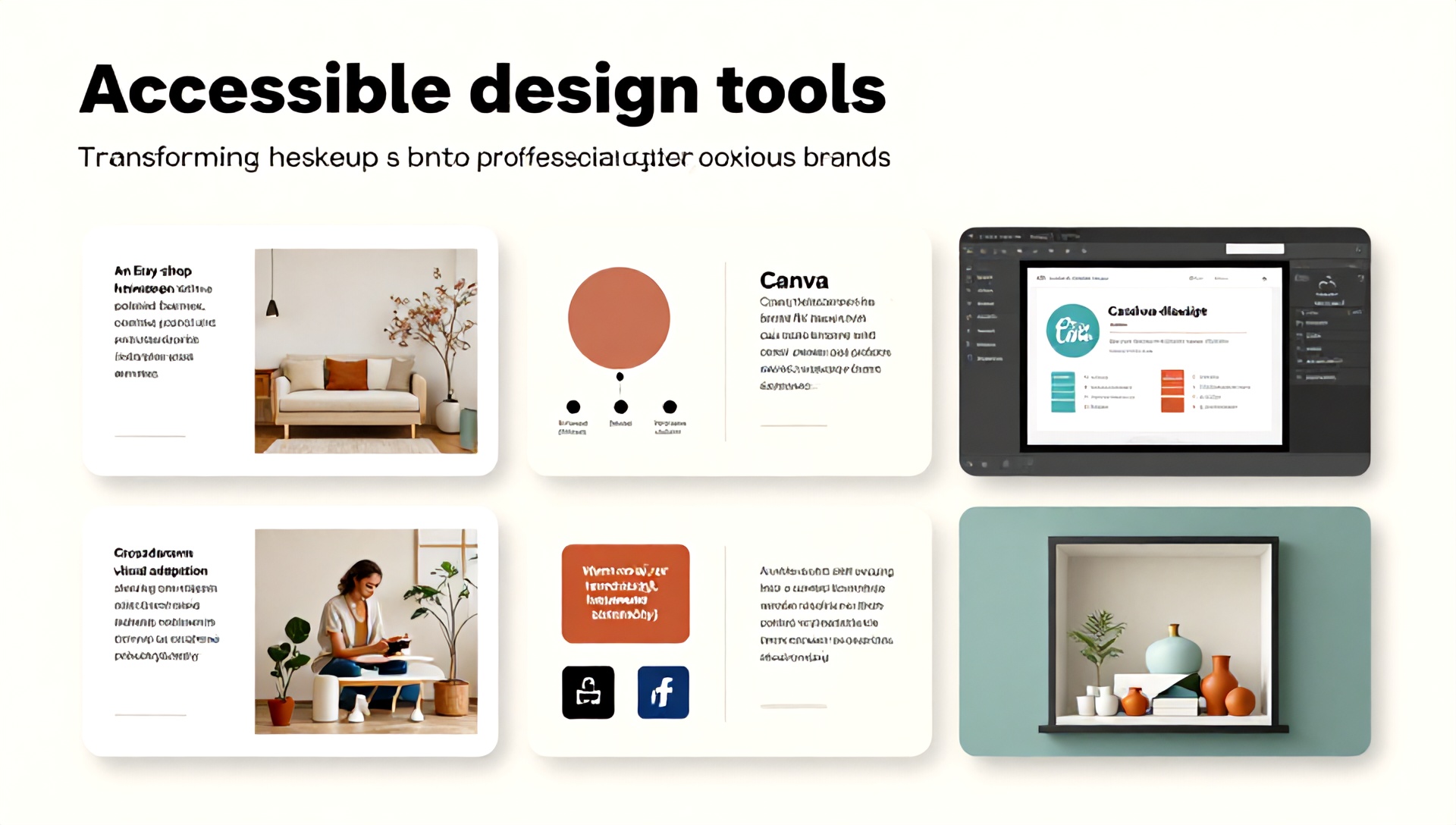
How to Increase Etsy Sales Using Canva: A Seller’s Guide to Visual Success
In the bustling, creative marketplace of Etsy, standing out is not just an advantage—it’s a necessity. With millions of sellers vying for customer attention, your shop’s visual presentation can make or break your success. While tools like SEO and marketing are crucial, the first connection a customer makes with your brand is visual. This is where Canva, the intuitive graphic design platform, becomes an indispensable ally. This guide will walk you through actionable strategies to harness Canva’s power, boost your shop’s appeal, and significantly increase your Etsy sales.
Why Visuals Are Your #1 Sales Tool on Etsy
Etsy is a sensory experience. Before a customer reads your product description or reviews, they are drawn in by your thumbnail, banner, and product images. High-quality, cohesive, and professional visuals achieve three critical goals:
- Establish Trust and Professionalism: Polished graphics signal that you are a serious seller who pays attention to detail.
- Communicate Your Brand Story: Consistent colors, fonts, and imagery help build a memorable brand identity.
- Reduce Purchase Hesitation: Clear, beautiful photos and informative graphics answer questions before they’re asked, smoothing the path to checkout.
Canva democratizes professional design, allowing you to achieve these goals without needing a degree in graphic design or a hefty budget for a designer.
Mastering Canva: Essential Features for Etsy Sellers
Before diving into tactics, let’s explore the core Canva features that are game-changers for Etsy entrepreneurs.
1. Pre-Sized Templates for Every Etsy Need
Canva offers perfectly sized templates for all Etsy assets:
- Shop Icon (400 x 400 px): Your storefront’s first impression.
- Shop Banner (3360 x 840 px): Prime real estate for promotions or branding.
- Listing Photos (Minimum 2000 x 2000 px recommended): Create collages, infographics, or styled image overlays.
- Social Media Graphics: To drive traffic from Instagram, Pinterest, or Facebook.
2. Brand Kit for Unwavering Consistency
The Brand Kit (available in Canva Pro) is your secret weapon for consistency. Upload your shop’s logo, define your color palette (using hex codes), and save your brand fonts. Once set, you can apply these elements to any design with one click, ensuring every graphic you create reinforces your brand identity.
3. Magic Resize for Cross-Platform Efficiency
Created a stunning Instagram post? With Magic Resize, you can adapt it to a Pinterest pin or Facebook story in seconds. This is invaluable for repurposing your Etsy listing visuals into marketing materials across different platforms, saving you hours of work.
4. Extensive Asset Library
Access millions of stock photos, illustrations, icons, and elements. For Etsy sellers, this means you can find beautiful background images for your product photos, create festive seasonal banners, or add decorative touches to your listings without leaving the platform.
Actionable Strategy: A 5-Step Canva Plan to Boost Your Etsy Sales
Step 1: Revamp Your Shop’s Visual Identity
Begin at your digital storefront.
- Banner: Design a banner that clearly states what you sell and your unique value proposition (e.g., “Handmade Leather Journals | Personalized for Your Story”).
- Icon: Use a clean, recognizable version of your logo.
- Announcement Section: Use a custom graphic to highlight a current promotion, new collection, or shipping cutoff dates for holidays.
Step 2: Create Irresistible & Informative Listing Images
Go beyond simple product photos. Use Canva to create a multi-image listing that tells a complete story.
- Image 1: Your hero product shot on a clean background.
- Image 2: A lifestyle image (using Canva’s stock photos if needed) showing the product in use.
- Image 3: An infographic highlighting key features and dimensions.
- Image 4: A graphic detailing your shipping process or care instructions.
- Image 5: A “Shop the Look” collage or an image encouraging a review.
This visual variety keeps shoppers engaged and addresses potential objections visually.
Step 3: Design Compelling Marketing Graphics
Use Canva to create assets that drive external traffic to your Etsy shop.
- Pinterest Pins: Design tall, eye-catching pins with compelling text overlay. Include your shop name and a clear call-to-action (CTA) like “Shop Now.”
- Instagram Stories & Posts: Share behind-the-scenes content, customer testimonials, or new product launches with branded templates.
- Email Newsletter Graphics: If you’re building an email list, design beautiful headers and product features for your newsletters.
Step 4: Enhance Your Customer Experience
Post-purchase communication is a chance to build loyalty.
- Design a beautiful, branded “Thank You” card graphic to include in your digital download files or print for physical packages.
- Create simple graphics for order updates or care instructions that customers can save.
Step 5: Leverage Seasonal and Promotional Campaigns
Stay relevant by quickly adapting your shop for holidays and sales.
- Create limited-time banner updates for events like Black Friday or Mother’s Day.
- Design sale badge graphics that you can overlay on your listing photos to create urgency.
Integrating the Best AI Tools for Etsy Sellers with Canva
To supercharge your workflow, combine Canva with powerful AI tools. These best AI tools for Etsy sellers automate tasks and generate creative ideas, freeing you to focus on your craft.
- For SEO & Listing Optimization: Tools like Everbee or Marmalead use AI to analyze search trends and suggest high-performing keywords for your titles and tags. Use these keywords to inform the text in your Canva graphics!
- For Product Description & Copy: ChatGPT or Jasper.ai can help you draft compelling product descriptions, marketing copy for your social media graphics, and FAQ answers. You can then polish this copy within your Canva designs.
- For Background Removal & Image Editing: While Canva has a background remover, dedicated AI tools like Remove.bg offer one-click precision. Create a perfect transparent background for your product photos before importing them into Canva for styling.
- For Design Inspiration: Canva’s own Magic Design is an AI feature. Upload an image and let it generate a variety of design concepts for you to customize, sparking ideas for new listing layouts or banners.
FAQ: Using Canva for Your Etsy Shop
Q1: Is Canva Pro worth it for an Etsy seller? Absolutely. For a monthly fee, Canva Pro unlocks the Brand Kit (critical for consistency), Magic Resize (massive time-saver), a vast library of premium stock photos and elements, and the ability to schedule social media posts directly. The efficiency and professionalism it enables typically offer a strong return on investment for serious sellers.
Q2: Can I use Canva graphics commercially for my Etsy products? Yes. Canva’s Free Media License Agreement allows you to use their free and Pro elements (photos, graphics, videos, audio) for commercial purposes, which includes selling on Etsy. Always double-check the license for individual elements marked “Pro” or “Premium,” but standard usage for marketing and product presentation is covered.
Q3: How can I ensure my Canva designs don’t look generic? Customization is key. Always import and use your own product photos as the foundation. Leverage your Brand Kit colors and fonts religiously. Adjust templates heavily—change colors, layouts, and combine elements from different templates. Add personal touches that reflect your brand’s unique aesthetic.
Ready to Transform Your Etsy Shop?
Your journey to increased Etsy sales is a creative one. By strategically using Canva to build a strong, trustworthy, and beautiful visual brand, you directly influence a customer’s decision to click, explore, and ultimately purchase. Start today by auditing your current shop visuals. Pick one area—your banner or your listing image structure—and use Canva to create a more cohesive and compelling design.
Combine this visual prowess with the analytical power of the best AI tools for Etsy sellers to optimize your listings and streamline your workflow. This powerful duo of human creativity and AI efficiency is the modern blueprint for Etsy success.
Ready to elevate your Etsy presence? Bookmark this guide, open a new tab to Canva, and commit to redesigning your least-performing listing this week. Observe the difference in engagement, and watch your sales grow, one beautiful design at a time.