The Best AI Tools for Etsy Sellers: A Strategic Guide to Selling Notion Templates Using Canva
Introduction: The Digital Product Gold Rush on Etsy
The digital marketplace is booming, and Etsy has emerged as a premier platform for creative entrepreneurs. Among the most lucrative digital products are Notion templates—customizable, all-in-one workspaces for productivity, planning, and business management. For the savvy Etsy seller, combining the power of Notion with the design accessibility of Canva presents a remarkable opportunity. However, scaling this venture efficiently requires leveraging the best AI tools for Etsy sellers. This comprehensive guide will walk you through a strategic blueprint for creating, marketing, and selling Notion templates, supercharged by artificial intelligence to save time, enhance quality, and boost your shop’s visibility and sales.
Why Notion Templates Are a Perfect Etsy Product
Before diving into the how, it’s crucial to understand the why. Notion templates have exploded in popularity due to their incredible utility.
- High Demand, Low Overhead: Once created, a digital template can be sold an infinite number of times with no inventory or shipping costs.
- Solving Real Problems: These templates help users organize their lives, businesses, and projects—a perennial need.
- Ecosystem Lock-In: Notion’s user base is loyal and growing, constantly seeking new ways to optimize their workspace.
- Perfect for Canva Design: The visual appeal of a template is its first sell. Canva makes professional, aesthetically pleasing design accessible to non-designers.
The challenge lies in standing out in a growing marketplace. This is where the strategic use of AI tools becomes your unfair advantage.
Phase 1: Ideation & Validation with AI
Don’t guess what will sell; use data and AI to inform your creations.
1. AI-Powered Market Research
Use AI tools to analyze Etsy trends and gaps.
- Tool Suggestion: Jasper or ChatGPT. Prompt: “Analyze current best-selling Notion templates on Etsy. List the top 5 categories and identify underserved niches within the ‘small business’ or ‘student’ planner space.”
- Action: Use these insights to brainstorm template ideas that fill a specific, validated need.
2. Keyword Discovery for SEO
Your Etsy title and tags are critical. AI can supercharge your keyword strategy.
- Tool Suggestion: Etsy’s own search bar (a free AI-driven tool) combined with Marmalead or eRank.
- Action: Use AI to generate long-tail keyword phrases. For example, instead of “Notion template,” aim for “Notion Dashboard for Female Entrepreneurs, Content Calendar, Finance Tracker.”
Phase 2: Creation & Design: The Canva & Notion Workflow
This is your core production phase, where Canva shines.
Step 1: Build the Functional Template in Notion
First, create a genuinely useful template. Structure databases, linked views, and formulas to provide real utility.
Step 2: Design the “Storefront” in Canva
This is your product’s visual pitch. Create a stunning, cohesive set of graphics.
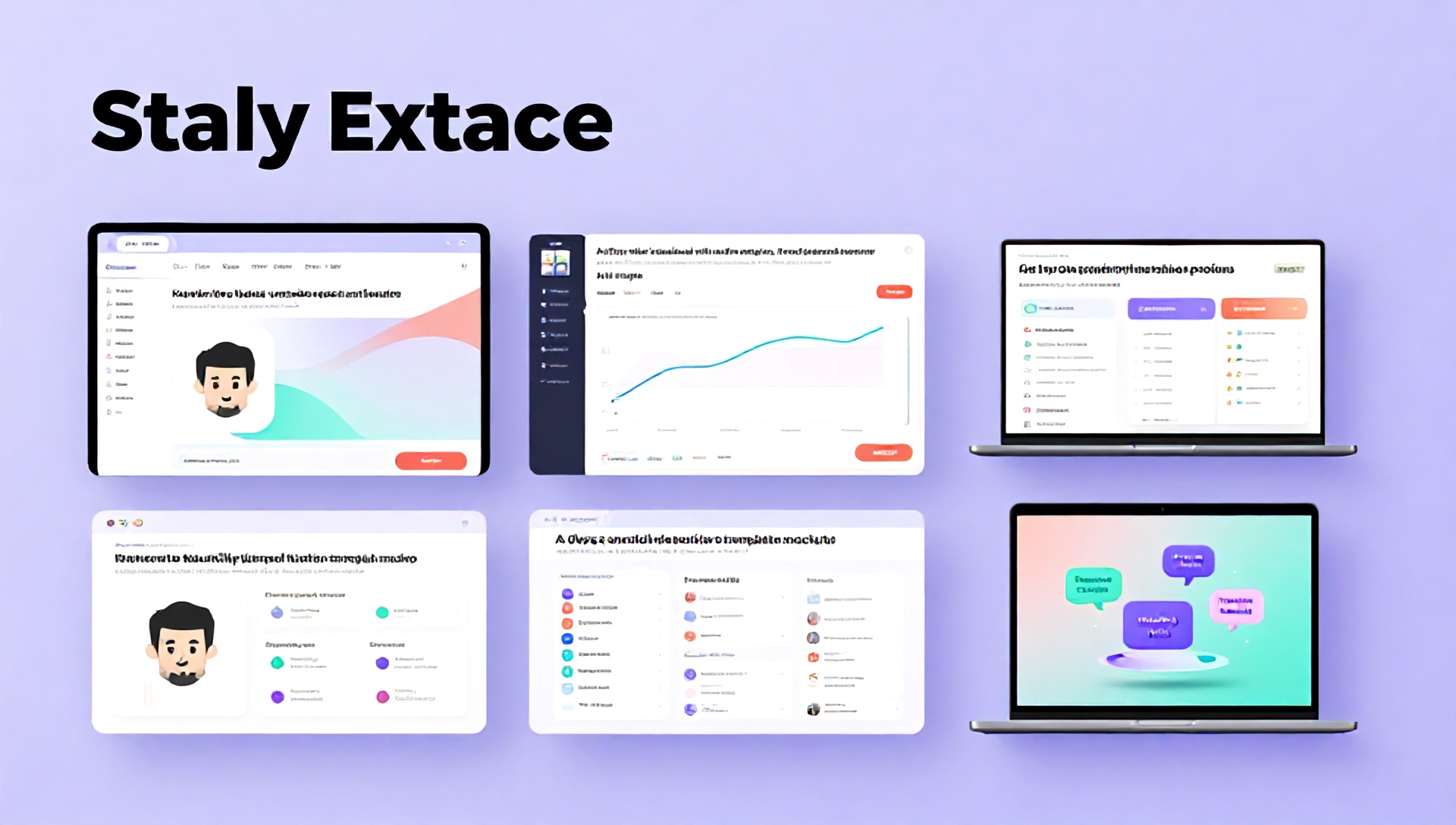
- Mockups: Design realistic mockups showing your template in use on a laptop, tablet, and phone. Use Canva’s built-in mockup elements.
- Feature Graphics: Create clean icons and banners highlighting key features (e.g., “Linked Databases,” “Yearly Overview,” “Clickable Tabs”).
- Style Guide: Maintain consistent colors, fonts, and a cohesive aesthetic that speaks to your target audience (e.g., minimalist, vibrant, cozy).
Step 3: Enhance with AI Design Assistants
Canva’s own Magic Studio is one of the best AI tools for Etsy sellers integrated directly into the design process.
- Magic Design: Upload a sketch or describe your idea, and let AI generate a draft design.
- Magic Write: Generate compelling, benefit-driven copy for your graphics and product descriptions.
- AI Image Generation: Create unique background images, icons, or illustrative elements that are completely royalty-free and on-brand using tools like DALL-E 3 (in ChatGPT Plus) or Midjourney, then import into Canva.
Phase 3: Listing Optimization & SEO with AI
Your Etsy listing is your 24/7 salesperson. Optimize it with AI.
1. Craft a Compelling Product Description
Use AI to draft a description that sells benefits, not just features.
- Tool Suggestion: ChatGPT or Copy.ai.
- Prompt Example: “Write an engaging Etsy product description for a ‘Notion Life Planner Template for Moms.’ Highlight benefits like saving time, reducing mental load, and tracking family schedules. Include a friendly, supportive tone. Structure it with bullet points and a clear ‘What’s Included’ section.”
2. Generate FAQs Automatically
Anticipate customer questions to build trust and reduce support queries.
- AI Action: Ask your AI tool: “Generate a list of 10 FAQs for someone buying a Notion template on Etsy for the first time, covering download instructions, compatibility, and customization.”
Phase 4: Marketing & Scaling Your Shop
1. Create AI-Assisted Marketing Content
Promote your templates on Pinterest, Instagram, and TikTok.
- AI Video Tools: Captions.com or Descript can help you script and edit short-form videos showcasing your template.
- AI Social Media Copy: Use Hootsuite’s OwlyWriter AI or Buffer’s AI Assistant to generate post captions and carousel text from your product description.
2. Analyze and Adapt with AI Insights
Use AI-driven analytics to understand your shop performance.
- Tool Suggestion: Etsy’s Pattern or third-party tools with predictive analytics can help you understand seasonal trends and customer behavior, suggesting the best times to launch new templates.
The Essential AI Toolkit for the Etsy Notion Seller
Here’s a categorized breakdown of the best AI tools for Etsy sellers in this niche:
| Category | Tool Examples | Primary Use Case |
|---|---|---|
| Content & Copy | Jasper, ChatGPT, Copy.ai | Product descriptions, listing titles, blog posts, ad copy. |
| Visual Design | Canva Magic Studio, Midjourney, DALL-E 3 | Creating listing graphics, mockups, and unique visual assets. |
| SEO & Research | Marmalead, eRank, Helium 10 | Keyword research, competitor analysis, listing optimization. |
| Video & Audio | Captions, Descript, Pictory | Creating promotional video tutorials and social media clips. |
| Productivity | Notion AI (built-in), Taskade | Organizing your own business, managing listings, and content calendars. |
Conclusion: Building a Sustainable Digital Empire
Selling Notion templates on Etsy using Canva is a brilliant fusion of creativity and commerce. By systematically integrating the best AI tools for Etsy sellers into each phase of your workflow—from ideation and creation to marketing and optimization—you transform from a solo creator into a scalable, efficient business. AI handles the heavy lifting of research, drafting, and repetitive design tasks, freeing you to focus on high-level strategy, customer connection, and innovative template creation. The future of e-commerce is intelligent, automated, and deeply creative. Start leveraging these tools today to build your own thriving digital product shop on Etsy.
Frequently Asked Questions (FAQ)
Q1: Do I need to be a Notion or design expert to start? A: Not at all! While a basic understanding of Notion’s blocks and databases is helpful, many successful sellers start by learning as they create. Canva’s user-friendly platform and AI design tools remove the need for advanced graphic design skills. The key is to solve a specific problem for a specific audience.
Q2: Are AI-generated images and copy safe to use for commercial products on Etsy? A: This is a crucial consideration. Always check the specific Terms of Service of each AI tool. Most commercial AI tools (like Canva Magic Studio, Jasper, and Adobe Firefly) grant you a commercial license for the content you generate. However, some platforms may have restrictions. For absolute safety, use AI-generated elements as components you then significantly modify and design within Canva to create a unique final product.
Q3: How can I ensure my template stands out if many sellers are using similar AI tools? A: AI is your assistant, not your entire creative voice. Use AI for efficiency and ideation, but infuse every template with your unique perspective, problem-solving approach, and brand aesthetic. Conduct deep niche research, gather real user feedback, and focus on creating an exceptional user experience. Your human insight and final creative touch are what will make your template truly unique and valuable.
Q4: What is the single most important AI tool for this business model? A: If we had to choose one, it would be Canva Magic Studio due to its seamless integration of AI-powered design, copywriting, and editing specifically tailored for visual content creation—the core of your Etsy listing’s appeal. It streamlines the most time-consuming part of the process.
Ready to launch your profitable Notion template shop? Start today! Choose one niche, use ChatGPT to brainstorm your first template idea, and open Canva to design your first mockup. The best AI tools for Etsy sellers are waiting to amplify your creativity. Your digital product journey begins now.