The Complete Guide to Why Your YouTube Videos Are Not Getting Views (And How AI Can Help)
Introduction: The Silent Channel Syndrome
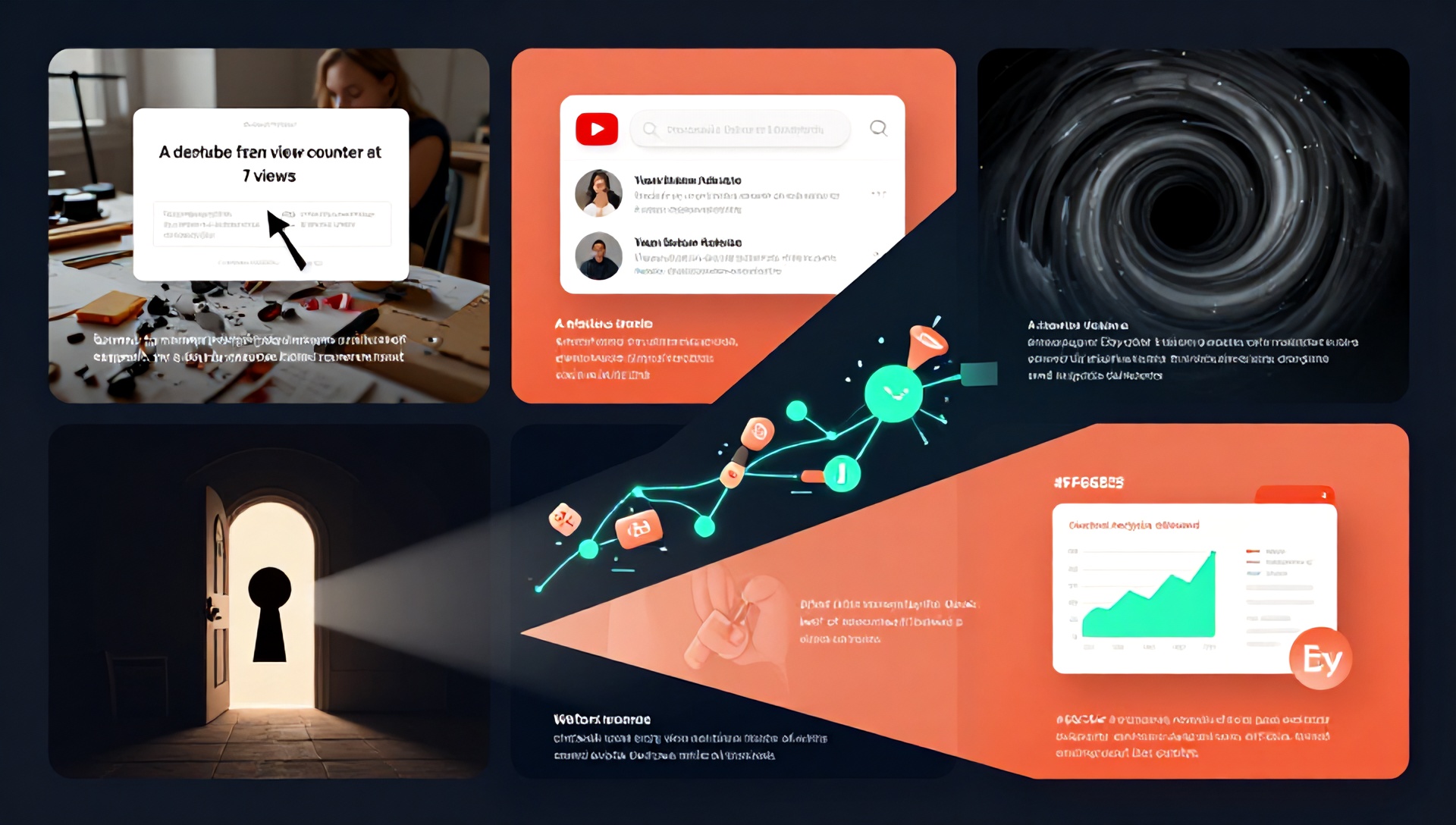
You’ve spent hours scripting, filming, and editing. You hit “publish” with a surge of excitement, only to watch the view counter stall at a number you could count on one hand. If you’re an Etsy seller using YouTube to drive traffic to your shop, this scenario is more than frustrating—it’s a direct hit to your business. Understanding why your YouTube videos are not getting views is the first critical step to turning your channel into a powerful sales engine. In this comprehensive guide, we’ll diagnose the common ailments plaguing your video performance and reveal how leveraging the best AI tools for Etsy sellers can provide the cure, optimizing your workflow and skyrocketing your visibility.
H1: Diagnosing the Problem: Top Reasons Your YouTube Videos Are Failing
Before you can fix the issue, you need a clear diagnosis. A lack of views is rarely due to just one factor; it’s typically a combination of several underlying problems.
H2: 1. The Thumbnail & Title Trap: Failing the First Impression
In the crowded YouTube landscape, your thumbnail and title are your storefront. A weak, unappealing thumbnail or a vague title guarantees obscurity. Viewers make a split-second decision based on these two elements. If they aren’t compelling, curiosity-driven, and relevant, your content is doomed before it starts.
H2: 2. The Searchability Black Hole: Ignoring SEO
YouTube is the world’s second-largest search engine. If you’re not optimizing your videos for search, you’re invisible. This includes:
- Poor Keyword Research: Not using terms your potential customers are actually typing into YouTube’s search bar.
- Weak Video Descriptions: Leaving the description box empty or writing only a sentence.
- Missing Tags: Neglecting to use relevant tags that help YouTube understand your content’s context.
H2: 3. Content That Misses the Mark: Value & Audience Disconnect
Ask yourself: Who is this video for, and what problem does it solve for them? Content that is too promotional, lacks clear value, or doesn’t align with your target Etsy buyer’s interests (like “behind the scenes,” “how-to tutorials,” or “product storytelling”) will fail to resonate. Your video must entertain, educate, or inspire—preferably all three.
H2: 4. Inconsistent Publishing & Poor Audience Engagement
The YouTube algorithm favors channels that are consistent and foster community. Sporadic uploads confuse both subscribers and the algorithm. Furthermore, not replying to comments, not using end screens, or failing to include clear calls-to-action (like “Visit my Etsy shop in the description!”) kills momentum and discourages return viewers.
H1: The Strategic Solution: Integrating AI into Your YouTube & Etsy Workflow
Manually addressing all these issues is time-consuming—time you could spend creating your products. This is where artificial intelligence becomes a game-changer. The best AI tools for Etsy sellers are not about replacing creativity but about augmenting it, handling tedious tasks, and providing data-driven insights to make your content irresistible.
H2: How AI Tools Specifically Solve the “No Views” Problem
AI tools act as a force multiplier for your creativity and strategy:
- SEO & Discovery: AI can analyze search trends and competitor data to recommend high-potential keywords for titles, descriptions, and tags.
- Content Ideation: Beat creator’s block. AI can generate dozens of video topic ideas tailored to your niche and target audience.
- Scriptwriting Assistance: Get help structuring engaging scripts, crafting compelling hooks, and ensuring your content flows logically.
- Thumbnail & Visual Creation: AI design tools can help you create professional, click-worthy thumbnails and supplemental graphics in minutes.
- Performance Analytics: Advanced AI can decipher your YouTube Analytics, telling you not just what is happening, but why and what to do next.
H1: The Best AI Tools for Etsy Sellers to Boost YouTube Views
Here is a curated list of AI tools categorized by their primary function. Integrating even two or three of these can transform your YouTube presence.
H2: Category 1: AI for YouTube SEO & Keyword Mastery
Tool Highlight: TubeBuddy & vidIQ These browser extensions are essential. Their AI-powered features include:
- Keyword Explorer: Finds low-competition, high-search-volume keywords specific to the handmade/creative space.
- SEO Score: Analyzes your title, description, and tags before you publish, giving a score and suggestions for improvement.
- Trend Alerts: Informs you about rising trends in your niche so you can create timely content.
H2: Category 2: AI for Content & Script Creation
Tool Highlight: Jasper & ChatGPT
- Jasper: Excellent for crafting YouTube video scripts, brainstorming hundreds of title options, and writing engaging video descriptions packed with SEO keywords. Its “Blog Post Outline” template can be repurposed for video structures.
- ChatGPT: Use it to brainstorm Q&A video ideas based on Etsy customer inquiries, generate step-by-step tutorial outlines for your craft, or rewrite a dull script into a more conversational and engaging tone.
H2: Category 3: AI for Thumbnail & Visual Design
Tool Highlight: Canva (with AI Features) & Midjourney
- Canva: Its AI-powered “Magic Design” can suggest thumbnail layouts when you upload your image. Tools like background remover and AI image generator help create unique graphics without a design degree.
- Midjourney: For advanced sellers, this AI image generator can create stunning, unique artwork for custom thumbnails or video backgrounds that reflect your brand’s aesthetic, making your channel instantly recognizable.
H2: Category 4: AI for Comprehensive Workflow & Strategy
Tool Highlight: Pictory & InVideo These are AI video editors that are perfect for creating supplemental content.
- Repurpose Long-Form Content: Turn a long YouTube tutorial into multiple short, engaging clips for TikTok, Instagram Reels, and Pinterest using AI. This drives cross-platform traffic back to your YouTube video and Etsy shop.
- Auto-Captioning: Save hours by automatically generating accurate captions, improving accessibility and watch time (as many viewers watch with sound off).
H1: Your Action Plan: A 7-Day YouTube Rescue Routine with AI
Put theory into practice with this actionable one-week plan.
- Day 1-2: Audit & Research. Use TubeBuddy to audit your existing videos. Identify your top 3 worst-performing videos. Use ChatGPT to brainstorm 10 new video ideas that solve a problem for your Etsy customer avatar.
- Day 3: Keyword & Script. Pick one new idea. Use vidIQ to find the primary keyword. Use Jasper with the “YouTube Video Title” and “Video Script Outline” templates to create your first draft.
- Day 4: Film & Edit. Record your content. Use Pictory to potentially create a highlight clip for social media.
- Day 5: Thumbnail & Description. Use Canva to create 3 thumbnail options. Use your AI script tool to expand your script into a full, keyword-rich YouTube description.
- Day 6: Publish & Optimize. Upload your video. Use your SEO tool’s tag suggestions. Schedule your first comment as a conversation starter.
- Day 7: Engage & Analyze. Respond to every comment. Use YouTube Studio’s analytics to see initial performance, noting click-through-rate (thumbnail/title success) and audience retention (content quality).
H1: FAQ Section
Q1: As a small Etsy seller, are AI tools really worth the cost? Absolutely. Consider it an investment in time-saving and growth. Many tools like Canva and TubeBuddy have robust free tiers. The time you save on tasks like keyword research and design can be reinvested into creating more products or content, directly impacting your revenue. Start with one tool that solves your biggest pain point.
Q2: Won’t using AI make my YouTube channel feel impersonal and generic? Not if you use it correctly. AI is your assistant, not your voice. Use it for the heavy lifting of research, structure, and optimization, but always infuse the final product with your unique personality, stories, and expertise. The best AI tools for Etsy sellers enhance authenticity by freeing you up to focus on what only you can provide: your creative perspective.
Q3: Which single AI tool should I start with to improve my YouTube views? For Etsy sellers specifically, begin with TubeBuddy or vidIQ. Mastering YouTube SEO is the most direct way to solve the “no views” problem, as it puts your content in front of people actively searching for it. This foundational step will give you the biggest immediate return on your effort.
H1: Conclusion: From Invisible to Irresistible
The mystery of why your YouTube videos are not getting views is solvable. It hinges on optimizing for both the human viewer and the YouTube algorithm through strategic content, relentless SEO, and compelling visuals. By harnessing the power of the best AI tools for Etsy sellers, you streamline this complex process, transforming it from an overwhelming chore into a scalable, effective marketing strategy.
Stop shouting into the void. Start creating with intelligence.
Ready to Transform Your YouTube Channel and Drive Real Traffic to Your Etsy Shop?
Don’t let another video go unseen. Pick one AI tool from this guide and implement it in your next video creation process this week. Start with a keyword audit using a free tool like TubeBuddy, or craft a killer script draft with ChatGPT. Share your progress or favorite AI tool for creators in the comments below—let’s build a community of savvy, successful seller-creators together!