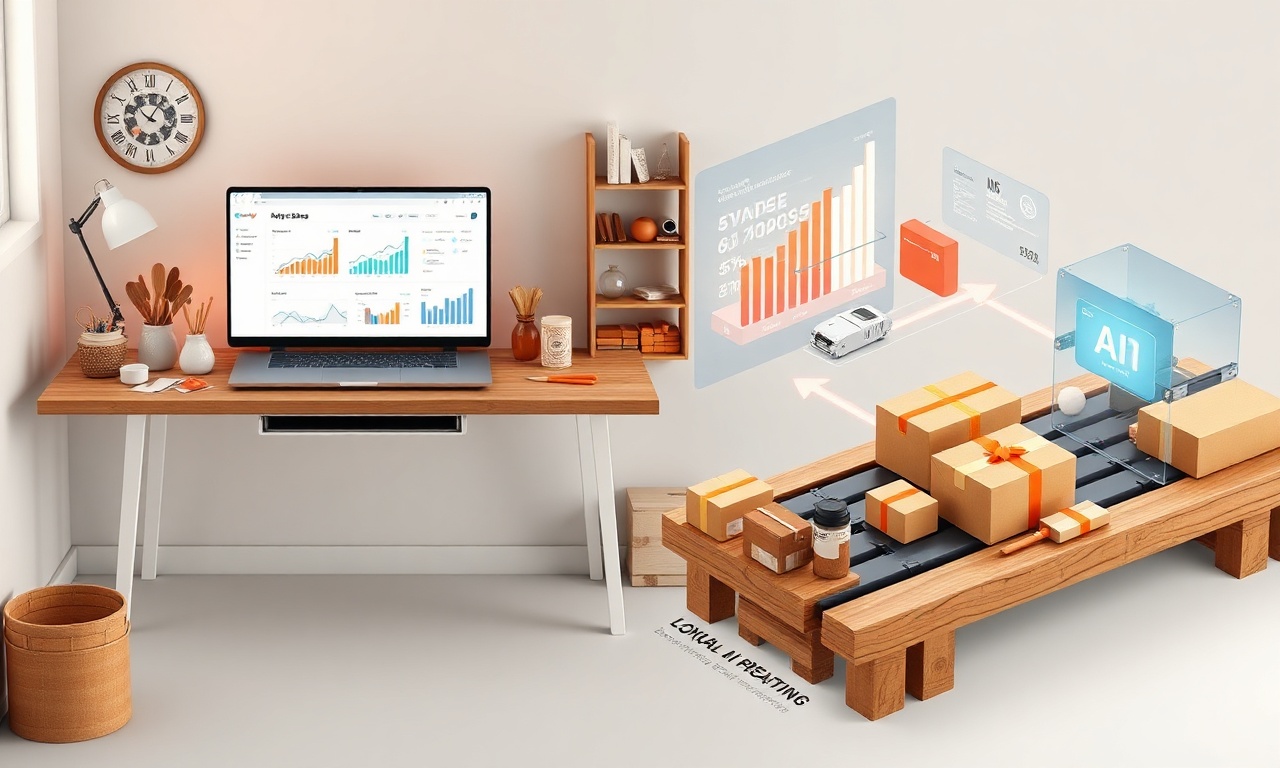
The Complete Beginner’s Guide to Making Money Online: The Best AI Tools for Etsy Sellers
Introduction: The New Frontier of E-Commerce
The dream of making money online has captivated millions, and platforms like Etsy have turned that dream into a reality for creative entrepreneurs worldwide. As an online marketplace for unique, handmade, and vintage goods, Etsy provides a powerful launchpad. However, with over 7.5 million active sellers, standing out requires more than just a great product. It demands smart strategies, efficiency, and a competitive edge. This is where Artificial Intelligence (AI) transforms from a buzzword into your most valuable business partner.
For the complete beginner looking to build a sustainable online income, mastering a few key AI tools for Etsy sellers can be the difference between a side hustle that fizzles out and a thriving, automated business. This guide will walk you through the fundamentals of starting your Etsy journey and, most importantly, introduce you to the best AI tools designed to streamline your operations, boost your visibility, and skyrocket your sales.
Why Etsy is a Prime Platform for Beginners
Before we dive into the AI arsenal, let’s understand why Etsy is an ideal starting point for your online money-making journey.
- Built-In Audience: Etsy attracts over 90 million active buyers specifically looking for unique items. You don’t have to build traffic from scratch.
- Low Barrier to Entry: Starting a store costs just $0.20 per listing, with no monthly subscription for a basic shop.
- Community & Support: A vast ecosystem of seller guides, forums, and teams provides invaluable peer support.
- Niche-Friendly: Whether you sell digital printables, hand-knitted scarves, or vintage postcards, there’s a niche for you.
The challenge lies in optimizing your shop within this ecosystem—a perfect task for AI.
Understanding AI and Its Role for Etsy Sellers
AI, in this context, refers to software that can perform tasks typically requiring human intelligence. For an Etsy seller, these tasks include:
- Analyzing market trends and competitor data.
- Generating product titles, descriptions, and marketing copy.
- Creating or enhancing visual content like product images.
- Managing customer service interactions.
- Optimizing pricing and advertising strategies.
Using the best AI tools for Etsy sellers automates the tedious, time-consuming parts of your business, freeing you to focus on what you do best: creating.
The Best AI Tools for Etsy Sellers: A Categorized Breakdown
Here is a curated list of the best AI tools categorized by their primary function to help you build, optimize, and scale your Etsy shop.
H3: AI Tools for Product Ideation & Market Research
Finding a profitable niche and winning product ideas is the first critical step.
- Marmalead: This is a powerhouse for Etsy-specific SEO and research. Its AI analyzes Etsy’s search data to show you exactly what keywords buyers are using, how competitive they are, and even suggests high-demand, low-competition product ideas.
- TrendHunter & Exploding Topics: While not Etsy-specific, these tools use AI to scan the internet and identify rising trends before they peak. You can cross-reference these trends with Etsy search data to create products that are both unique and in-demand.
H3: AI Tools for Listing Optimization & SEO
Your listings are your digital salesperson. They need to be compelling and discoverable.
- ChatGPT (OpenAI) & Claude (Anthropic): These large language models are invaluable for content creation. You can prompt them to: “Write a compelling, keyword-rich Etsy product description for a handmade ceramic mug targeting coffee lovers,” or “Generate 10 SEO-friendly title options for a set of printable wedding planner pages.”
- Everbee (formerly eRank): A comprehensive Etsy seller tool that uses data analysis to grade your listings, suggest the best keywords for your tags and titles, and track your ranking for specific search terms.
H3: AI Tools for Visual Content Creation
Stunning visuals are non-negotiable on Etsy. AI can help you create them even if you’re not a graphic designer or photographer.
- Canva Magic Studio: Canva’s suite of AI tools is a game-changer. Use Magic Design to create banner ads or social media posts from a prompt. Use Magic Edit to effortlessly remove backgrounds from product photos or edit images with simple text commands. Magic Write can help with ad copy.
- Adobe Firefly: Integrated into Photoshop, Firefly allows for incredible image generation and editing. Need a perfect background for your product photo? Describe it, and Firefly creates it. Want to extend an image or change a color? AI does it in seconds.
- Topaz Labs Photo AI: If your product photos are slightly blurry or grainy, this tool uses AI to sharpen, denoise, and upscale them to look professional without a costly photo studio setup.
H3: AI Tools for Customer Service & Operations
Managing customer inquiries efficiently builds trust and saves you hours each week.
- ManyChat or Chatfuel: These platforms allow you to build AI-powered chatbots for your associated social media pages (like Instagram or Facebook). They can answer FAQs about shipping times, store policies, or direct customers to your Etsy shop.
- Gorgias or Zendesk (with AI features): For higher-volume shops, these helpdesk platforms offer AI-powered features that can suggest automated responses to common Etsy Messages, categorize inquiries, and help you resolve tickets faster.
H3: AI Tools for Marketing & Social Media
Driving external traffic to your Etsy shop is key to growth.
- Copy.ai or Jasper: Specialized AI copywriting tools that can generate hundreds of social media captions, Pinterest pin descriptions, email newsletter content, and ad copy variations in your brand’s voice.
- Buffer or Hootsuite AI Assistants: These social media management platforms are incorporating AI to help you brainstorm post ideas, rewrite captions for different platforms, and analyze the best times to post.
Building Your AI-Powered Etsy Workflow: A Step-by-Step Plan for Beginners
H3: Step 1: Foundation & Research (Weeks 1-2)
- Set Up Your Etsy Shop: Complete your bio, policies, and shop announcement.
- AI Action: Use Marmalead or Everbee to research 5-10 low-competition, high-demand keywords in your chosen niche.
H3: Step 2: Product Creation & Listing (Weeks 2-4)
- Create Your First 5-10 Products.
- AI Action: Use ChatGPT to draft your product titles and descriptions based on your keyword research. Use Canva to design your listing images and logo.
H3: Step 3: Launch & Optimize (Ongoing)
- Launch your shop and start sharing it.
- AI Action: Use Copy.ai to create a month’s worth of social media content. Use Topaz Photo AI to ensure all your photos are crystal clear. Revisit Marmalead every month to refresh your keywords.
H3: Step 4: Scale & Automate (Months 3+)
- Analyze what’s selling and double down.
- AI Action: Implement a ManyChat chatbot for common questions. Use Adobe Firefly to experiment with new visual styles for your products.
Important Considerations & CORE-EEAT Compliance
While AI is powerful, your success hinges on Experience, Expertise, Authoritativeness, and Trustworthiness (EEAT).
- The Human Touch is Irreplaceable: AI generates drafts; you provide the final edit. Infuse your unique voice, story, and craftsmanship into every listing. Buyers come to Etsy for a human connection.
- Accuracy is Paramount: Always fact-check AI-generated content. Ensure descriptions accurately reflect materials, dimensions, and care instructions to avoid returns and bad reviews.
- Transparency Builds Trust: Be authentic. Your brand story and process are your superpower. Use AI as a helper, not a replacement for your creativity.
- Stay Compliant: You must own the commercial rights to any image you create with AI. Review the terms of service for each tool and Etsy’s own policies regarding digital art.
Frequently Asked Questions (FAQ)
H3: Q1: As a beginner, do I really need to invest in AI tools right away?
A: Not necessarily. You can start with free tiers or freemium models. ChatGPT and Canva have robust free versions. Focus first on understanding your niche and creating great products. Introduce 1-2 AI tools to solve your biggest initial bottleneck (like writing descriptions or editing photos).
H3: Q2: Won’t using AI make my Etsy shop look generic?
A: Only if you use it incorrectly. AI is a starting point. The key is to heavily customize and personalize every output. Input detailed prompts about your brand’s style, use your own photos as a base for AI editing, and always add personal anecdotes or details about your making process that only you can provide.
H3: Q3: Which single AI tool provides the most value for a new Etsy seller?
A: For a holistic, Etsy-specific approach, Marmalead is incredibly valuable because it directly addresses the core of Etsy success: SEO and keyword discovery. For general-purpose creativity and content, Canva’s Magic Studio and ChatGPT together form an unbeatable free-to-start duo that covers both visual and textual needs.
H3: Q4: Is it ethical to use AI to help run my Etsy shop?
A: Using AI as an assistant for tasks like brainstorming, editing, and optimizing is widely considered ethical and smart business. It becomes problematic if you use AI to fully create products you claim are “handmade” or to impersonate a human artist. Always use AI to augment your authentic work, not to replace it deceptively.
Conclusion: Your Future in Online Selling Starts Now
The journey to making money online with Etsy is more accessible and efficient than ever before. By combining your unique creativity and entrepreneurial spirit with the strategic power of the best AI tools for Etsy sellers, you equip yourself with a formidable advantage.
You don’t need to be a tech expert or have a large budget. Start with one tool that solves your most pressing problem. Learn it, integrate it into your workflow, and then add another. The goal is not to let the tools run your business, but to use them to give you more time and energy to do what no AI can: create meaningful, beautiful products that tell a story.
Ready to Transform Your Etsy Dream into a Reality?
Start your journey today! Pick one AI tool from this guide—whether it’s Marmalead for research or Canva for design—and explore its free version. Create your first optimized listing or design a stunning shop banner. The most important step is the first one.
Share your progress! What’s the first product you’re excited to list? Which AI tool are you most intrigued to try? Your unique path is just beginning.