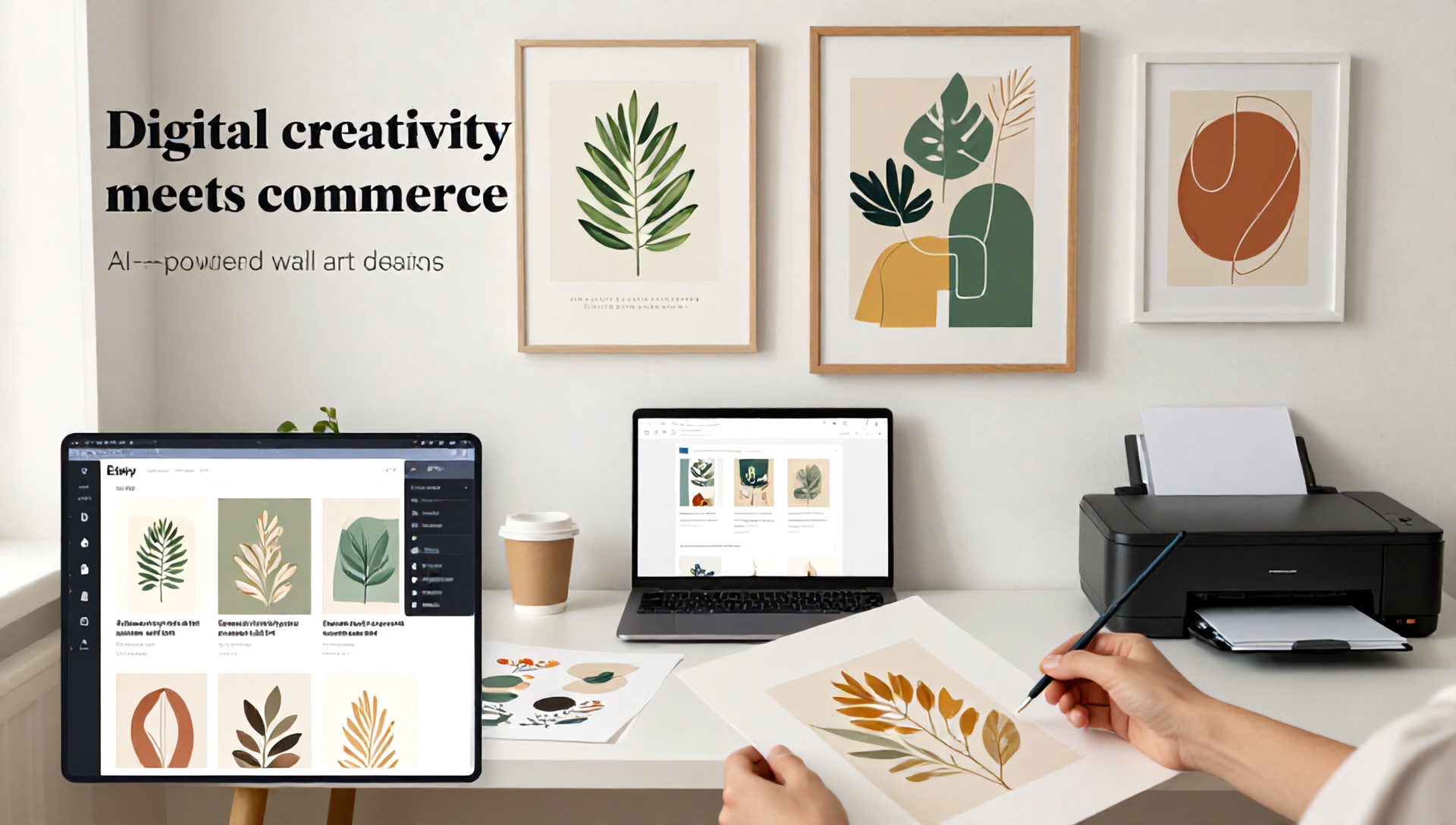
The Ultimate Guide to Creating Printable Wall Art with the Best AI Tools for Etsy Sellers
Introduction: Turning Digital Creativity into Profitable Printable Wall Art
The market for printable wall art on Etsy is booming. Buyers love the instant delivery, affordability, and customization options, while sellers appreciate the low overhead, scalability, and creative freedom of a digital product business. For the modern Etsy entrepreneur, artificial intelligence (AI) has emerged as a game-changing force, dramatically simplifying the design process and opening up new realms of creative possibility. This comprehensive guide will walk you through the entire process of creating stunning, sellable printable wall art, with a special focus on leveraging the best AI tools for Etsy sellers to streamline your workflow and boost your shop’s success.
Understanding the Printable Wall Art Market on Etsy
Before you create, it’s crucial to understand what sells. Printable wall art (PWA) encompasses digital files—typically high-resolution PDFs or JPEGs—that customers purchase and download to print at home or through a professional service. Popular categories include:
- Motivational quotes and typography
- Botanical and floral illustrations
- Abstract and modern art
- Children’s room decor
- Customizable family name prints
- Seasonal and holiday-themed art
Success in this niche hinges on three factors: visual appeal, niche targeting, and technical quality. Your designs must be beautiful, cater to a specific audience (e.g., minimalist moms, yoga enthusiasts, modern offices), and be delivered in flawless, print-ready formats.
Why AI Tools Are a Game-Changer for Etsy Sellers
Gone are the days when you needed advanced degrees in graphic design or illustration to create professional products. The best AI tools for Etsy sellers democratize design by allowing you to:
- Generate Unique Artwork: Create one-of-a-kind images from text descriptions.
- Overcome Creative Block: Use AI prompts to spark new ideas and concepts.
- Scale Production: Develop cohesive collections (e.g., a 12-piece botanical set) in a fraction of the time.
- Refine and Edit: Enhance image resolution, remove backgrounds, and adjust styles with AI-powered editing.
- Stay Trend-Aware: Some tools can analyze or generate designs based on current visual trends.
Integrating AI into your process isn’t about replacing human creativity; it’s about augmenting it, handling the technical heavy lifting so you can focus on curation, branding, and marketing.
Phase 1: Ideation & Design with the Best AI Tools
H3: Brainstorming Themes and Niches
Start by researching Etsy trends, Pinterest boards, and interior design blogs. Identify a gap or a passion you can serve. Use keyword research tools (like eRank or Marmalead) to see what buyers are searching for.
H3: Generating Core Artwork with AI Image Generators
This is where the best AI tools for Etsy sellers truly shine. Input descriptive text prompts to generate your base artwork.
Top AI Tools for Image Generation:
- Midjourney: Renowned for its artistic, high-quality, and often breathtaking outputs. Excellent for abstract, painterly, and detailed illustrative styles. (Requires Discord)
- DALL-E 3 (via ChatGPT Plus): Excels at understanding nuanced prompts and rendering text accurately within images, making it superb for quote-based art.
- Stable Diffusion (via Leonardo.Ai or DreamStudio): Offers immense control and customization. Platforms like Leonardo.Ai provide user-friendly interfaces and model training for consistent character or style generation.
- Canva AI (Magic Media): A convenient, all-in-one option for Etsy sellers already using Canva for graphic design. Great for quick ideation and simple illustrations.
Prompt Crafting Tip: Be specific. Instead of “a forest,” try “a minimalist linear drawing of a pine forest silhouette at dusk, with a clean white background, vector art, trending on Etsy.”
H3: Refining and Editing Your AI-Generated Images
Rarely is the first AI output perfect. Use these tools to polish your designs:
- Upscaling & Enhancing: Use Upscale.media or Topaz Gigapixel AI to dramatically increase image resolution without losing quality—critical for printable art.
- Background Removal: Remove.bg is an instant, free tool for creating PNGs with transparent backgrounds.
- Vector Conversion: Use Vectorizer.AI or Adobe Illustrator’s Image Trace to convert raster AI images into scalable vectors for crisp prints at any size.
- Color & Style Adjustments: Photoshop’s Neural Filters or Canva’s editing suite can help adjust color palettes to match trending schemes (like muted earth tones or vibrant pastels).
Phase 2: Preparing Print-Ready Files
H3: Choosing the Right Dimensions and Format
Standard frame sizes sell best. Create your final designs in these popular aspect ratios:
- 5×7”, 8×10” (Vertical/Horizontal)
- 11×14”, 16×20”
- A4, A3 (International Standards)
Final File Format: Save your master file as a 300 DPI (Dots Per Inch) RGB JPEG or PDF. While CMYK is the professional print standard, most home printers are optimized for RGB files, and this is the Etsy buyer expectation.
H3: Creating a Professional Product Presentation
Your listing’s mockup images are your number one sales tool.
- Use High-Quality Mockups: Source realistic frame and room scene mockups from Creative Market or Placeit. This shows buyers how the art will look in their home.
- Create a “Features” Graphic: Use Canva to make a simple graphic listing key features: “Instant Download,” “5 Sizes Included,” “Print at Home,” “300 DPI Quality.”
Phase 3: Listing and Selling on Etsy
H3: Crafting SEO-Optimized Listings
Incorporate your keyword—“best AI tools for Etsy sellers”—strategically in your backend tags and research process, but focus on buyer-facing keywords for your listings.
- Title: “Modern Abstract Line Art Printable, Digital Download, Wall Decor, Living Room Print, Neutral Boho Art, Instant Download”
- Tags: Use all 13 tags (e.g., printable wall art, digital download, abstract print, home decor, modern art, AI art design).
- Description: Clearly detail what the customer receives, printing recommendations, and your shop policy. Tell the story behind your AI-assisted design process to build connection.
H3: Building a Cohesive Shop and Brand
Customers buy from shops they trust. Create collections (e.g., “Mid-Century Modern AI Collection”), use a consistent visual style, and write a compelling “About” page that explains your creative process, including how you use innovative tools to create unique art.
Legal and Ethical Considerations for AI-Generated Art
This is critical. Most AI generators grant you a commercial license to sell the images you create, but you must review the Terms of Service for each tool you use. Be aware of:
- Content Policies: Avoid generating images based on copyrighted characters or specific artist styles.
- Disclosure: While not universally required, being transparent that your art is “AI-assisted” or “created with AI tools” can build authenticity. Etsy’s “handmade” policy allows for digital creation tools.
- Uniqueness: Use AI as a starting point. Always add your own creative edits, compositions, and text to ensure your final product is uniquely yours.
FAQ: Your Questions Answered
H4: Is it legal to sell printable wall art made with AI?
Yes, generally. Most major AI image platforms (like Midjourney, DALL-E 3) grant users ownership and commercial rights to the images they generate, subject to their specific terms of use. You are responsible for checking the license agreement of the specific tool you use. Avoid infringing on third-party trademarks or copyrights in your prompts.
H4: What are the best AI tools for creating text-based quote art?
DALL-E 3 is currently the standout for rendering readable, stylized text within images. Midjourney has improved in this area but can still struggle with precise letterforms. An effective alternative is to generate a beautiful background image with AI and then add polished, custom typography over it using design software like Canva or Adobe Illustrator.
H4: How can I ensure my AI art doesn’t look generic?
To stand out, become a curator and an editor. Use specific, unique prompts that combine unusual concepts. Never just list the raw AI output. Always post-process: adjust colors, combine multiple generated elements, add hand-drawn details (even if simple), and assemble images into curated collections with a distinct color palette and mood. Your artistic eye in the selection and refinement process is what adds true value.
Conclusion: Launching Your AI-Enhanced Etsy Journey
Creating and selling printable wall art is an exciting, accessible path to building a creative online business. By harnessing the power of the best AI tools for Etsy sellers, you can overcome technical barriers, accelerate your design process, and produce a vast, appealing portfolio of digital products. Remember, the tool is only as good as the artist wielding it. Your unique vision, understanding of your niche, and commitment to quality are what will transform AI-generated pixels into profitable, beloved wall art.
Ready to transform your creative ideas into a thriving Etsy shop? Start by exploring one AI tool from our list today. Experiment with a few prompts, refine your first design, and take the first step towards listing your unique printable wall art. Your future customers are waiting for your creations!