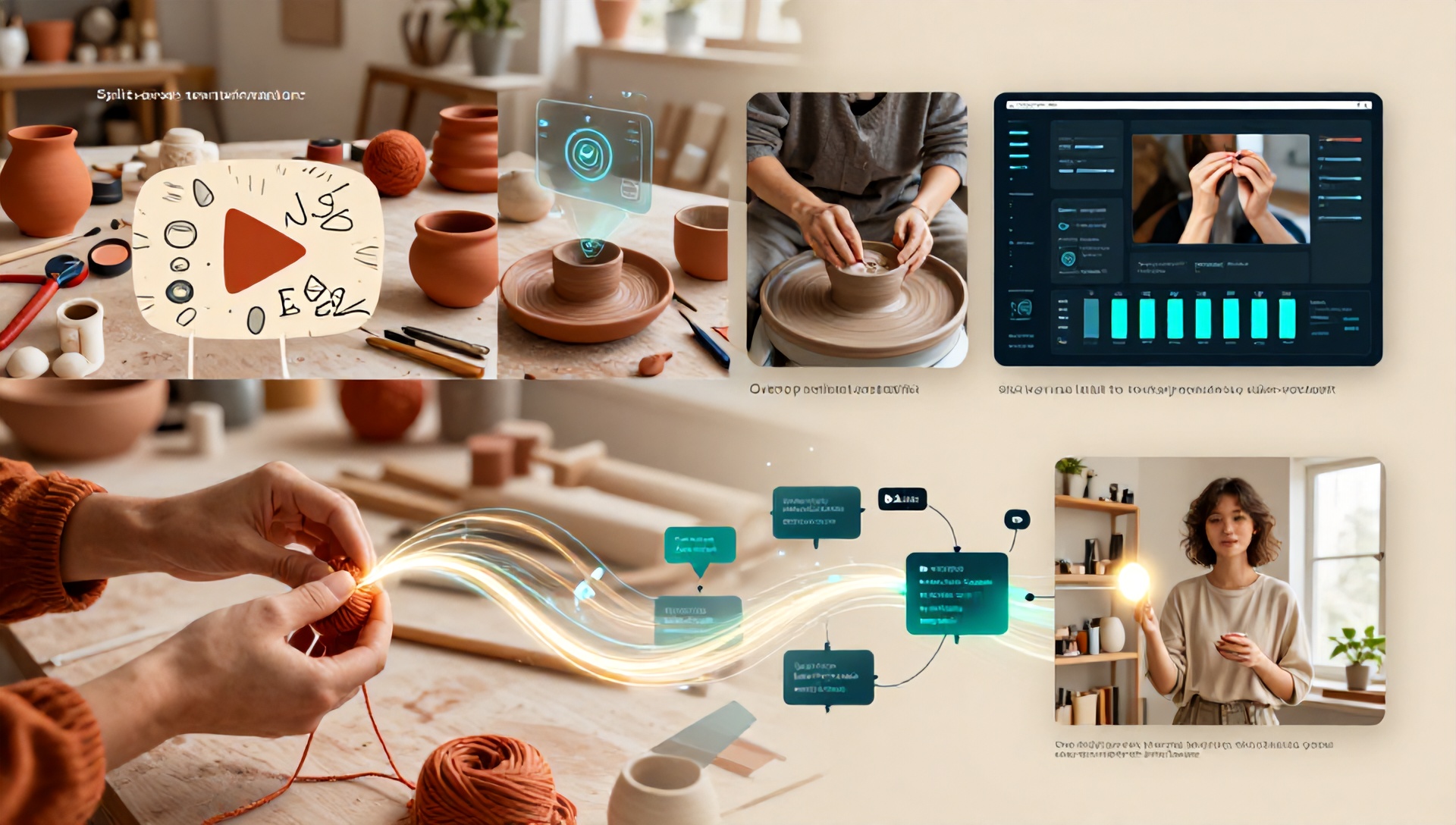
The Ultimate Guide: Best AI Tools for Etsy Sellers to Create YouTube Videos
Introduction: Why Etsy Sellers Must Embrace YouTube and AI
In today’s digital marketplace, standing out on Etsy requires more than just beautiful product photos. Video content, particularly on YouTube, has become a non-negotiable channel for driving traffic, building brand authority, and connecting with customers. However, the thought of scripting, filming, and editing videos can be daunting for busy creators and sellers. This is where artificial intelligence steps in, transforming a complex, time-consuming process into something manageable and even enjoyable. For the Etsy seller, leveraging the best AI tools for Etsy sellers isn’t just a convenience; it’s a strategic advantage that unlocks a new dimension of marketing without requiring a film degree or a massive budget.
This comprehensive guide will walk you through the entire process of creating compelling YouTube videos using AI, specifically curated for the needs of the Etsy entrepreneur. We’ll explore the tools that handle everything from ideation to publishing, ensuring your handmade business gets the visibility it deserves.
Why YouTube is a Game-Changer for Your Etsy Shop
Before diving into the how, let’s solidify the why. YouTube is the world’s second-largest search engine.
- Demonstrate Your Process: Show the care, skill, and story behind your handmade items. A “making-of” video builds immense value and justifies your pricing.
- Drive Targeted Traffic: A well-optimized video can rank in both YouTube and Google searches, sending highly interested buyers directly to your Etsy listing.
- Build Trust and Community: Video allows your personality to shine, fostering a deeper connection with your audience than static images ever could.
- Repurpose Content: A single YouTube video can be clipped into multiple short-form videos for TikTok, Instagram Reels, and Pinterest Idea Pins.
The AI-Powered Video Creation Workflow for Etsy Sellers
Creating a YouTube video with AI follows a streamlined pipeline. We’ll break down each stage and identify the best AI tools for Etsy sellers to use at every step.
H3: Stage 1: Planning & Ideation (Beating the Blank Page)
Every great video starts with a great idea. AI can help you overcome creative block and find topics your audience craves.
AI Tools to Use:
- ChatGPT (OpenAI) or Claude (Anthropic): Prompt these tools with: “Generate 10 YouTube video title ideas for an Etsy seller who creates [Your Product, e.g., ceramic mugs, knitted scarves]. Focus on tutorials, behind-the-scenes, and ‘day in the life’ content.” They can also help you outline scripts.
- YouTube’s Own AI Insights: In your YouTube Studio, check the “Research” tab. It provides data on what your audience is searching for, powered by AI analysis of trends.
- AnswerThePublic: While not strictly AI, it uses search data to visualize questions people ask, which is perfect for FAQ-style videos.
H3: Stage 2: Scriptwriting & Voiceover (Your Story, AI-Assisted)
You don’t have to write every word from scratch or hire a voice actor.
AI Tools to Use:
- Scriptwriting: Use ChatGPT to expand your outline into a full script. Provide details like desired tone (warm and conversational, energetic and tutorial-focused) and key points to cover.
- AI Voiceovers: Tools like Murf.ai, Play.ht, and Lovo.ai offer stunningly realistic AI voices. For Etsy sellers, choose a voice that matches your brand—friendly, trustworthy, and engaging. Many allow you to adjust pitch, speed, and add emotional inflection.
H3: Stage 3: Visual Creation & Sourcing (No Camera? No Problem.)
This is where AI truly shines for creators who may not have extensive filming setups.
AI Tools to Use:
- AI Video Generators: Tools like InVideo AI, Pictory, and Synthesia can create videos from text scripts. Input your script, and the AI suggests relevant stock footage, images, animations, and even creates AI avatars that can “speak” your script. Perfect for explainer videos or process summaries.
- AI Image Generators: Use Midjourney, DALL-E 3 (via ChatGPT Plus), or Leonardo.ai to create unique thumbnails, background visuals, or even conceptual art for your brand. Prompt: “A cozy, sunlit workshop table with handmade jewelry tools and finished pieces, photorealistic, style of a lifestyle blog.”
- AI-Powered Editing: Descript is revolutionary. Edit video by editing text (like a document), remove filler words (“ums” and “ahs”) with one click, and use its Overdub feature to fix audio mistakes by typing new words. Runway.ml offers AI magic tools for object removal, slow-motion generation, and style transfer.
H3: Stage 4: Optimization & Publishing (Getting Found)
Creating the video is only half the battle. AI can ensure it reaches the right people.
AI Tools to Use:
- Title & Description: ChatGPT can generate multiple SEO-friendly title and description options based on your target keyword (e.g., “best AI tools for Etsy sellers”).
- Tags & SEO: Tools like TubeBuddy or vidIQ use AI to analyze your video and suggest the highest-ranking tags, optimal publishing times, and competitive insights.
- Thumbnail Enhancement: Canva’s AI-powered background remover and design suggestions can help you create click-worthy thumbnails. Adobe Firefly can also generate background elements for your thumbnails.
H2: Top 5 Best AI Tools for Etsy Sellers in 2024
Here is a curated list of the most impactful and practical AI tools, evaluated for the specific needs of an Etsy business owner.
H3: 1. InVideo AI
Best For: Turning a blog post or idea into a full video in minutes. Why Etsy Sellers Love It: Input your product description or a script about your craft, and InVideo AI generates a structured video complete with a voiceover, scenes, and text overlays. It’s perfect for creating quick promotional videos or educational content without any editing skills. Pricing: Free plan with watermark; paid plans start at ~$20/month.
H3: 2. Descript
Best For: Sellers who film themselves but hate the tedious parts of editing. Why Etsy Sellers Love It: It makes editing as easy as writing an email. Record your tutorial, then simply delete the sections in the text transcript where you messed up. The “filler word removal” and “eye contact correction” features are game-changers for creating polished, professional content. Pricing: Free plan available; Creator plan starts at ~$15/month.
H3: 3. Pictory
Best For: Transforming long-form content (like a live stream of you creating) into short, shareable clips. Why Etsy Sellers Love It: It automatically finds the most engaging highlights from your videos, adds captions, and formats them for social media. Great for repurposing a long studio vlog into a captivating 60-second Reel or Short. Pricing: Plans start at ~$23/month.
H3: 4. Murf.ai
Best For: Professional, studio-quality voiceovers without a microphone. Why Etsy Sellers Love It: With over 120 voices in 20+ languages, you can find the perfect voice for your brand. It’s ideal for creating consistent voiceover narrations for product explainers, brand stories, or tutorial videos. Pricing: Free trial; paid plans start at ~$29/month.
H3: 5. Canva (with AI Features)
Best For: The all-in-one design powerhouse for thumbnails, graphics, and simple video edits. Why Etsy Sellers Love It: Its integrated AI tools (Magic Edit, Magic Write, Background Remover) make designing stunning YouTube thumbnails, end screens, and channel art effortless. The learning curve is minimal, which is perfect for busy sellers. Pricing: Free version is robust; Pro plan is ~$120/year.
H2: Putting It All Together: A Sample Project
Project: Create a “How It’s Made” video for your handmade leather wallets.
- Ideation: Use ChatGPT to brainstorm: “YouTube script outline for a 5-minute video showing the crafting of a vegetable-tanned leather wallet, focusing on the tooling and stitching process.”
- Visuals: Film short clips of your hands working. Use an AI image generator to create a custom branded intro screen.
- Voiceover: Write a detailed script in Descript and use its AI voiceover feature (or Murf.ai) to narrate the steps.
- Editing: Import all clips and the voiceover into Descript. Edit the video by trimming the transcript. Use its “Studio Sound” feature to clean up your audio.
- Thumbnail: Take a still from your video, upload it to Canva, use the background remover to isolate the wallet, and add compelling text.
- Publishing: Use TubeBuddy’s AI tag suggestion tool to optimize your title, description, and tags before uploading to YouTube.
H2: FAQ Section
H3: Do I need to show my face in YouTube videos for my Etsy shop?
No, it’s not mandatory. Many successful channels use voiceover with hands-only or process-focused footage. AI voiceover tools make this even easier. However, showing your face can accelerate community building and trust.
H3: Isn’t using AI for content inauthentic for a handmade brand?
Not when used as an assistant. You are providing the creativity, the skill, and the story. AI is simply helping you with the logistics of content creation—saving you time so you can spend more hours on your craft. Always infuse the final product with your unique personality and expertise.
H3: What is the most cost-effective AI tool to start with for an Etsy seller?
Start with the free tiers. Canva and ChatGPT (free version) offer tremendous value. For your first investment, Descript’s free plan or InVideo AI’s low-cost tier provide the most functionality directly related to video creation. Choose one that solves your biggest bottleneck (e.g., editing vs. scriptwriting).
H3: How can I ensure my AI-assisted videos still feel personal and connect with my audience?
- Customize Everything: Never use an AI output as-is. Edit the script to include your personal anecdotes, brand-specific language, and jokes.
- Use Your Own Media: Whenever possible, use photos and video clips of your actual products, workspace, and process as the primary visuals.
- Add Personal Touches: Bookend AI-generated content with a short, personal intro filmed on your phone. Your genuine connection is the key ingredient AI cannot replicate.
Conclusion: Your Creative Partner, Powered by AI
The landscape for small creative businesses is evolving, and the best AI tools for Etsy sellers are here to empower that evolution. They are not replacements for your authenticity and talent but powerful amplifiers for them. By integrating AI into your YouTube content strategy, you reclaim precious time, overcome technical barriers, and unlock a consistent, professional content engine that drives traffic and builds your brand.
You don’t have to master every tool at once. Start with one stage of the workflow that feels most overwhelming. Experiment, iterate, and let AI handle the heavy lifting while you focus on what you do best: creating beautiful, handmade goods that the world needs to see.
Ready to transform your Etsy marketing and tell your brand’s story through video?
Start your AI-powered YouTube journey today. Pick one tool from our list—whether it’s Descript to simplify editing or InVideo AI to create your first video from a script—and commit to creating your first video this week. Share your creation in the comments below or tag us on social media. We can’t wait to see what you make