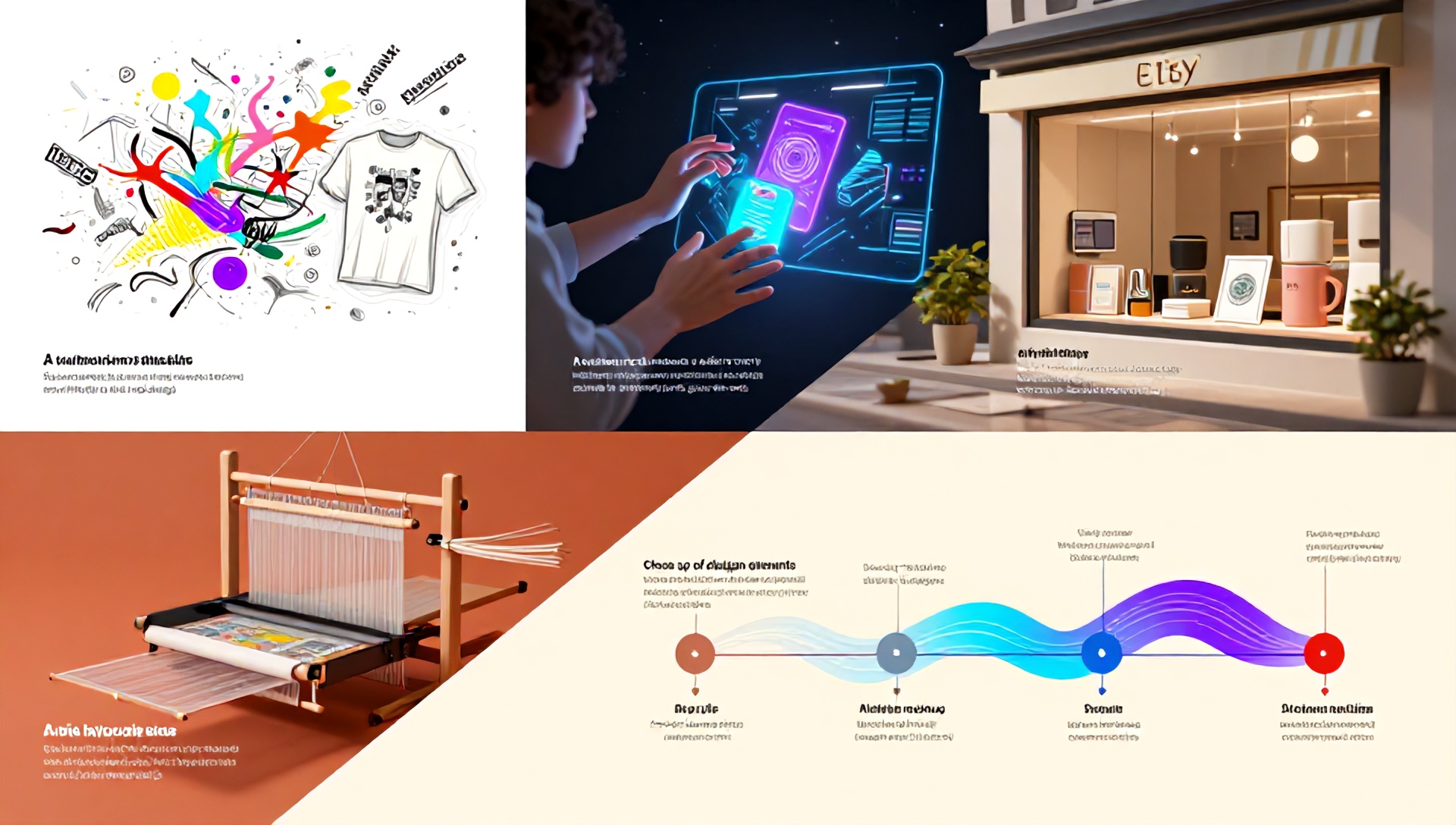
How to Design Print on Demand Products: Unleashing the Best AI Tools for Etsy Sellers
In the bustling, creative world of Etsy, standing out is both an art and a science. For sellers in the Print on Demand (POD) space, this means creating designs that not only resonate with a niche audience but also translate perfectly onto products like t-shirts, mugs, and tote bags. The barrier to entry has traditionally been design skill. But today, a new wave of artificial intelligence (AI) tools is democratizing design, allowing visionary entrepreneurs to bring their ideas to life with unprecedented speed and creativity. This guide explores the transformative power of the best AI tools for Etsy sellers, providing a strategic blueprint for designing compelling, saleable POD products.
Why AI Design Tools Are a Game-Changer for Etsy POD Sellers
Before diving into the tools, it’s crucial to understand the “why.” Etsy is a platform built on uniqueness and personal expression. AI tools don’t replace human creativity; they amplify it. They act as a tireless brainstorming partner, a rapid prototype generator, and a technical assistant, all in one.
For the solo entrepreneur, this means:
- Overcoming Creative Block: Generate hundreds of concepts from a single text prompt.
- Speed to Market: Go from idea to listing in hours, not weeks.
- Niche Exploration: Easily test visual styles for highly specific niches (e.g., “vintage botanical illustrations for mushroom foragers”).
- Professional Polish: Access tools that help with mockups, background removal, and upscaling, ensuring a professional storefront.
The Best AI Tools for Etsy Sellers: A Strategic Toolkit
Navigating the AI landscape can be overwhelming. Here, we break down the best AI tools for Etsy sellers by their core function in the POD design workflow.
H2: 1. AI Image Generators: The Concept Engine
These are your foundational creative tools. You describe your vision in words, and the AI generates visual artwork.
- Midjourney: Renowned for its artistic, high-quality, and often stunningly detailed outputs. Excellent for intricate designs, fantasy art, and styles that require a strong artistic flair. It has a steeper learning curve but offers immense control through advanced prompting.
- DALL-E 3 (via ChatGPT Plus): Excels at understanding nuanced prompts and rendering text within images more reliably than most competitors. This is invaluable for creating designs with slogans, quotes, or specific wording integrated into the artwork.
- Leonardo.Ai: A powerhouse for creators who want control. It offers trained models on specific art styles (anime, fantasy, etc.), real-time canvas editing, and the ability to train your own model on a set of images to create a consistent brand style.
- Ideogram: Particularly strong at integrating legible text into images—a common hurdle in other generators. Perfect for quote-based merchandise and logo-style designs.
Pro Tip: Use specific, detailed prompts. Instead of “cat t-shirt,” try “a minimalist line art illustration of a sleepy tabby cat curled in a coffee mug, single color, white background, vector style.”
H2: 2. AI Design & Editing Suites: The Production Studio
Once you have a core AI-generated image, these tools help you adapt, refine, and prepare it for your POD products.
- Canva (with AI features): The ubiquitous design platform now includes Magic Studio. Use “Magic Media” to generate images, “Magic Eraser” to clean up backgrounds, and “Magic Design” to instantly create social media assets or product mockup scenes from your design.
- Adobe Firefly: Seamlessly integrated into the Adobe ecosystem (Photoshop, Express). Its “Generative Fill” and “Text to Template” features are revolutionary for editing. Need to extend a background to fit a t-shirt template? Firefly can do it in seconds.
- Clipdrop by Stability AI: A suite of incredibly practical tools. Its “Upscaler” makes low-res images print-ready, “Background Remover” creates perfect PNGs, and “Reimagine” allows you to generate variations of an uploaded image.
H2: 3. AI-Powered Mockup Generators: The Visual Merchandiser
On Etsy, presentation is everything. High-quality mockups sell the dream.
- Placeit: While not purely AI, it uses technology to offer thousands of smart mockups where your design is automatically warped and shaded to fit the product realistically. A massive time-saver.
- PromeAI: Specializes in using AI for mockups. You can upload your design and use a “sketch to render” or “AI background generation” feature to place your product in stunning, realistic scenes (e.g., a mug on a cozy cabin windowsill).
H2: 4. AI for SEO & Marketing: The Visibility Catalyst
Design is only half the battle. Your listings must be found.
- ChatGPT (or Claude): Your ultimate copywriting and brainstorming partner. Use it to:
- Generate compelling product titles and descriptions infused with Etsy SEO keywords.
- Brainstorm niche ideas and target audiences.
- Write engaging “About” shop sections and marketing copy.
- Everbee (or Marmalead): These are Etsy-specific research tools that use data analysis (powered by smart algorithms, often akin to AI) to identify high-demand, low-competition keywords—the critical data for naming your designs and listing them effectively.
A Step-by-Step Workflow: From Idea to Etsy Listing
Let’s synthesize these tools into a practical workflow for a single product.
- Niche & Concept: Use ChatGPT to brainstorm niches. “Give me 10 specific Etsy POD niches for gardeners who love humor.”
- Generate Core Art: Take a concept like “a grumpy carrot with the text ‘Let Me Root in Peace'” into Midjourney or DALL-E 3. Generate multiple variations.
- Edit & Prepare: Bring the chosen image into Canva or Photoshop with Firefly. Remove the background, adjust colors, and ensure the canvas size matches your POD supplier’s requirements.
- Create Mockups: Use Placeit to drop your final PNG onto a t-shirt, tote bag, and journal. Generate 4-5 lifestyle and plain mockups for your listing.
- Craft the Listing: Use Everbee to find the best keywords for “funny gardening shirt.” Then, prompt ChatGPT: “Write an engaging Etsy product description for a t-shirt with a grumpy carrot design and the slogan ‘Let Me Root in Peace,’ using these keywords: [insert keywords].”
- List & Launch: Upload your designs to your POD partner (like Printful, Gelato, or AOP+), connect to Etsy, and publish your optimized listing.
Ethical and Legal Considerations for AI-Generated Art
- Commercial Licenses: Always check the terms of service of your AI tool. Most platforms like Midjourney, DALL-E 3, and Leonardo.Ai grant commercial rights to images you generate, but some may have restrictions.
- Originality & Copyright: AI-generated images may not be copyrightable in some jurisdictions. The true value for your Etsy shop comes from your creative direction—the unique combination of prompts, editing, and application to products that reflects your brand’s vision.
- Transparency: While not legally required on Etsy, embracing AI as part of your creative process can be a unique selling point. Your story is about leveraging cutting-edge tools to create unique products.
FAQ: Best AI Tools for Etsy Sellers
H3: Q1: Is using AI to design POD products considered “cheating” on a handmade-centric platform like Etsy? A: No. Etsy has evolved to include “handmade,” “vintage,” and “craft supplies.” POD falls under the handmade category if you are the designer. Using AI as a tool is no different than using a sophisticated design software like Photoshop. The creative vision, curation, and branding are uniquely and authentically yours.
H3: Q2: What is the most cost-effective AI tool stack for a beginner starting out? A: Start with a Canva Pro subscription (for design, basic AI generation, and mockups) combined with ChatGPT Plus (for DALL-E 3 image generation and copywriting). This gives you a powerful, all-in-one foundation for under $50/month.
H3: Q3: How can I ensure my AI-designed products look cohesive and not random? A: Develop a brand style guide. Decide on a consistent color palette, 2-3 fonts, and an art style (e.g., minimalist line art, watercolor). Use the same parameters in your AI prompts every time (e.g., “in the style of minimalist line art, pastel colors”). Tools like Leonardo.Ai allow you to train a model on your own style for ultimate consistency.
Conclusion: The Future is Co-Creation
The journey of an Etsy seller is one of constant adaptation and learning. The best AI tools for Etsy sellers are not about automating creativity out of the equation; they are about augmenting your unique human perspective. They handle the technical heavy lifting, freeing you to focus on strategy, storytelling, and connecting with your community.
The most successful Etsy shops of tomorrow will be run by entrepreneurs who master the art of co-creation—melding their irreplaceable human insight with the speed and power of artificial intelligence.
Ready to transform your Etsy shop? Don’t just read about it—start creating. Pick one AI tool from this list (we recommend starting with Canva’s Magic Studio or DALL-E 3) and design your first product concept today. Your niche audience is waiting for your unique vision.