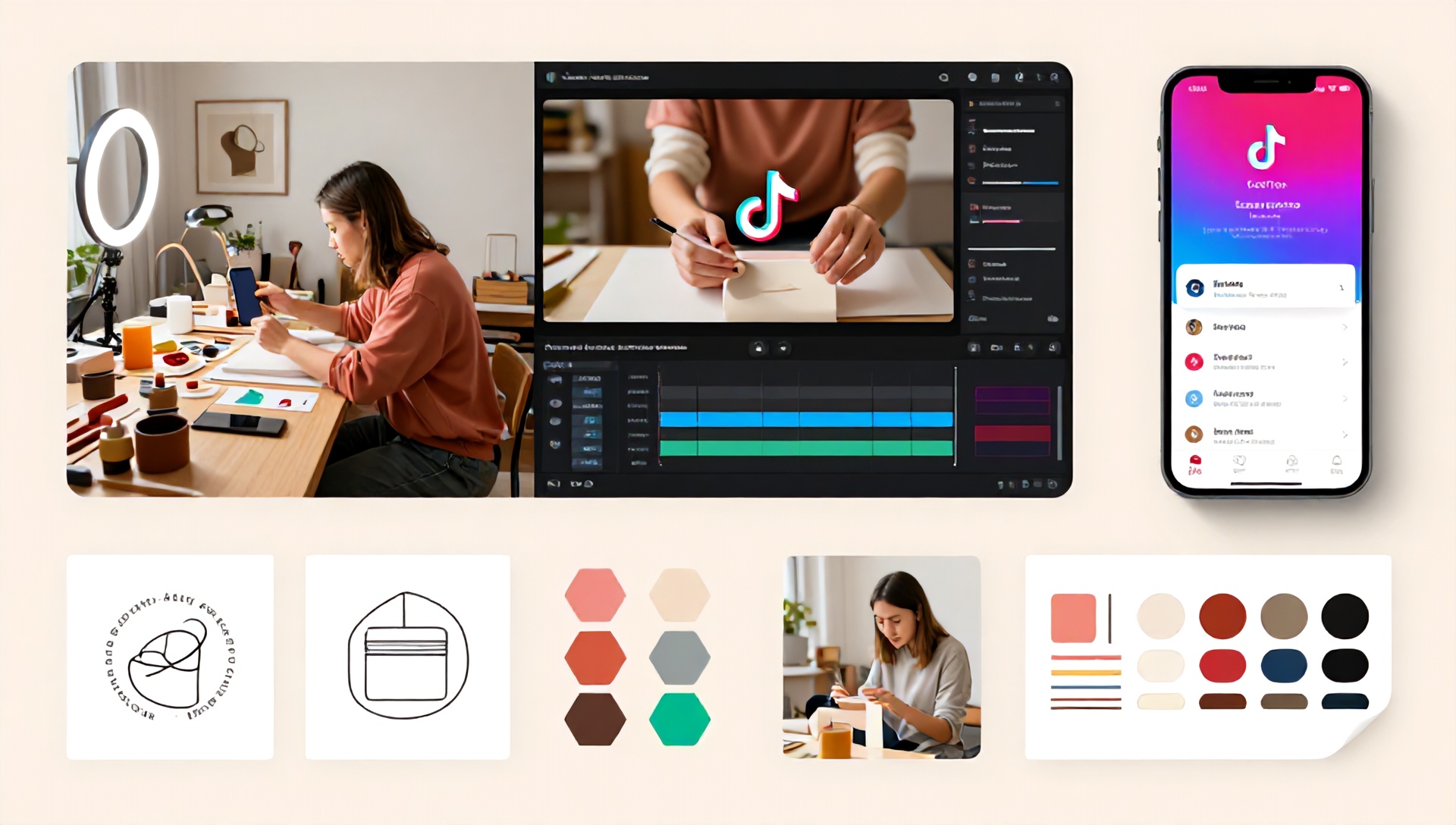
How to Improve TikTok Engagement Using CapCut: A Guide for Etsy Sellers
H1: Boost Your Etsy Sales: Master TikTok Engagement with CapCut
For Etsy sellers, the visual appeal of your products is everything. In today’s digital marketplace, a stunning product photo is just the start. Video content, especially on platforms like TikTok, has become the ultimate tool for driving discovery, building community, and skyrocketing sales. But creating professional, engaging videos can feel daunting, time-consuming, and expensive.
Enter CapCut. This powerful, free video editing app is revolutionizing how creators produce content. For Etsy sellers, it’s not just an editor; it’s a secret weapon for crafting scroll-stopping TikTok videos that drive real engagement. And while we’re discussing powerful tools, knowing the best AI tools for Etsy sellers can automate other parts of your business, from product descriptions to customer service, freeing you to focus on creative content.
This comprehensive guide will show you exactly how to use CapCut’s features to improve your TikTok engagement, connect with your target audience, and ultimately, grow your Etsy shop.
H2: Why TikTok & CapCut Are a Game-Changer for Etsy Sellers
Before diving into the “how,” let’s understand the “why.” TikTok’s algorithm favors authentic, creative, and entertaining content. It’s a platform where a small business can go viral overnight, directing massive traffic to an Etsy shop.
The Challenge: Many sellers struggle with creating high-quality video content consistently. They may lack filming skills, editing knowledge, or the budget for professional software.
The Solution: CapCut bridges this gap. It’s a mobile-first, user-friendly app packed with professional features—many powered by AI—that allow you to:
- Create polished videos without a steep learning curve.
- Implement trends quickly using built-in templates.
- Add captivating effects, text, and music that resonate with TikTok audiences.
- Optimize video format and quality specifically for the platform.
When you combine TikTok’s discoverability with CapCut’s ease of use, you unlock a potent marketing channel.
H2: Getting Started: CapCut Setup for Etsy Success
First, download CapCut (it’s free) from your device’s app store. Create an account to save your projects. For Etsy sellers, we recommend setting up a dedicated “brand folder” within the app to keep your product videos, logos, and brand colors organized.
Pro Tip: Before you film, gather your brand assets. Have your Etsy shop name, logo, brand colors (hex codes), and any consistent fonts ready. This helps maintain brand identity across all your TikTok videos.
H3: Core CapCut Features to Skyrocket TikTok Engagement
Let’s break down the specific CapCut tools that will transform your TikTok content.
H4: 1. Templates & Trending Effects: Ride the Wave
CapCut’s template library is its crown jewel. These are pre-made video setups aligned with current TikTok trends.
- How to Use: Open CapCut, go to the “Templates” section, and browse. You can search by category (e.g., “Product Showcase,” “Get Ready With Me,” “Transition”).
- Etsy Application: Found a trendy “Before & After” or “Satisfying Process” template? Use it to show the creation of your handmade jewelry, the unpacking of your vintage find, or the transformation of a custom piece. Simply replace the placeholder clips with your own. This guarantees your content feels native and trendy, increasing its chance of being promoted by the algorithm.
H4: 2. AI-Powered Tools: Your Creative Assistant
CapCut incorporates several AI features that save hours and enhance quality.
- Auto-Captions: TikTok videos with captions have significantly higher completion rates. CapCut can automatically generate accurate subtitles for your voiceover or dialogue. Edit them for clarity and add emojis for personality!
- Background Remover/Changer: Don’t have a perfect filming setup? Use the AI background remover to isolate your product and place it on a clean, branded, or animated background.
- Auto-Reframe: This intelligently tracks the main subject in your video, ensuring your product is always perfectly framed and centered, ideal for different aspect ratios.
H4: 3. Text, Stickers, & Call-to-Actions (CTAs)
Engagement is driven by interaction. Use CapCut’s text and graphic tools to guide viewers.
- Animated Text: Add your key message—”Handmade with Love,” “Limited Stock,” “Swipe Up to Shop.” Use animations to make it pop.
- Stickers: Use arrow stickers to point to product details, or add a “Shop Now” graphic.
- Pinned Comment Preview: You can design a visual that mimics a pinned comment, asking a question to spur comments (e.g., “Comment your favorite color!”).
H4: 4. Perfect Audio Integration
Sound is 50% of the TikTok experience. CapCut gives you full control.
- Trending Sounds: Access TikTok’s viral audio library directly within CapCut.
- Audio Editing: Split, trim, and duck (lower music volume when speaking) audio clips with precision. Add sound effects for emphasis (e.g., a “cha-ching” when revealing a price).
- Voiceover: Easily record a direct, authentic voiceover explaining your product’s story or process.
H4: 5. Color Grading & Filters for a Cohesive Feed
Aesthetic consistency makes your profile look professional. Use CapCut’s color correction tools and filters to create a signature look that makes your videos instantly recognizable. Adjust brightness and saturation to make your products look true-to-life and appealing.
H3: The Etsy Seller’s TikTok Content Strategy with CapCut
Knowing the tools is one thing; applying them strategically is another. Here’s a content framework.
H4: Content Idea 1: The “Satisfying” Process Video
- CapCut Tools: Speed ramping (to condense long processes), satisfying sound effects, close-up zoom effects, trending calm music.
- Goal: Showcase your skill, the care behind your product, and create ASMR-like, loopable content.
H4: Content Idea 2: The “Problem-Solution” Video
- CapCut Tools: Split-screen effect, dramatic transitions, text overlays to highlight the “problem” and your product as the “solution.”
- Goal: Relate to your customer’s pain point and position your Etsy product as the answer.
H4: Content Idea 3: The “Trend Participation” Video
- CapCut Tools: Use the exact trending template, audio, and effect. Simply insert your product into the trend’s narrative.
- Goal: Increase discoverability via the trend’s hashtag and show your brand’s relevancy.
H2: Optimizing Your Final Video for TikTok’s Algorithm
Your beautifully edited CapCut video is ready. Now, optimize it for maximum reach.
- Export Settings: Always export in 1080p or 4K resolution at 60fps for the highest quality. TikTok rewards clear, sharp video.
- Hook in the First 3 Seconds: Use CapCut to add a compelling text overlay or visual hook immediately.
- Vertical Format: Ensure your project is set to 9:16 vertical aspect ratio from the start.
- Strategic Posting: Use TikTok Analytics to find when your audience is most active. Schedule your CapCut masterpieces accordingly.
H2: Beyond CapCut: Integrating the Best AI Tools for Etsy Sellers
While CapCut handles your video content, other AI tools can streamline your entire Etsy operation. Leveraging the best AI tools for Etsy sellers creates a powerful synergy, allowing you to be a creator and a savvy business owner.
- AI for Product Listings: Tools like Jasper or Copy.ai can help generate compelling, SEO-friendly product titles and descriptions based on your keywords.
- AI for Customer Service: ChatGPT or dedicated AI email assistants can draft professional, personalized responses to common customer inquiries.
- AI for Market Research: Some tools can analyze Etsy trends and suggest products or keywords, informing what you might feature in your next TikTok video.
Using CapCut for engagement and other AI tools for backend efficiency creates a holistic, modern approach to running your Etsy shop.
H2: Frequently Asked Questions (FAQ)
H3: Is CapCut really free for commercial use for my Etsy business? Yes, CapCut’s core features are completely free, even for commercial use. There is a watermark-free export. Some premium stickers, fonts, or advanced effects may require a subscription, but the vast majority of what Etsy sellers need is available in the free version.
H3: I’m not tech-savvy. How long does it take to learn CapCut? CapCut is designed for simplicity. You can create your first basic, engaging video within 30 minutes of exploring the app. Starting with templates makes the process even faster. Most sellers become proficient in its key features within a few dedicated sessions.
H3: Can CapCut videos really improve my Etsy conversion rate? Absolutely. TikTok drives traffic that is highly engaged. A well-made CapCut video showcasing your product’s uniqueness, quality, and story builds trust and desire far more effectively than static images alone. By adding a direct link in your bio or using TikTok Shopping, you turn that engagement into measurable clicks and sales.
H3: How does CapCut compare to other video editors for Etsy sellers? Compared to iMovie or other basic editors, CapCut offers far more trend-driven templates and AI features. Compared to complex desktop software like Adobe Premiere, it offers 80% of the power for 0% of the cost and with a much shallower learning curve, making it the ideal middle ground for busy entrepreneurs.
H1: Conclusion: Your Creative Advantage Awaits
In the competitive world of Etsy, standing out is non-negotiable. TikTok provides the stage, and CapCut provides the tools to put on a show-stopping performance. By mastering its templates, AI features, and editing suite, you transform from a seller into a storyteller and a creator.
Remember, the goal is consistent, authentic, and valuable content. Start by recreating one trending template with your product this week. Analyze the engagement, iterate, and improve.
Ready to transform your Etsy marketing and embrace the power of AI-driven creativity?
- Download CapCut today and experiment with one template.
- Explore the broader ecosystem of the best AI tools for Etsy sellers to automate your busywork.
- Commit to posting one new, CapCut-edited TikTok video this week.
Your audience is waiting to discover the story behind your shop. Tell it compellingly with CapCut, and watch your engagement—and your sales—soar.