The Best AI Tools for Etsy Sellers: A Guide to Skyrocketing Sales with Midjourney
Introduction: The AI-Powered Etsy Revolution
The handmade and vintage marketplace of Etsy is more competitive than ever. With over 7.5 million active sellers, standing out requires more than just a great product; it demands stunning visuals, compelling listings, and strategic marketing. This is where artificial intelligence, specifically tools like Midjourney, is changing the game. For the modern Etsy seller, leveraging the best AI tools for Etsy sellers is no longer a futuristic concept—it’s a practical necessity for growth. This comprehensive guide will walk you through exactly how to harness the power of Midjourney, alongside other essential AI tools, to increase your visibility, captivate customers, and dramatically boost your Etsy sales.
What is Midjourney and Why is it a Game-Changer for Etsy?
Midjourney is an advanced AI image generation tool that creates stunning, high-quality artwork and visuals from simple text descriptions (called “prompts”). Unlike basic graphic design software, Midjourney interprets your ideas and generates unique, often breathtaking, images that can serve as product designs, listing photography, branding elements, and marketing materials.
For Etsy sellers, this represents a paradigm shift. You are no longer limited by your personal photography skills, access to models, or budget for professional designers. Whether you sell digital printables, physical crafts, vintage items, or custom creations, Midjourney can help you visualize and create assets that make your shop look professional and irresistible.
Key Benefits for Your Etsy Shop:
- Unlimited Creative Concepts: Generate hundreds of design variations for stickers, t-shirts, art prints, and patterns in minutes.
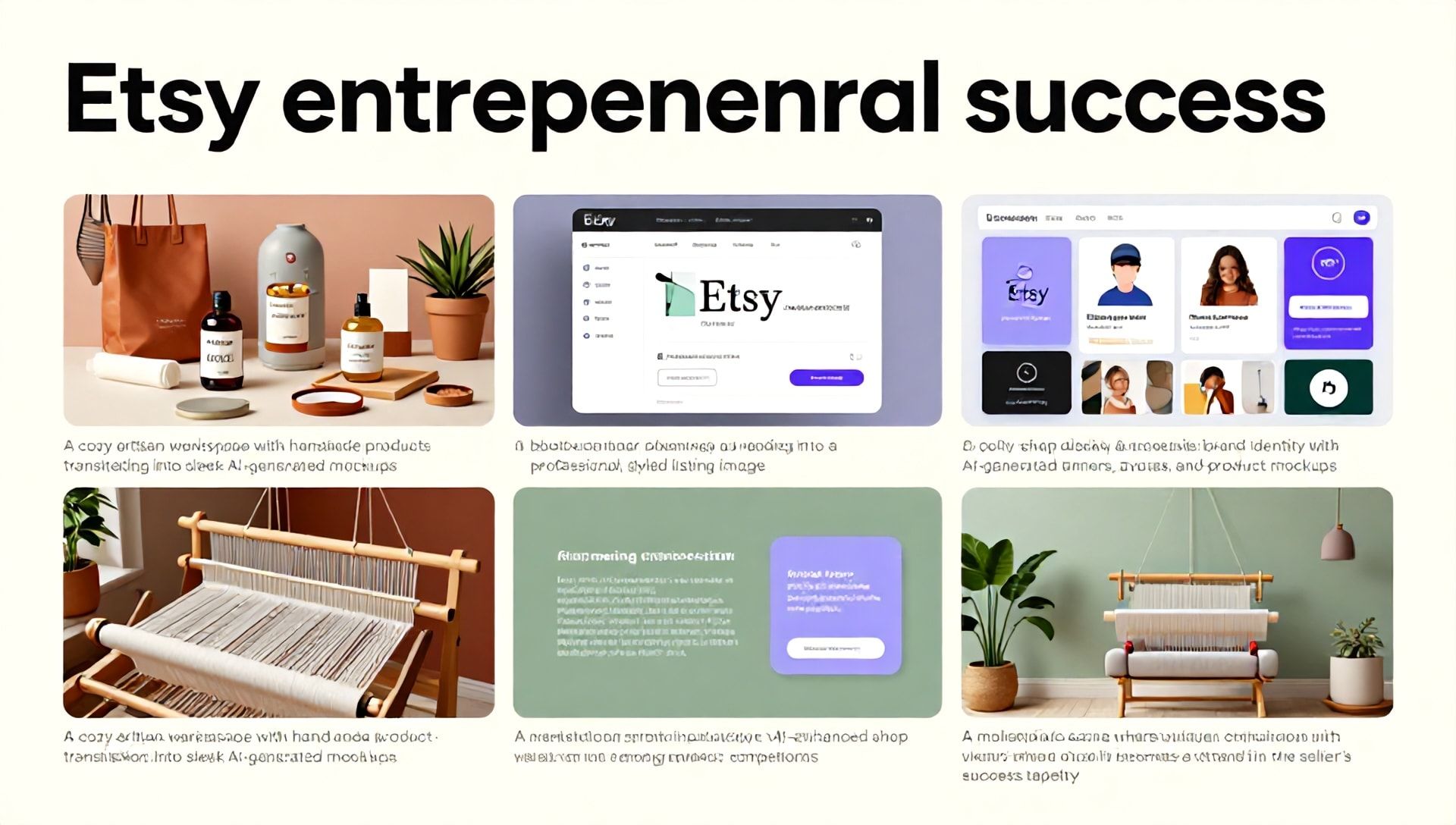
- Professional Mockups: Create flawless product mockups in ideal settings without a photoshoot.
- Unique Brand Aesthetics: Develop a cohesive and unique visual brand for your shop banner, avatar, and packaging.
- Competitive Edge: Produce visuals that rival top-tier brands, setting your shop apart from competitors using generic stock photos.
How to Use Midjourney to Increase Etsy Sales: A Step-by-Step Strategy
Integrating Midjourney into your Etsy workflow requires strategy. Here’s how to move from curiosity to conversion.
Step 1: Mastering the Art of the Prompt
Your output is only as good as your input. Effective prompting is the key to getting usable, on-brand images from Midjourney.
- Be Specific: Instead of “a candle,” try “a highly detailed photograph of a lavender-scented soy candle in a matte ceramic jar, sitting on a rustic wooden table next to a linen napkin and an open book, soft morning light, cozy aesthetic, shallow depth of field.”
- Use Style Keywords: Incorporate terms like “vector art,” “watercolor illustration,” “minimalist line drawing,” “vintage photograph,” or “trending on Behance” to steer the style.
- Iterate and Refine: Use the
Vary (Strong/Subtle)andUpscalebuttons in Midjourney to create variations and enhance your chosen image.
Step 2: Generating Key Visual Assets for Your Shop
A. Product Design & Creation
- Digital Products: Generate entire collections of wall art, stickers, greeting cards, and patterns. Prompt for “a set of 4 cohesive botanical line art illustrations for stickers, eucalyptus, monstera, lavender, and fern, white background, clean vector.”
- Physical Products: Use AI to brainstorm and visualize designs for laser-cut wood signs, embroidered patches, or printed tote bags before you invest in materials.
B. Professional Listing Photography & Mockups
This is perhaps the most powerful application. Poor photos are a top reason for low conversion.
- Contextual Mockups: Place your digital download art print in a beautifully rendered modern living room scene.
- Lifestyle Shots: Generate images of someone using your planner or wearing your jewelry in an aspirational, authentic setting.
- Flat Lays: Create perfect, stylized flat lay compositions for your handmade soap or jewelry sets.
C. Branding and Marketing Materials
- Shop Banner & Logo: Create a unique banner that encapsulates your shop’s vibe.
- Social Media Content: Generate eye-catching posts for Instagram, Pinterest, and Facebook to drive traffic to your Etsy listings.
- Email Marketing Graphics: Create custom visuals for your newsletter campaigns.
Step 3: Optimizing AI-Generated Images for Etsy SEO
Creating the image is only half the battle. You must optimize it for Etsy’s search engine.
- File Names: Before uploading, rename your image file with your target keyword (e.g.,
custom-dog-portrait-ai-art-print.jpg). - Alt Text: Etsy allows you to add alt text to listing photos. Describe the image accurately and include your primary keyword. (e.g., “AI-generated custom pet portrait art print of a golden retriever in an impressionist style”).
- Image Quality: Ensure images are high-resolution (at least 2000 pixels on the longest side) and crisp. Midjourney’s upscaled images are typically suitable.
Beyond Midjourney: The Ecosystem of Best AI Tools for Etsy Sellers
While Midjourney excels at image generation, a full toolkit will streamline your entire business.
- Canva + AI Features: For quick graphic design, text overlay on your AI images, and creating listing templates. Its AI background remover and Magic Write are invaluable.
- ChatGPT (or similar LLMs): The ultimate copywriting partner. Use it to:
- Write compelling product titles and descriptions infused with keywords.
- Generate engaging “About My Shop” sections and policies.
- Brainstorm tag lines and marketing copy for social media.
- SEO & Keyword Tools: eRank and Marmalead are Etsy-specific and use AI to analyze search data, track trends, and suggest high-volume, low-competition keywords.
- Product Description Generators: Tools like Listadum (Etsy-specific) can help structure and optimize your listing copy for both SEO and conversion.
Ethical Considerations and Best Practices
- Transparency is Key: While you don’t need to put “AI-Generated” in your title, be honest if customers ask about your process. Many buyers appreciate the innovation.
- Editing and Originality: Use AI-generated images as a starting point. Edit them in Photoshop, Procreate, or Canva to add personal touches, combine elements, or correct flaws. This creates a truly original final product.
- Commercial Licenses: Review Midjourney’s terms of service. As a paid member, you generally own the assets you create and can use them to sell products (within their usage guidelines). Always stay informed about policy updates.
- Avoiding Trademark/Copyright Issues: Do not prompt for images of recognizable characters (Disney, Marvel, etc.) or direct copies of existing artists’ work. Focus on original concepts.
FAQ: AI Tools for Etsy Sellers
Q1: Is using AI-generated art for products on Etsy allowed? A: Yes, it is generally allowed. Etsy’s policy requires sellers to accurately represent who makes their items. As the designer and creator using AI as a tool, you are the maker. The key is to add significant creative input and not simply resell unaltered AI outputs. Always check Etsy’s current Handmade Policy for the latest guidelines.
Q2: What’s the learning curve for Midjourney, and is it worth the cost? A: Midjourney has a learning curve, primarily in crafting effective prompts. However, numerous tutorials, communities, and prompt libraries exist online. With practice, most sellers see value within days. The basic plan starts at $10/month, which is often less than the cost of a single stock photo subscription and offers infinitely more customization. For the time and professional quality it saves, it is considered one of the best AI tools for Etsy sellers investing in their shop’s visual appeal.
Q3: Can I use these tools if I’m not selling digital or print-on-demand products? A: Absolutely. Sellers of physical goods benefit immensely. Use Midjourney to create stunning mockups of your pottery in a beautiful home setting, visualize new jewelry designs before wire-wrapping, or create branded graphics for your packaging. Use ChatGPT to write better product stories for your handmade quilts or vintage furniture restorations. AI enhances the presentation and narrative of any product.
Conclusion: Embracing the Future of E-Commerce
The intersection of creativity and technology on platforms like Etsy is creating unprecedented opportunities. Midjourney and its companion AI tools are powerful levers that can elevate your shop from invisible to irresistible. They democratize high-quality design and efficient marketing, allowing you to focus more on the big-picture strategy and customer connection that truly grow a business.
Don’t let the fear of a new tool hold you back. The best AI tools for Etsy sellers are those that save you time, enhance your creativity, and connect you with more customers. The future of successful e-commerce is collaborative—between human passion and artificial intelligence.
Ready to transform your Etsy shop and unlock your next wave of sales?
Start by exploring one tool today. Sign up for Midjourney’s basic plan and spend 30 minutes experimenting with prompts for your best-selling product. Then, use ChatGPT to rewrite one of your underperforming listings. Small steps with these powerful tools can lead to monumental shifts in your traffic and revenue. The AI advantage is waiting—your future customers are, too.