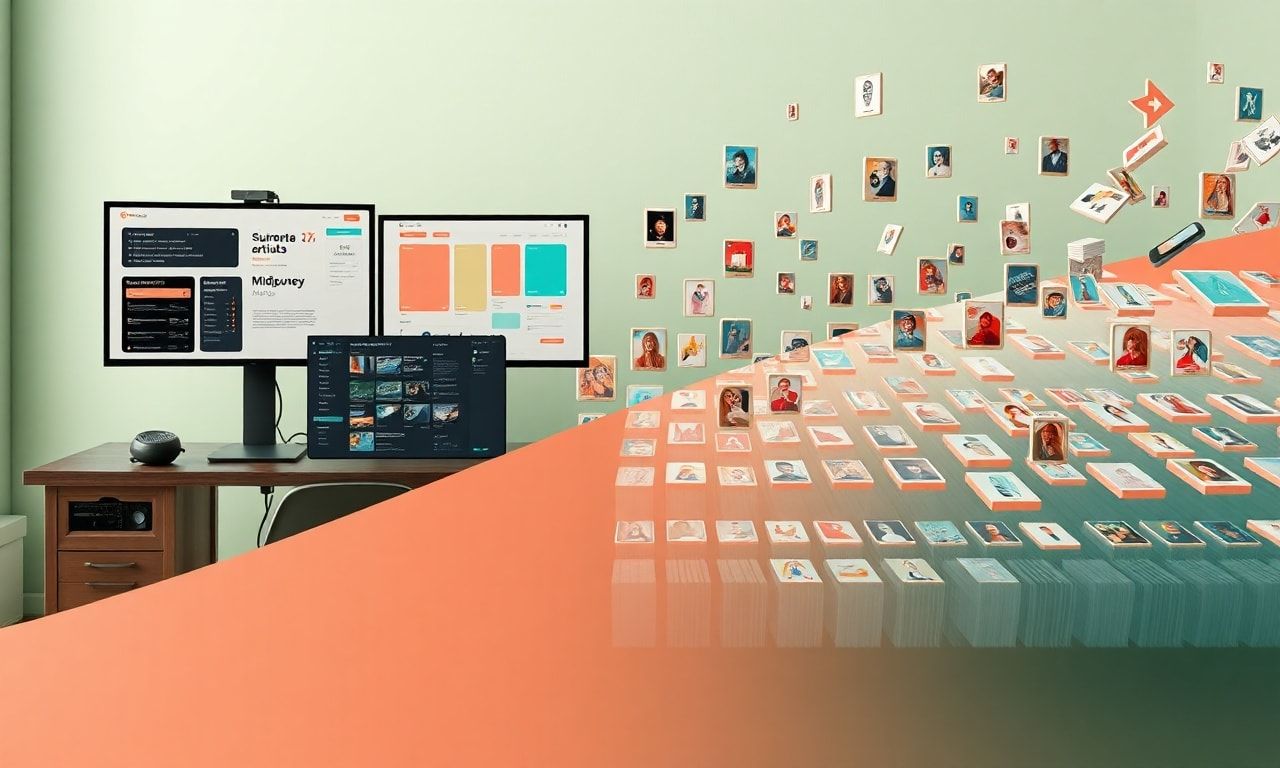
The Ultimate Guide: How to Make Money on Etsy Using Midjourney and the Best AI Tools for Etsy Sellers
Introduction: The AI-Powered Etsy Revolution
The digital marketplace is evolving at a breathtaking pace, and Etsy sellers are at the forefront of a creative revolution. No longer confined by traditional artistic skills or massive production budgets, independent creators are now leveraging artificial intelligence to build thriving businesses. Among the best AI tools for Etsy sellers, Midjourney has emerged as a game-changer, enabling the generation of stunning, unique, and highly marketable digital art. This comprehensive guide will walk you through the exact strategies to transform AI-generated art into a sustainable income stream on Etsy, while highlighting the essential AI toolkit you need for success.
Why AI and Etsy Are a Perfect Match for Modern Creators
Etsy’s marketplace thrives on uniqueness, creativity, and niche appeal. Buyers visit Etsy specifically for items they can’t find on mass-market platforms. This creates an ideal environment for AI-generated products, which can be:
- Infinitely Unique: Generate one-of-a-kind designs, patterns, and artworks.
- Highly Niche: Target specific aesthetics (e.g., cottagecore, dark academia, vaporwave) with precision.
- Scalable: Create vast libraries of designs without proportional increases in time or cost.
- Adaptable: Quickly respond to trending themes, seasons, and pop culture moments.
By integrating AI, you move from being just a crafter to a creative director and digital entrepreneur, controlling an entire pipeline from concept to customer.
H1: How to Make Money on Etsy Using Midjourney: A Step-by-Step Blueprint
H2: Step 1: Mastering Midjourney for Commercial Etsy Designs
Before you list a single item, you must become proficient in prompting. A successful prompt is the difference between a generic image and a sellable design.
H3: Crafting Effective Commercial Prompts
- Be Specific: Instead of “a cat poster,” try “a minimalist linocut print of a Siamese cat in sage green and cream, abstract shapes, Scandinavian style, clean background, high detail.”
- Incorporate Artistic Styles: Use terms like “watercolor illustration,” “vintage engraving,” “stained glass,” “cyberpunk digital art,” or “art deco poster.”
- Set Technical Parameters: Utilize Midjourney’s aspect ratios (
--ar 4:5for prints,--ar 2:3for posters), stylization (--s 750for more artistic interpretation), and version commands to fine-tune outputs. - Iterate and Refine: Use “variation” and “remix” features to explore a single concept thoroughly.
H3: Building a Cohesive Shop Aesthetic Your Etsy shop should tell a visual story. Use consistent style keywords, color palettes, and themes in your prompts to generate a portfolio that looks curated and professional, not random.
H2: Step 2: Identifying High-Demand, Low-Competition Niches
Your niche is your kingdom. Use AI to dominate it.
H3: Research Strategies Using AI & Data:
- Etsy’s Own Data: Use Etsy search with phrases like “digital art,” “printable wall art,” “AI generated,” and note the best-selling items’ styles and themes.
- Keyword Tools: Utilize tools like eRank or Marmalead to find high-search-volume, low-competition keywords related to your interests.
- Trend Analysis: Leverage AI to jump on trends. See a popular TV show, aesthetic, or meme? Use Midjourney to create related art fast.
H3: Profitable AI-Generated Product Ideas for Etsy:
- Digital Downloads: Wall art, prints, posters, coloring pages, stickers, planner inserts, and journal kits.
- Print-on-Demand (POD) Products: Use your AI designs on platforms like Printful or Gelato to sell physical items like t-shirts, mugs, tote bags, and phone cases without holding inventory.
- Customizable Templates: Social media templates, Canva templates for bloggers, or logo kits for small businesses.
- Patterns & Textiles: Seamless patterns for fabric, wallpaper, or wrapping paper.
H2: Step 3: From AI Image to Polished Product – The Essential Post-Processing Workflow
Midjourney provides the raw material, but professionalism comes in post-processing. This is where your best AI tools for Etsy sellers toolkit expands.
H3: Refining Your AI Artwork:
- Adobe Photoshop: The industry standard for cleaning up imperfections, adjusting colors, removing unwanted artifacts, and compositing elements.
- Adobe Illustrator: Essential for converting raster images into scalable vector graphics (SVG) for cutting machines or crisp prints at any size.
- Affinity Suite: A powerful, one-time-purchase alternative to Adobe’s subscription model.
H3: Utilizing Specialized AI Enhancement Tools:
- Upscaling: Use Upscayl (free) or Topaz Gigapixel AI to dramatically increase image resolution for high-quality prints without losing detail.
- Background Removal: Remove.bg is a lifesaver for quickly isolating your design for use on different backgrounds or POD products.
H2: Step 4: Creating Compelling Etsy Listings That Convert
A beautiful design won’t sell if your listing is weak. Optimize every element.
H3: SEO-Optimized Titles and Tags: Incorporate your target keyword “best AI tools for Etsy sellers” naturally, but focus on long-tail keywords specific to the product. Example: “Whimsical Cottagecore Rabbit Digital Art Print | AI Illustration | Nursery Wall Decor | Instant Download” Use all 13 tags. Mix broad (“wall art”) and specific (“mushroom fairy art”).
H3: Professional Imagery and Presentation:
- Mockups: Use Smartmockups or Placeit to showcase your digital art in realistic frames, on walls, or on physical POD products. This helps buyers visualize the final product.
- Clear Descriptions: Detail the product, its uses, and the story behind your AI-assisted creative process. Be transparent about using AI—it can be a unique selling point.
- Policies & Branding: Build trust with clear shop policies, an “About” section that shares your creative journey, and consistent branding.
H1: Expanding Your Toolkit: The Best AI Tools for Etsy Sellers Beyond Midjourney
While Midjourney excels at image generation, a full suite of AI tools can automate and enhance every part of your business.
H2: AI Tools for Ideation and Copywriting
- ChatGPT (OpenAI): Your virtual business partner. Use it to:
- Brainstorm product ideas and shop names.
- Write compelling product descriptions, FAQ sections, and “About Me” content.
- Generate marketing copy for social media.
- Jasper.ai: A specialized AI copywriter trained on marketing and sales language, excellent for crafting high-converting ad copy and email campaigns.
H2: AI Tools for Design Enhancement and Variation
- DALL-E 3 (via ChatGPT Plus): Offers exceptional prompt understanding and is great for creating more literal or concept-art style images, useful for specific character or scene generation.
- Leonardo.ai: Offers fine-tuned models for specific styles (like anime or concept art) and powerful in-painting/out-painting tools to edit and expand your Midjourney creations.
- Canva AI (Magic Studio): Integrates AI image generation (“Magic Media”), text-to-image, background removal, and copywriting directly into a user-friendly design platform perfect for creating listing graphics, banners, and social media posts.
H2: AI Tools for Business Operations and Marketing
- Social Media Schedulers with AI: Tools like Buffer or Later can analyze optimal posting times and suggest content.
- AI-Powered SEO Tools: Frase.io or Surfer SEO can help you optimize your Etsy listings and blog content (if you have a companion blog) to rank higher in search results.
H1: Navigating the Ethical and Legal Landscape
Transparency is Key. It’s considered best practice to disclose the use of AI in your creation process, often in your shop bio or listing descriptions. Many buyers appreciate the innovation.
Understand the Licenses. Review the Terms of Service for any AI tool you use. As of this writing, Midjourney grants users ownership of assets created with a paid subscription for commercial use, but this can change. Always stay informed.
Ensure Originality. Use AI as a starting point, not an end point. Your unique creative input in prompting, curating, and post-processing is what makes your work original and protects your brand.
FAQ Section
Q1: Is it legal to sell AI-generated art on Etsy? A: Yes, it is generally legal, provided you comply with the AI tool’s Terms of Service (typically requiring a paid plan for commercial rights) and Etsy’s policies. The key is that you must have the right to sell the images you generate. Always double-check the current commercial license of your chosen AI platform.
Q2: Do I need to be an artist to use Midjourney for Etsy? A: Not in the traditional sense. You don’t need drawing or painting skills. However, you do need a strong sense of design, aesthetics, and market understanding. Your skills shift from manual creation to creative direction, prompt engineering, curation, and post-production.
Q3: What are the startup costs involved? A: Costs are relatively low. You’ll need:
- A Midjourney subscription (~$10 – $60/month).
- Etsy listing fees ($0.20 per listing).
- Optional but recommended: Software for editing (e.g., Affinity Photo ~$70 one-time) and mockups.
- A budget for optional paid tools in the best AI tools for Etsy sellers ecosystem, like ChatGPT Plus or a dedicated upscaler.
Q4: How do I stand out if many sellers are using AI? A: Your competitive edge comes from:
- Niche Specialization: Become the go-to shop for a specific, underserved aesthetic.
- Brand & Story: Build a compelling brand narrative around your creative process.
- Quality & Polish: Invest time in superior post-processing and professional mockups.
- Hybrid Creation: Combine AI elements with traditional techniques or typography for a unique blend.
Conclusion: Your Creative Business Awaits
The fusion of AI creativity and the Etsy marketplace represents one of the most accessible and exciting entrepreneurial opportunities today. By mastering how to make money on Etsy using Midjourney and augmenting your workflow with the best AI tools for Etsy sellers, you are not just keeping up with the times—you are defining the future of creative commerce. The barrier to entry has never been lower, nor the potential for unique expression higher.
Ready to Launch Your AI-Powered Etsy Empire?
Start your journey today. Open your Etsy shop, subscribe to Midjourney, and generate your first 10 product concepts. Remember, the most important step is the first one. Iterate, learn from the market, and continuously refine your craft. The digital marketplace is waiting for your unique AI-assisted vision.
Share your first creation or your biggest Etsy AI win with us! Join the conversation in the comments below or connect with a community of like-minded digital creators to share prompts, tips, and successes.