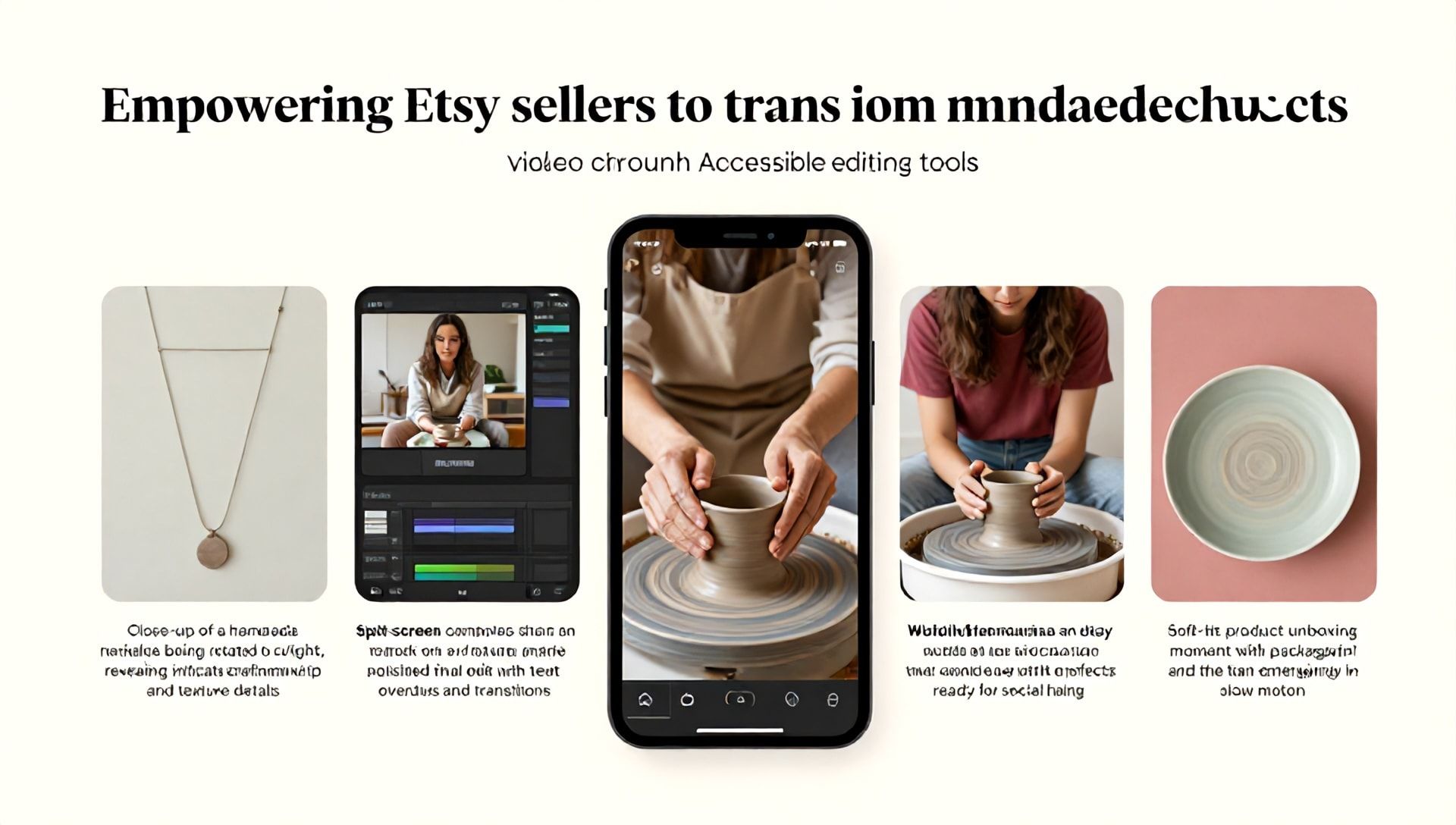
The Ultimate Guide: How to Edit Videos Using CapCut for Your Etsy Shop
Introduction: Why Video is Essential for Etsy Sellers in 2024
In the bustling, visually-driven marketplace of Etsy, standing out is no longer just about having beautiful product photos. Video has emerged as the undisputed champion for engagement, conversion, and building trust with potential customers. A short, polished video can showcase the craftsmanship of a handmade necklace, demonstrate the functionality of a digital planner, or convey the cozy texture of a knitted blanket in ways static images simply cannot.
For Etsy sellers, this presents both an opportunity and a challenge. Professional video editing software can be expensive and complex, eating into precious time better spent on creation and customer service. This is where CapCut, a powerful yet user-friendly video editor, becomes a game-changer. And when combined with strategic AI tools, it can transform your Etsy marketing. In this comprehensive guide, we’ll not only teach you how to edit videos using CapCut but also reveal how it fits into the ecosystem of the best AI tools for Etsy sellers to automate and elevate your brand.
What is CapCut and Why is it Perfect for Etsy Entrepreneurs?
CapCut, developed by ByteDance (the creators of TikTok), is a free, cross-platform video editing application. It’s available on mobile (iOS/Android), desktop (Windows/Mac), and has a powerful web version. Its rise in popularity is no accident, especially for entrepreneurs and content creators.
Key Benefits for Etsy Sellers:
- Zero Cost Barrier: Completely free with no watermarks on export, making it ideal for bootstrapped businesses.
- Intuitive Interface: Designed with simplicity in mind, reducing the learning curve dramatically compared to professional suites.
- All-in-One Toolkit: Offers trimming, splicing, transitions, text, music, voiceovers, and a massive library of trending effects and audio.
- AI-Powered Features: Built-in AI tools like auto-captions, background removal, and style effects speed up the editing process.
- Optimized for Social: Easy export in formats and aspect ratios perfect for Etsy listings, Instagram Reels, TikTok, and Pinterest.
Getting Started: Your First CapCut Project for an Etsy Product
Step 1: Download, Install, and Initial Setup
Head to the official CapCut website or your device’s app store. Download and install the version suitable for your primary device. Upon opening, sign up for a free account to sync projects across devices.
Step 2: Importing Your Raw Footage
Click “New Project.” CapCut allows you to import videos and photos directly from your device’s gallery. For a product video, gather clips showing:
- The product from multiple angles.
- Close-up details (texture, engraving, etc.).
- The product in use (a model wearing it, it being unboxed).
- Your creative process (hands working, a time-lapse of creation).
Step 3: Mastering the Timeline and Basic Editing
Drag your clips onto the timeline. This is your workspace.
- Trim & Split: Tap on a clip, then use the trim handles or the split tool (scissor icon) to cut out unwanted parts.
- Rearrange: Simply drag and drop clips to change their order.
- Adjust Speed: Use the speed option to create slow-motion for detail shots or speed up time-lapses.
Advanced CapCut Editing Techniques to Skyrocket Engagement
1. Professional Transitions and Animations
Avoid jarring cuts. Use CapCut’s transition library (between clips) to add smooth fades, slides, or creative effects. Apply subtle animations to text and graphics (like a fade-in for your Etsy shop name) to keep the viewer’s eye moving.
2. Text, Titles, and Branding
Click “Text” to add elements.
- Product Title & Price: Use clear, bold text at the beginning.
- Key Features/Benefits: Use bullet-point style text overlays throughout. (“Handmade with Sustainably Sourced Wood”).
- Call-to-Action (CTA): Always end with text like “Find the link in my Etsy shop!” or “Available in 5 colors!”
- Brand Consistency: Use your brand’s fonts and colors. Save custom text styles as templates for future videos.
3. Audio Mastery: Music, Voiceovers, and Sound Effects
Audio is 50% of the experience.
- Music: Browse CapCut’s extensive, copyright-free library. Choose ambient, upbeat, or elegant tracks that match your product’s vibe.
- Voiceover: Record a direct voiceover explaining the product using the recording tool. Speak clearly and warmly.
- Sound Effects: Add subtle sounds (a “ding,” a swoosh) to emphasize text appearances or scene changes.
4. Utilizing CapCut’s Built-in AI Features
This is where efficiency skyrockets.
- Auto-Captions: Under “Text,” select “Auto Captions.” CapCut will generate subtitles for your voiceover. Edit them for accuracy and style them to be readable. This is crucial for the 85% of social media videos watched on mute.
- Background Removal (Chroma Key): Perfect for placing your product against a clean, branded background. Use the “Remove Background” effect under “Video Effects.”
- AI-Powered Enhancements: Explore “Enhance” tools for stabilizing shaky footage or color-correcting clips to look more professional.
Integrating CapCut with the Best AI Tools for Etsy Sellers
While CapCut is powerful alone, pairing it with specialized AI tools creates an unstoppable content engine for your Etsy business. Here’s how the best AI tools for Etsy sellers complement your video editing workflow:
| AI Tool Category | Purpose | How It Works with CapCut |
|---|---|---|
| AI Copywriting & Listing Optimizers (e.g., Junia AI, Etsy-specific prompts in ChatGPT) | Generates compelling product titles, descriptions, and tags. | Use AI to write the script for your CapCut video voiceover and the text overlays. It can also craft the perfect Etsy listing description that your video will sit in. |
| AI Visual & Design Tools (e.g., Canva Magic Studio, Adobe Firefly) | Creates branded graphics, mockups, and supplemental images. | Design your video’s intro/outro screens, logo stings, and lower-thirds in Canva, then import them directly into your CapCut timeline as images or video clips. |
| AI Product Photography Assistants (e.g., Remini, Background Removal APIs) | Enhances product photo quality and creates clean, consistent backgrounds. | Use these tools to polish the product stills you plan to incorporate into your CapCut video slideshow, ensuring a uniform, high-end look. |
| AI Marketing & SEO Analysts (e.g., Marmalead, eRank) | Discovers high-traffic, low-competition keywords for Etsy search. | Use keyword insights to decide what product benefits to highlight in the video itself (e.g., if “personalized dog collar” is a key phrase, say it in the voiceover). |
| AI Social Media Managers (e.g., Predis.ai, Buffer’s AI Assistant) | Repurposes content and suggests optimal posting times. | Export your finished CapCut video in multiple formats (9:16, 1:1, 16:9) and use these AI tools to schedule them across all your promotional channels automatically. |
The Synergy: You use an AI copywriter to draft a punchy script. You film your product. You edit seamlessly in CapCut, using its AI for captions. You create supporting graphics with an AI design tool. Finally, you use an AI SEO tool to optimize the entire listing. This integrated system saves you dozens of hours per month.
Step-by-Step: Creating a High-Converting Etsy Listing Video
Let’s apply everything to a practical example: launching a new set of printable wall art.
- Pre-Production (AI-Assisted): Use ChatGPT to generate a 30-second script highlighting key selling points: “Instant download,” “Tested for home printing,” “10 minimalist designs.”
- Asset Collection: Record a screen recording of the PDF pages, film your hands holding a printed sample, gather close-ups of the texture.
- CapCut Assembly:
- Intro (0-3 sec): Dynamic clip of the artwork with bold text: “Modern Botanical Prints.”
- Problem/Solution (4-15 sec): Quick cuts showing empty wall space, then your art filling it. Use a voiceover from your script.
- Features (16-25 sec): Text overlays pop up with icons: “Editable Size,” “Print-at-Home,” “24/7 Delivery.” Use CapCut’s smooth transitions.
- CTA & Close (26-30 sec): Final beauty shot with your Etsy shop name and “Shop Now” text. Add your shop’s logo.
- Polish: Add a calm, uplifting track from CapCut’s library. Run auto-captions and style them. Color-grade clips for a consistent warm tone.
- Export: For Etsy, use 1080p resolution, MP4 format, and keep the file under 100MB. For social media, export additional 9:16 versions.
FAQ: CapCut and AI Tools for Etsy Sellers
Q1: Is CapCut truly free for commercial use on my Etsy shop? Yes, CapCut is free for personal and commercial use. You can download and use the videos you create on Etsy, social media, and your website without paying licensing fees or dealing with watermarks. Some premium effects or music may be marked, but the core editing tools are completely free.
Q2: As a complete beginner, how long will it take me to learn CapCut? You can learn the basics (trimming, adding music, text, and exporting) in under an hour. The intuitive layout is designed for quick adoption. Within a few practice videos, you’ll feel comfortable. The advanced techniques and AI integrations covered in this guide can be mastered over a dedicated weekend.
Q3: What are the most critical AI tools to pair with CapCut as a new Etsy seller? Focus on a two-tool stack initially:
- An AI Copywriting Assistant (like ChatGPT or Jasper): For generating video scripts, listing descriptions, and marketing copy. This tackles your messaging.
- An AI Design Tool (like Canva with AI features): For creating consistent branding elements (logos, color palettes, fonts) that you import into CapCut. This tackles your visual identity. This combination, with CapCut at the center, covers over 80% of your content creation needs efficiently.
Conclusion: Your Creative and Competitive Edge
Learning how to edit videos using CapCut is more than just acquiring a new skill—it’s about equipping your Etsy business with a potent, cost-effective marketing weapon. In a platform where discovery and presentation are everything, high-quality video content can significantly increase your listing’s click-through rate, dwell time, and ultimately, sales.
By strategically integrating CapCut’s built-in AI features with the broader ecosystem of the best AI tools for Etsy sellers, you automate the tedious parts of your business. This fusion frees you to focus on what truly matters: the creativity, craftsmanship, and customer connection that made you start your Etsy shop in the first place.
Ready to Transform Your Etsy Presence?
Don’t let another day pass with static listings. Download CapCut today and edit your first product video. Start with a simple 30-second showcase. Then, explore one AI tool from our list to pair with it. This small, actionable step is the beginning of a more professional, engaging, and successful Etsy shop. Your future customers are waiting to see your products in motion—show them!