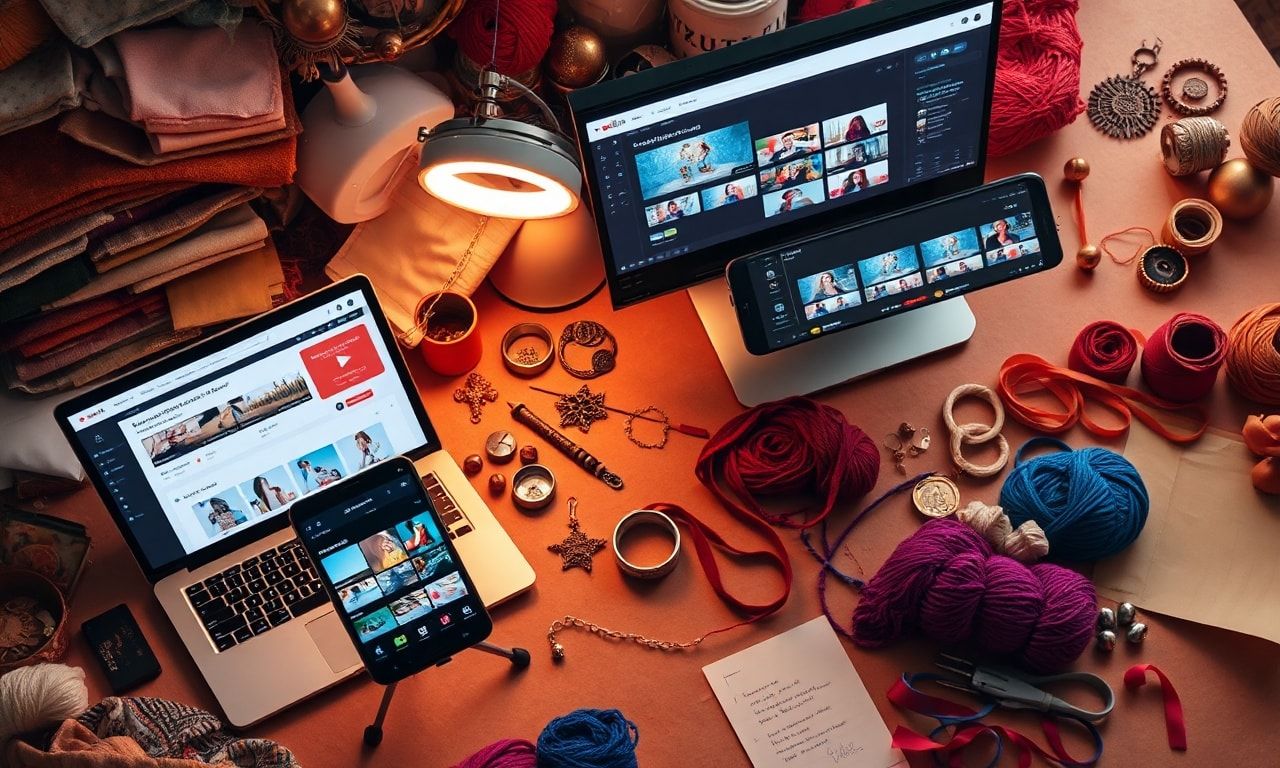
How to Get More Views on YouTube Shorts Using Synthesia: A Guide for Etsy Sellers
Introduction: The Untapped Power of YouTube Shorts for Etsy Sellers
As an Etsy seller, you’re constantly seeking innovative ways to showcase your handmade crafts, vintage finds, or digital creations. In today’s fast-paced digital landscape, short-form video content reigns supreme. YouTube Shorts, with its massive, built-in audience and powerful discovery algorithm, presents a golden opportunity. But creating a consistent stream of engaging, high-quality Shorts can be time-consuming and technically daunting. This is where the revolutionary power of artificial intelligence steps in. In this comprehensive guide, we will explore how to get more views on YouTube Shorts using Synthesia, while also situating it within the broader context of the best AI tools for Etsy sellers to streamline their creative and marketing workflows.
Understanding the YouTube Shorts Algorithm: What It Craves
Before diving into the “how,” it’s crucial to understand the “why.” The YouTube Shorts algorithm prioritizes content that drives high engagement and session time. Key signals include:
- Watch Time & Completion Rate: Shorts that are watched all the way through are favored.
- Likes, Comments, and Shares: Direct audience engagement is a powerful ranking factor.
- Subscriber Growth: Shorts that convert viewers into subscribers send positive signals.
- “Swiped Away” Rate: If viewers quickly swipe past your Short, it tells YouTube the content isn’t resonating.
Your mission is to create Shorts that captivate within the first second, deliver value, and encourage interaction—all within 60 seconds or less.
What is Synthesia? Your AI-Powered Video Creation Studio
Synthesia is one of the leading best AI tools for Etsy sellers looking to break into video. It’s an AI video generation platform that allows you to create professional-looking videos from a text script, using AI avatars and AI voices. You don’t need a camera, microphone, lighting, or even on-screen talent.
Core Features Beneficial for Etsy Sellers:
- AI Avatars: Choose from a diverse library of over 140 AI presenters.
- AI Voices: Natural-sounding voiceovers in 120+ languages and accents.
- Customizable Templates: Pre-built video structures for tutorials, explainers, and promotions.
- Media & Text Integration: Easily add your product images, logos, background music, and text overlays.
For an Etsy seller, this translates to being able to quickly produce:
- Quick tutorial snippets for your crafts.
- Behind-the-scenes creation stories.
- New product announcement teasers.
- FAQ explanations about your items.
- Seasonal promotion videos.
Step-by-Step: Creating a High-View YouTube Short with Synthesia
Here’s your actionable blueprint for creating a YouTube Short that is designed to attract views.
Step 1: Strategic Topic & Hook Ideation
Your topic must be relevant to your Etsy shop and irresistible to your target audience.
- Ideas: “3 Secrets to Perfect Hand-Lettering,” “How This Vintage Locket Gets Its Shine,” “You’re Using Glitter Wrong—Here’s the Right Way.”
- The Hook: Write your first line of script to solve a problem, spark curiosity, or state a surprising fact. Example: “Stop wasting expensive resin. This one tip will change your pours forever.”
Step 2: Scripting for Brevity & Impact
Write a tight script for a 30-45 second video. Use the Synthesia script editor.
- Structure: Hook (0-3 secs) -> Value Delivery (3-40 secs) -> Call-to-Action (40-45 secs).
- Language: Use short, punchy sentences. Sound conversational.
- CTA: Direct them to your Etsy shop, a longer tutorial on your channel, or to comment with a specific answer.
Step 3: Building Your Short in Synthesia
- Choose an Avatar: Select an avatar whose tone matches your brand—friendly, professional, quirky.
- Select a Voice: Pick a clear, engaging AI voice. Adjust speed for energy.
- Add Visual Assets: Use the “Media” option to upload images of your product, your workspace, or close-ups of techniques. This is critical for Etsy sellers to showcase your actual work.
- Incorporate Text & Graphics: Use bold text overlays to emphasize key points (e.g., “Step 1,” “Pro Tip:”).
- Add Background Music: Use Synthesia’s royalty-free music or upload a subtle, upbeat track.
Step 4: Exporting & Optimizing for YouTube Shorts
- Export Format: Synthesia allows export. Ensure your video is in a 9:16 vertical aspect ratio (1080×1920 pixels).
- Final Polish: You may want to use a simple editor like Canva or CapCut to add trending audio snippets (crucial for Shorts discovery) and final hashtags.
Step 5: Uploading with SEO & Discovery in Mind
- Title: Place primary keyword first. Make it intriguing. Example: “Resin Art Tip for Beginners | Get Bubble-Free Results #EtsySeller”
- Description: Include a concise summary, relevant keywords (best AI tools for Etsy sellers, “how to make YouTube Shorts”), and links to your Etsy shop and related videos.
- Hashtags: Use a mix: 1-2 broad (#Etsy, #CraftTutorial), 2-3 niche (#ResinArt, #HandmadeJewelry), and 1-2 trending (if relevant).
- Thumbnail: Even for Shorts, a custom thumbnail (a paused frame with bold text) can increase click-through rate.
Why Synthesia is Among the Best AI Tools for Etsy Sellers
While our focus is on YouTube Shorts, Synthesia’s utility extends across your business, solidifying its place in the toolkit of the best AI tools for Etsy sellers.
- Scales Content Creation: Produce a month’s worth of Shorts ideas in a single afternoon.
- Overcomes On-Camera Hurdles: No more fear of being on video or investing in expensive equipment.
- Ensures Brand Consistency: Maintain a uniform look and feel across all your video content.
- Multilingual Potential: Easily create videos in your customers’ languages to tap into global markets.
- Time & Cost Efficiency: Drastically reduces the time from idea to published video compared to traditional filming.
Integrating Synthesia Shorts into Your Overall Etsy Marketing Strategy
Your YouTube Shorts should not exist in a vacuum. Use them as a powerful top-of-funnel tool.
- Drive Traffic to Etsy: Use the link in your Shorts bio and direct verbal CTAs.
- Repurpose Content: Turn a single Synthesia script into a YouTube Short, an Instagram Reel, a Pinterest Idea Pin, and a snippet for your Etsy listing video.
- Answer Customer Questions: Use FAQs from your Etsy messages as script ideas, providing public value and reducing repetitive inquiries.
- Build a Community: Encourage comments on your Shorts (e.g., “Comment ‘TUTORIAL’ if you want the full 10-minute guide”) and engage with responders.
Beyond Synthesia: A Holistic AI Toolkit for Your Etsy Shop
While Synthesia excels at video, a successful seller uses a suite of tools. Here are complementary best AI tools for Etsy sellers:
- For Listing & Copy Optimization: Jasper or Copy.ai can help generate compelling product titles, descriptions, and tags.
- For Visuals & Thumbnails: Canva AI (Magic Design) or Adobe Firefly can help edit product photos or create graphic assets.
- For Customer Service: ChatGPT can help draft professional, personalized responses to customer inquiries.
- For SEO & Trends: Everbee or Marmalead use data to identify profitable keywords and trends specific to the Etsy marketplace.
Frequently Asked Questions (FAQ)
Q1: Is it okay to use AI-generated avatars and voices for my Etsy brand? Will it feel authentic? A: Absolutely. Authenticity comes from the value and personality you inject into the content. The AI avatar is a vessel for your knowledge and creativity. By using your own scripts, product images, and brand-specific visuals, the final video is uniquely yours. Many customers prioritize helpful, clear information over a perfectly polished human presenter.
Q2: How much does Synthesia cost, and is it worth it for a small Etsy shop? A: Synthesia operates on a monthly subscription model, with personal plans starting typically around $30/month. Consider it an investment. If creating one Short per week with Synthesia drives just 2-3 additional sales from your Etsy shop that you wouldn’t have gotten otherwise, the tool has likely paid for itself. Start with the lowest plan to test its effectiveness for your niche.
Q3: Can I use the same YouTube Short created with Synthesia on other platforms like TikTok or Instagram Reels? A: Yes, and you should! This is called cross-posting or repurposing. Simply download the final video from Synthesia and adapt it to the specific format (aspect ratio, duration) of TikTok, Instagram Reels, or Pinterest Idea Pins. Adjust the platform-specific hashtags and CTA. This maximizes the return on your single piece of content.
Conclusion: Your Action Plan for More Views
Getting more views on YouTube Shorts is not about luck; it’s about a strategic process of creating valuable, engaging content consistently. Synthesia removes the major technical and psychological barriers to video creation, allowing you, the Etsy seller, to focus on what you do best: your craft and your story.
By following the steps outlined—strategic scripting, leveraging AI for production, and optimizing for the Shorts algorithm—you can build a powerful video marketing channel that drives awareness, engagement, and, ultimately, sales for your Etsy shop.
Ready to Transform Your Etsy Marketing?
Stop struggling with complex video editing and on-camera jitters. Embrace the power of AI to tell your shop’s story. Start your journey with one of the best AI tools for Etsy sellers today.
Your Next Steps:
- Identify one product or technique from your shop that would make a great 45-second tip.
- Explore Synthesia’s website to watch demos and see the avatar options.
- Draft your first short, powerful script using the hook-value-CTA formula.
- Create, publish, and engage!
The world needs to see what you make. Let AI help you show them.