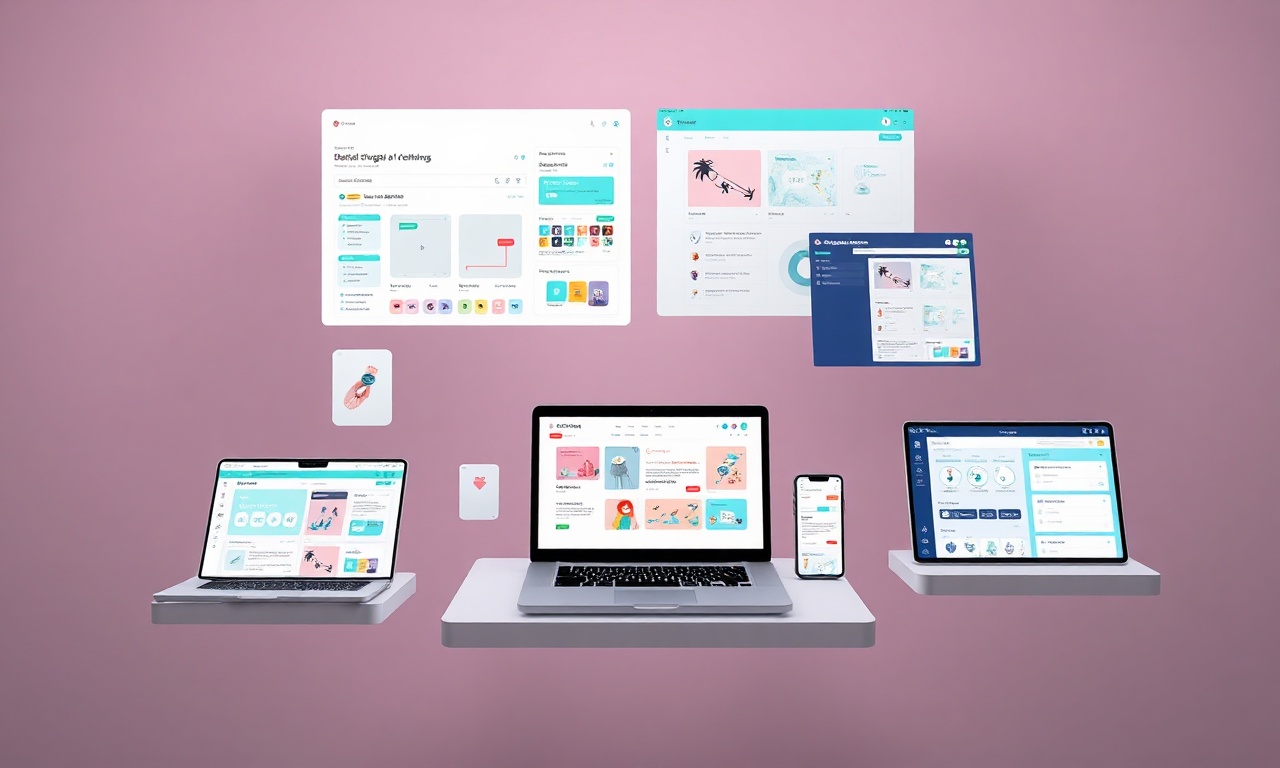
How to Create Digital Planners for Etsy Using Canva: A Guide to the Best AI Tools for Etsy Sellers
Introduction: The Digital Planner Gold Rush on Etsy
The digital marketplace on Etsy is booming, and one of its most lucrative niches is digital planners. These interactive, downloadable products offer customers organization and style without the physical clutter, and they provide sellers with a fantastic opportunity for passive income with high-profit margins. For the creative entrepreneur, the combination of Canva’s user-friendly design platform and a suite of powerful AI tools has democratized the creation process, making it more accessible and efficient than ever.
This comprehensive guide will walk you through the entire process of creating and selling stunning digital planners on Etsy. More importantly, we will integrate a discussion on the best AI tools for Etsy sellers to streamline your workflow, from ideation and design to marketing and customer support, ensuring you build a business that’s not only creative but also smart and scalable.
Why Sell Digital Planners on Etsy?
Before we dive into the “how,” let’s solidify the “why.” Digital planners are a perfect Etsy product.
- High Demand, Low Overhead: Customers seek customizable, reusable planning solutions. You design once and sell indefinitely.
- Strong Profit Margins: After platform fees, nearly all revenue is profit, as there are no manufacturing or shipping costs.
- Global Reach: Your digital product can be purchased and downloaded by anyone, anywhere, instantly.
- Passive Income Potential: Once your listing is optimized and live, it can generate sales 24/7 with minimal ongoing maintenance.
Phase 1: Planning & Strategy – Laying the Foundation
H3: Identifying Your Niche and Target Audience
The key to standing out is specificity. Instead of a “generic planner,” consider niches like:
- Academic Planners for Graduate Students
- Wellness & Self-Care Planners for Moms
- Business Launch Planners for Entrepreneurs
- ADHD-Friendly Planners with Specific Layouts
Leveraging AI Tools: Use AI market research tools like Jasper or ChatGPT to analyze trends. Prompt: “Generate a list of 10 underserved digital planner niches for Etsy based on current wellness and productivity trends.” This can uncover unique angles you hadn’t considered.
H3: Competitor Research and SEO Keyword Planning
Spend time on Etsy searching for top-selling planners in your chosen niche. Note their:
- Titles and Descriptions (keyword usage)
- Pricing
- Design style and features
- Customer reviews (to see what’s missing)
For SEO, use Etsy’s search bar for autocomplete suggestions and consider tools like eRank or Marmalead. This is where one of the best AI tools for Etsy sellers for SEO comes in: ChatGPT or Frase.io. You can input your main keywords (e.g., “digital planner for teachers”) and ask it to generate a list of related long-tail keywords, compelling product titles, and feature bullet points.
Phase 2: Creation in Canva – Designing Your Masterpiece
H3: Setting Up Your Canva Document
- Choose the Right Size: For digital planners, a standard US Letter (8.5″ x 11″) or A4 size is common. Use Canva’s “Create a design” with custom dimensions.
- Set Up Your Master Template: Create a master page with your desired margins (e.g., 0.5″ on all sides) and a non-printing grid to keep elements aligned. Use the “File” > “Show margins” feature.
H3: Designing the Core Pages
A typical planner includes:
- Cover Page: Make it visually stunning and branded.
- Yearly, Monthly, Weekly, and Daily Spreads: Ensure consistency in fonts and color scheme.
- Functional Pages: Index, goal setting, habit trackers, finance pages, notes sections.
Pro Design Tip: Use Canva’s “Elements” and “Graphics” search with terms like “line art,” “minimal floral,” or “geometric shapes” to find cohesive design elements. Create a color palette (3-5 colors) and 2-3 font pairings and stick to them.
H3: Making it Interactive (Hyperlinking)
This is the magic that turns a PDF into a functional digital planner.
- In Canva, add a shape (like a transparent rectangle) over each clickable area (e.g., a tab that says “January”).
- Click the link icon on the toolbar, then select “Page in this design.”
- Link it to the corresponding January monthly spread.
- Repeat for all navigation. Important: You must export as an Interactive PDF for the links to work. (File > Download > PDF Print and then check the “With bleed marks” option? No – select “PDF Standard” and ensure “Compress” is off, but for hyperlinks, you need the interactive* option, often labeled “PDF Interactive”).
Phase 3: Integrating the Best AI Tools for Etsy Sellers
This is where you supercharge your process. AI isn’t about replacing your creativity; it’s about automating the tedious so you can focus on the creative.
H4: AI for Design Ideation and Enhancement
- Canva’s Built-in AI Tools (Magic Studio): Use Magic Design to generate initial layout ideas from a simple prompt. Magic Write can help generate inspirational quotes or section headers for your planner pages.
- AI Image Generators: Tools like Midjourney or DALL-E 3 (accessible via ChatGPT Plus) can create unique cover art, section dividers, or decorative elements that make your planner truly one-of-a-kind. Prompt: “A minimalist watercolor illustration of a lavender sprig and a paperclip, soft pastel background.”
H4: AI for Content and Listing Optimization
Crafting the perfect Etsy listing is crucial for conversion.
- Listing Title & Description: Use ChatGPT or Jasper. Provide it with your keyword list, product features, and target audience. Ask: “Write a compelling, SEO-rich Etsy product description for a ‘Wellness Digital Planner for Busy Moms’ that highlights hyperlinked tabs, habit trackers, and a calming color scheme.”
- Tag Generation: Input your title into an AI tool and ask for a list of 13 relevant Etsy search tags.
H4: AI for Marketing and Customer Service
- Social Media Content: Use Copy.ai or Canva Magic Write to quickly generate a month’s worth of social media posts promoting your new planner.
- Email Sequences: AI can draft welcome emails, thank-you notes, and follow-up sequences for your customers.
- FAQ & Policy Generation: Quickly create professional shop policies and anticipate customer questions using AI.
Phase 4: Preparing for Sale & Launch
H3: Final Export and File Preparation
From Canva, ensure you download:
- The Interactive PDF (for the primary, hyperlinked planner).
- A Print-Quality PDF (for customers who may want to print it).
- A few JPG preview images (for your listing gallery).
- A simple “Instructions” PDF on how to use the planner in apps like GoodNotes or Notability.
H3: Creating Your Etsy Listing
- Title: Incorporate primary and secondary keywords naturally (e.g., “Digital Planner 2024, Hyperlinked GoodNotes, Wellness Planner for Women, Undated iPad Planner, PDF & Canva Template”).
- Photos/Videos: Create a compelling video showing the planner in use (navigation, writing). Use clean, bright mockups. Canva has many device mockups under “Elements.”
- Description: Use your AI-optimized description. Structure it with clear benefits, features, and technical details.
- Price: Research competitors. A common range is $10-$30. Consider offering a “Master Bundle” at a higher price point.
Phase 5: Post-Launch – Maintenance and Growth
- Collect Reviews: Provide exceptional customer service to garner those crucial first 5-star reviews.
- Analyze & Iterate: Use Etsy Stats to see which keywords are driving traffic.
- Expand Your Line: Use customer feedback and AI trend analysis to create complementary products (sticker packs, different theme variants).
Frequently Asked Questions (FAQ)
H3: Do I need an iPad or Apple Pencil to use a digital planner?
No. While many users enjoy the experience on tablets with styluses (like iPads with GoodNotes), digital planners are PDF files that can be viewed, annotated, and used on any device with a PDF reader, including Windows PCs, Android tablets, and even smartphones.
H3: What are the licensing terms for selling planners made with Canva elements?
If you are using Canva’s free elements or a Pro subscription, you are granted a license to use them in designs you create and sell. However, you cannot resell the elements as-is. They must be part of a larger, unique design—like your digital planner. Always review Canva’s Content License Agreement for the most current terms.
H3: Which AI tool is the most essential for starting out as an Etsy seller?
For a beginner, ChatGPT (Plus recommended for access to DALL-E and advanced features) or the free version of Claude is incredibly versatile. It can assist with nearly every step outlined here—from niche brainstorming and SEO to writing descriptions and marketing copy—making it one of the most cost-effective and powerful best AI tools for Etsy sellers to begin with.
H3: How do customers access their digital purchase?
After payment is confirmed on Etsy, customers receive an automated email with a download link. They also have access to their files permanently via their “Purchases and reviews” section on Etsy. You never have to manually send files.
Conclusion and Call to Action
Creating and selling digital planners on Etsy is a journey that blends creativity with strategy. By mastering Canva for design and harnessing the power of the best AI tools for Etsy sellers, you can build a streamlined, efficient, and highly competitive business. These tools help you work smarter, not just harder, allowing you to focus on innovation and customer connection.
Ready to turn your creativity into a thriving Etsy shop?
- Start Your Free Trial: If you haven’t already, sign up for Canva Pro. Its premium features and massive asset library are invaluable for creating professional designs.
- Experiment with AI: Pick one AI tool from this guide—like ChatGPT—and use it this week to brainstorm your planner niche or write your first product description.
- Take the First Step: Open your Etsy seller account today. It only takes a few minutes to set up. The most successful shops started with a single, carefully crafted listing.
The digital product market is waiting for your unique vision. Start designing, start optimizing, and start selling today