Best AI Tools for Etsy Sellers: A Complete Guide to Elevating Your Creative Business
Introduction: The AI Revolution in E-Commerce
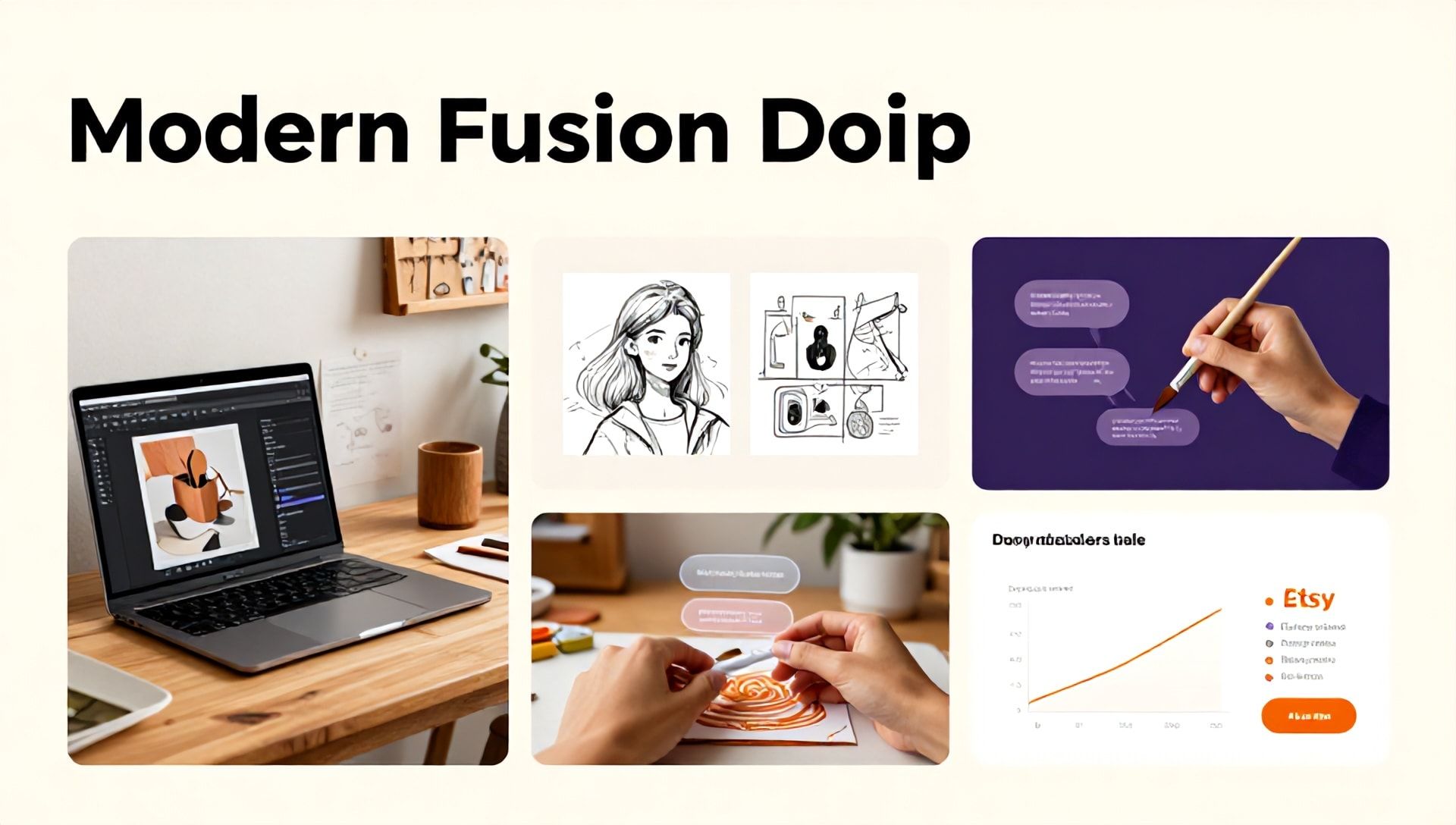
The handmade and digital marketplace of Etsy is a vibrant, competitive ecosystem. For sellers, standing out requires not just creativity but also efficiency, marketing savvy, and smart business operations. This is where Artificial Intelligence (AI) steps in as a game-changing partner. The best AI tools for Etsy sellers are not about replacing the human touch—the very soul of Etsy—but about augmenting your capabilities. They streamline tedious tasks, generate fresh ideas, optimize your listings, and free up your precious time to focus on what you do best: creating. This comprehensive guide will explore the top AI tools designed to help you grow your Etsy shop, organized by the key challenges they solve.
Why Etsy Sellers Need to Embrace AI Tools
Before diving into the specific tools, it’s crucial to understand the “why.” Etsy success hinges on several pillars: product creation, listing optimization, customer service, marketing, and operations. AI tools directly impact these areas by:
- Enhancing Productivity: Automating repetitive tasks like writing product descriptions or answering common customer queries.
- Boosting Creativity: Overcoming blocks with AI-powered idea generation for product names, designs, or blog content.
- Improving Visibility: Leveraging AI for keyword research and SEO optimization to ensure your listings are found.
- Making Data-Driven Decisions: Using analytics to understand market trends and customer behavior.
- Maintaining Consistency: Ensuring your brand voice and quality are uniform across hundreds of listings.
Adopting these tools isn’t a luxury; it’s a strategic move to work smarter and scale your business sustainably.
The Ultimate List of Best AI Tools for Etsy Sellers
1. AI Tools for Product Ideation & Design Creation
This category is for the creative process, helping you generate unique and marketable products.
- Midjourney & DALL-E 3: These advanced AI image generators are perfect for sellers of digital art, printables, and design-focused products. Use them to create stunning visuals, pattern ideas, or unique illustrations that can be turned into stickers, posters, or sublimation designs. Best for: Digital artists, printable creators, pattern designers.
- Canva AI (Magic Studio): Integrated into the familiar Canva interface, its AI tools can help resize designs for different products, generate images from text, or even create complete design drafts for your listings. Best for: Sellers who already use Canva for graphics; great for social media assets and listing images.
- ChatGPT (GPT-4) or Claude: For brainstorming. Prompt them with “Generate 10 unique Etsy product ideas for a niche like ‘cottagecore home decor'” or “List 50 catchy names for a series of printable planners.” Best for: Overcoming creative block, naming products, developing product lines.
2. AI Tools for Listing Optimization & SEO
Crafting listings that convert and rank well in Etsy search is a science. These AI tools provide the data and suggestions to master it.
- Marmalead: While not purely AI, it uses sophisticated algorithms and data analysis to provide keyword research, title grading, and tag suggestions specifically for Etsy’s ecosystem. It tells you what terms are popular and how competitive they are. Best for: Data-driven keyword strategy and listing audits.
- eRank: Another Etsy-specific powerhouse. Its AI features help analyze your shop’s health, suggest keywords based on search volume, and track your competitors. The “Keyword Explorer” is essential for SEO. Best for: Comprehensive shop analytics and competitor research.
- ChatGPT for SEO: Use it to generate multiple variations of SEO-friendly titles and descriptions. Prompt: “Write 5 compelling Etsy titles for a handmade leather wallet, including high-volume keywords like ‘minimalist wallet’ and ‘RFID blocking.'” Best for: Writing compelling, keyword-rich copy at scale.
3. AI Tools for Marketing & Social Media Content
Driving traffic from social platforms to your Etsy shop is crucial. AI can handle the content grind.
- Copy.ai or Jasper: These AI writing assistants are exceptional for generating marketing copy. Create engaging Instagram captions, Pinterest pin descriptions, email newsletter drafts, and even blog posts to drive SEO traffic to your shop. Best for: Creating consistent, on-brand marketing content quickly.
- CapCut or Canva (Video AI): Short-form video is king. These tools offer AI-powered features like auto-captions, scene editing, and even script generation to help you create engaging Reels or TikTok videos showcasing your products. Best for: Sellers looking to leverage video marketing without a steep learning curve.
- Predis.ai: Specifically designed for social media, it can generate complete carousel posts, hashtags, and captions for Instagram and other platforms based on a simple text prompt about your product. Best for: Streamlining social media post creation.
4. AI Tools for Customer Service & Operations
Providing excellent service builds reviews and repeat business. Let AI handle the routine.
- Etsy’s Own “Suggested Replies”: Built into your Etsy messages, this AI feature analyzes customer inquiries and suggests quick, professional responses. It’s a built-in time-saver.
- ChatGPT for Template Creation: Develop a library of templated responses for common questions (shipping times, customization requests, care instructions) and use ChatGPT to personalize them instantly for each customer. Best for: Building an efficient customer service system.
- Notion AI or Otter.ai: For internal operations. Use Notion AI to organize product development notes or Otter.ai to transcribe brainstorming sessions. Best for: Solo entrepreneurs managing all aspects of their business.
How to Integrate AI Tools into Your Etsy Workflow
Adopting AI doesn’t mean a complete overhaul. Follow this phased approach:
- Audit & Identify: List your most time-consuming or challenging tasks (e.g., “writing descriptions,” “finding keywords,” “creating social posts”).
- Select & Test: Choose one tool from a relevant category above. Many offer free trials. Test it on a single product or for one week.
- Refine & Systemize: Did it save time or improve results? Refine your prompts and processes. Create a standard operating procedure (e.g., “Step 1: Generate keywords with Marmalead. Step 2: Input top keywords into ChatGPT to draft description.”).
- Scale & Expand: Once comfortable, apply the successful workflow to more products and consider adding a tool from another category.
Crucial Reminder: Always, always review, edit, and personalize AI-generated content. Infuse it with your unique brand voice and verify all information. AI is your assistant, not your autopilot.
Ethical Considerations and Best Practices
- Transparency is Key: Be honest if you use AI in your design process if it’s a significant component. Customers value authenticity.
- You Are the Final Curator: AI can generate ideas, but your human eye for quality, taste, and brand alignment is irreplaceable. Curate the outputs.
- Avoid Intellectual Property Pitfalls: Understand the terms of service of AI image generators. Ensure you have the right to sell the outputs commercially. For truly original work, your own creativity remains paramount.
- Data Privacy: Never input sensitive customer information (names, addresses, order details) into public AI chatbots.
Frequently Asked Questions (FAQ)
Q1: Are AI tools allowed by Etsy’s policies?
A: Yes, Etsy allows the use of AI tools in your creative and business process. However, the core of your shop must still reflect human creativity. You must disclose the use of AI if it constitutes the primary creation method for a product. For business, marketing, and SEO tasks, AI use is widely accepted and unregulated.
Q2: Won’t using AI make my shop lose its personal, handmade feel?
A: Not if used strategically. The “handmade feel” comes from your vision, curation, and customer relationships. AI handles backend tasks (SEO, admin) or acts as a brainstorming partner. The final product choice, design tweak, and packaging presentation are all yours, preserving the personal touch.
Q3: Which AI tool is the most important for a new Etsy seller to start with?
A: Start with an SEO/Optimization tool like eRank or Marmalead. The biggest challenge for new sellers is getting found. Understanding Etsy search and keywords is fundamental. Pair this with using ChatGPT (free version) to help write your optimized listings based on those keywords. This combination tackles the most critical barrier to early sales: visibility.
Conclusion: Your AI-Powered Etsy Journey Begins Now
The landscape of e-commerce is evolving, and the most successful sellers are those who adapt. The best AI tools for Etsy sellers are powerful allies, democratizing access to skills in copywriting, design assistance, and data analysis. They level the playing field, allowing you to compete with larger shops while maintaining your unique artistic identity.
The goal is not to become automated but to become amplified. By delegating the repetitive, you reclaim energy for innovation, craftsmanship, and connection with your customers—the very things that make an Etsy shop thrive.
Ready to transform your Etsy business? Don’t try to implement everything at once. Choose one tool from this guide that addresses your biggest current pain point and take it for a test drive this week. Whether it’s finally cracking the Etsy SEO code with Marmalead or generating a month’s worth of social content in an afternoon with Copy.ai, take that first step. Your future, more efficient, and more creative shop awaits.
Disclaimer: This article is for informational purposes. Tool capabilities and pricing change frequently. Always check the official websites for the most current information and terms of service.