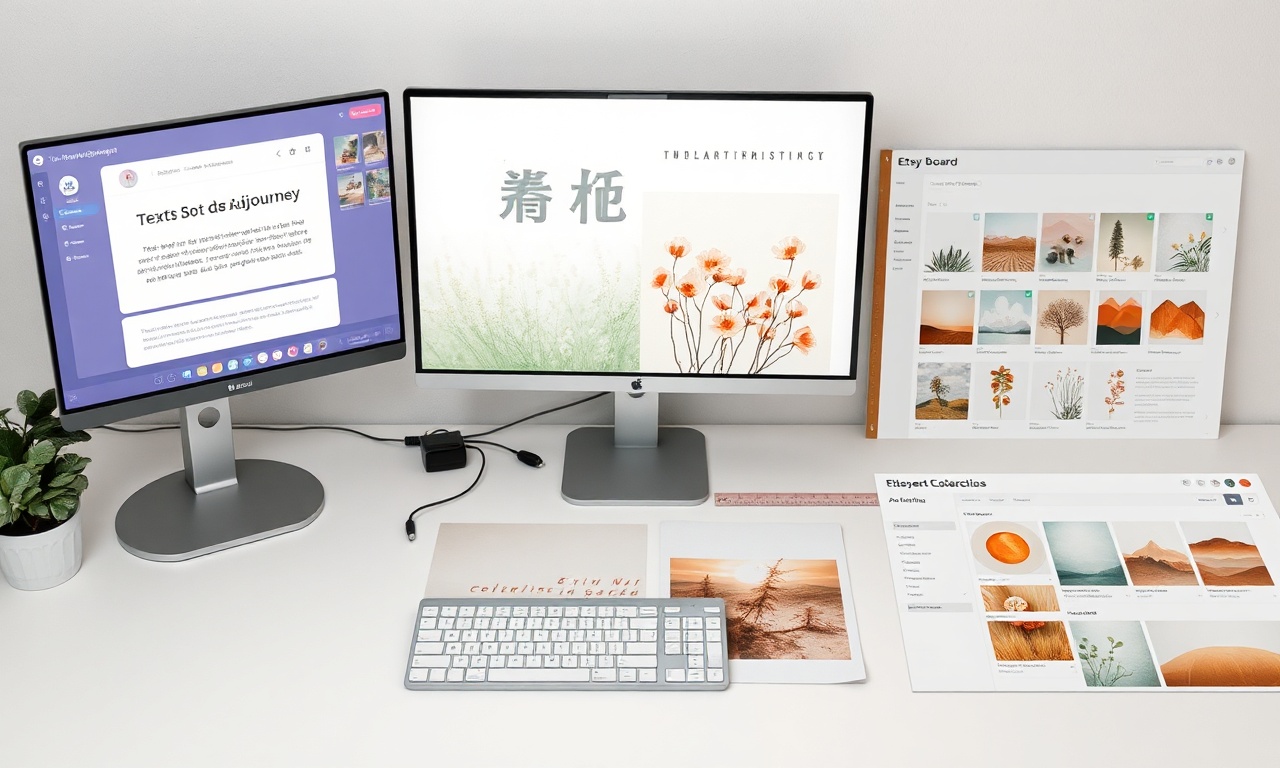
How to Create Stunning Printable Wall Art Using Midjourney: A Guide for Etsy Sellers
Introduction: The AI Art Revolution for Etsy Entrepreneurs
The digital marketplace is evolving, and Etsy sellers are at the forefront of a creative revolution. With the rise of AI art generation tools, crafting unique, high-demand printable wall art has become more accessible than ever. For creative entrepreneurs, mastering these tools isn’t just a trend—it’s a powerful strategy to scale production, differentiate offerings, and tap into burgeoning market trends. This comprehensive guide will walk you through the process of creating sellable printable wall art using Midjourney, one of the most sophisticated AI image generators available. We’ll also explore the best AI tools for Etsy sellers to streamline your entire workflow, from concept to customer.
Understanding Midjourney: Your AI-Powered Creative Partner
Midjourney is an independent research lab’s AI program that generates images from natural language descriptions, known as “prompts.” Operating primarily through Discord, it translates your textual ideas into stunning, high-resolution visuals. For Etsy sellers, this means the ability to produce endless variations of artwork tailored to specific niches—be it minimalist botanicals, abstract landscapes, or whimsical animal portraits—without needing advanced traditional art skills.
The key to Midjourney’s value lies in its artistic flexibility and style coherence. It can mimic specific art movements, techniques, and color palettes, allowing you to build a recognizable brand aesthetic for your Etsy shop. When integrated into a thoughtful business strategy, it becomes one of the best AI tools for Etsy sellers looking to dominate the printable wall art category.
Step-by-Step: Creating Your First Printable Wall Art with Midjourney
Step 1: Setting Up and Accessing Midjourney
First, you’ll need a Discord account and a Midjourney subscription. Visit the Midjourney website to subscribe. The Basic Plan is often sufficient for starting sellers. Join the Midjourney Discord server and familiarize yourself with the interface. You’ll generate images in newcomer channels or direct messages to the Midjourney Bot.
Step 2: Crafting the Perfect Art Prompt
The magic lies in the prompt. A strong prompt is detailed and specific. Instead of “a forest,” try:
/imagine prompt: enchanted mystical forest, giant glowing mushrooms, bioluminescent foliage, soft ethereal light, trending on ArtStation, fantasy art, digital painting, style by James Gurney and Thomas Kinkade, intricate details, 8k --ar 3:4 --v 6.0
Key Prompt Components for Wall Art:
- Subject: What is the main focus?
- Style & Artists: Reference art styles or artists (e.g., “linocut print,” “watercolor and ink,” “in the style of Van Gogh”).
- Color Palette: Specify colors like “earthy muted tones,” “pastel color palette.”
- Composition & Details: “minimalist,” “symmetrical,” “highly detailed,” “negative space.”
- Parameters: Use
--arfor aspect ratio (e.g.,--ar 5:7for a 5×7″ print). Use--vto specify the Midjourney version for consistency.
Step 3: Refining and Upscaling Your Image
Midjourney will generate four options. You can:
- Upscale (U1-U4): Select your favorite to generate a high-resolution version.
- Create Variations (V1-V4): Generate new variations based on one of the grids.
Use the
Vary (Region)feature to edit specific parts of an upscaled image, perfect for removing unwanted elements or tweaking details.
Step 4: Preparing the File for Print and Sale
Once you have a final upscaled image, download it. Your work isn’t done—post-processing is crucial for a professional product.
- Upscale Further: Use an AI upscaler like Topaz Gigapixel AI to increase resolution without quality loss, ensuring crisp prints at larger sizes.
- Edit and Adjust: Use Adobe Photoshop or Canva for color correction, contrast adjustment, and removing any minor flaws.
- Format and Save: Save your final design in high-quality PDF and PNG formats (300 DPI minimum). Consider creating size variants (e.g., 8×10″, 11×14″, 16×20″).
The Best AI Tools for Etsy Sellers: Beyond Midjourney
While Midjourney excels at image generation, a successful Etsy shop requires a full toolkit. Here are the best AI tools for Etsy sellers to complement your Midjourney workflow:
1. AI Image Generators
- DALL-E 3 (via ChatGPT Plus): Excels at understanding complex, nuanced prompts and rendering text within images, ideal for quote art.
- Stable Diffusion (with UI like Fooocus): A powerful, open-source alternative that runs locally, offering immense control over the generation process.
2. AI Post-Processing & Enhancement Tools
- Topaz Labs Suite (Gigapixel AI, Photo AI): The industry standard for intelligently upscaling and denoising AI-generated images to print-ready quality.
- Adobe Firefly: Integrated into Photoshop, it’s perfect for using generative fill to extend backgrounds or edit out elements quickly.
3. AI Business & Marketing Tools
- ChatGPT or Claude: For writing compelling Etsy listings, product descriptions, and marketing copy. They can also help brainstorm niche ideas and prompt engineering.
- Kittl or Leonardo.ai: Excellent for adding final graphic design touches, creating mockups, or generating design elements in a more controlled, graphic-oriented environment.
Optimizing Your Etsy Shop for AI-Created Wall Art
Listing Optimization
Use your AI tools holistically. Generate the art with Midjourney, then use ChatGPT to craft a keyword-rich title and description. Include phrases like “digital download,” “instant download,” “printable wall decor,” and specific style keywords.
Building a Cohesive Collection
Use consistent style modifiers in your Midjourney prompts to create series of artwork (e.g., a “Mid-Century Modern Animal Portrait” series). This encourages customers to buy multiple prints.
Navigating Legal and Ethical Considerations
- Commercial License: Ensure your Midjourney subscription plan grants you a commercial license to sell the generated imagery.
- Originality: Avoid prompting in the style of living, contemporary artists. Use your own creative direction to blend styles.
- Disclosure: You are not required to disclose the use of AI on Etsy, but transparently marketing it as “AI-assisted” or “AI-designed” can be a unique selling point.
FAQ: Selling AI-Generated Printable Wall Art on Etsy
1. Is it legal to sell art created with AI like Midjourney on Etsy?
Yes, provided you have the correct commercial license from the AI tool. All paid Midjourney subscription plans grant you a commercial license, allowing you to sell the images you generate. Always double-check the current Terms of Service for any tool you use.
2. How do I ensure my AI art stands out in a crowded market?
The key is in the curation and post-processing. Don’t just sell the raw Midjourney output. Use your artistic eye to select the best pieces, refine them in editing software, and assemble them into cohesive collections. Develop a strong, consistent brand style in your prompts and listings. Your unique creative direction is what customers are buying.
3. What are the most popular niches for AI printable wall art in 2024?
Current high-demand niches include:
- Aesthetic & Vibes: Corecore, dark academia, cottagecore, grandmillennial.
- Personalized Art: Customizable family portraits, pet portraits in artistic styles, or name-initial art.
- Trending Decor Styles: Abstract organic shapes, minimalist line art, maximalist floral patterns, and retro/vintage revival styles.
Conclusion: Launch Your AI-Enhanced Creative Business
The fusion of AI technology and human creativity is unlocking unprecedented opportunities for Etsy sellers. Midjourney, along with the suite of best AI tools for Etsy sellers, acts as a force multiplier for your talent, allowing you to produce professional, on-trend printable wall art efficiently. The process—from engineering the perfect prompt to professionally preparing the final file—places you, the seller, firmly in the creative director’s seat. Your vision guides the technology to create products that resonate with buyers.
Ready to transform your Etsy shop? Start by experimenting with Midjourney prompts today. Identify a niche you love, craft a detailed prompt, and generate your first collection. Refine your images, build your listings with the help of AI copywriting tools, and launch your unique AI-assisted art into the marketplace. The future of creative e-commerce is here, and it’s powered by your imagination augmented by AI.