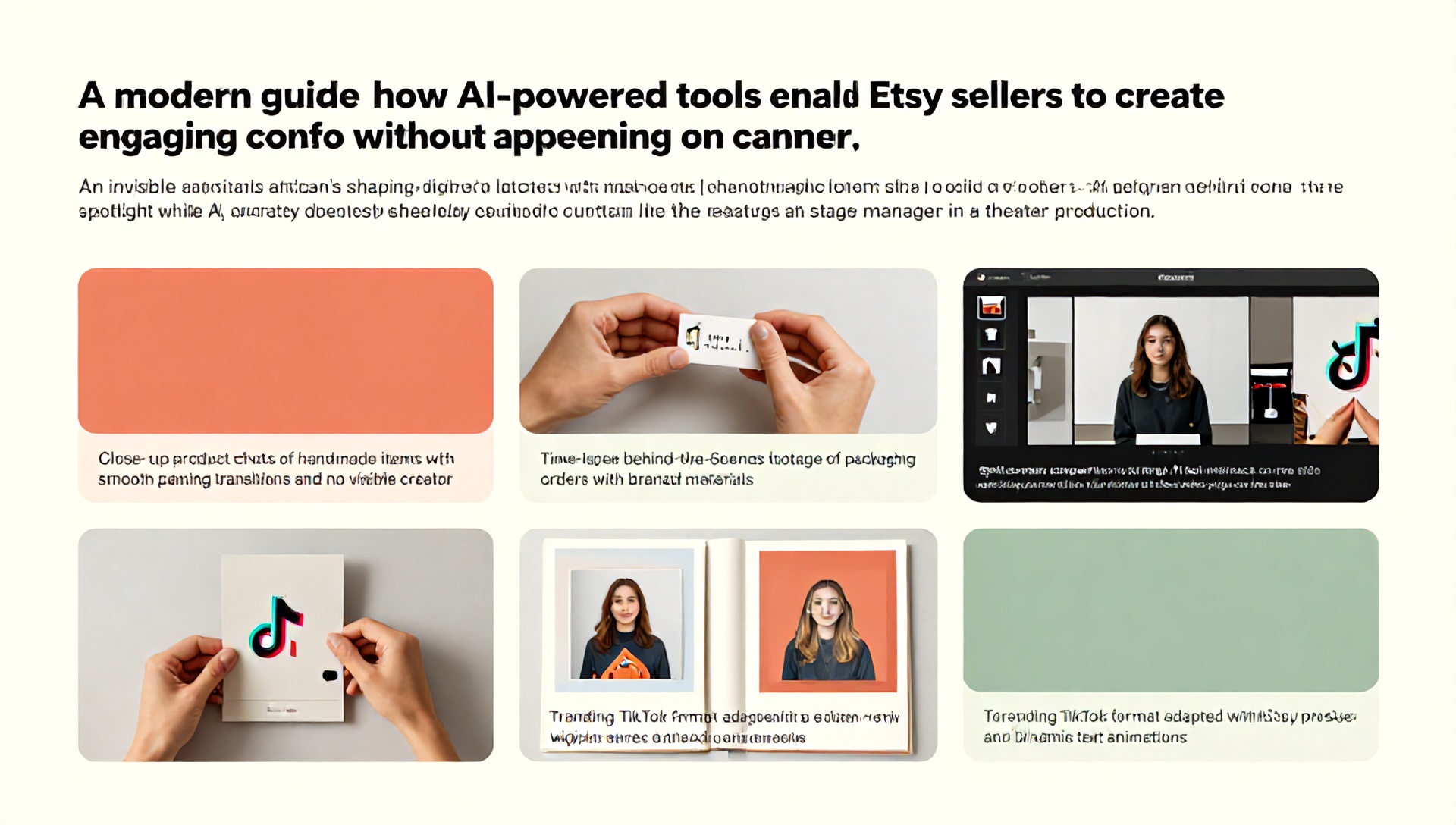
The Ultimate Guide to Faceless TikTok Videos: Best AI Tools for Etsy Sellers
Introduction: The Rise of the Faceless Content Creator
In the bustling digital marketplace, Etsy sellers face a constant challenge: standing out in a crowded field while managing the countless tasks of running a creative business. Enter the powerful strategy of faceless TikTok videos. This innovative approach allows you to harness the platform’s immense, product-hungry audience without ever showing your face on camera. For many artisans, makers, and digital product creators, this is a game-changer. It removes the barrier of camera-shyness, saves precious time, and focuses the content squarely on your products and their stories.
But how do you create engaging, scroll-stopping videos without a traditional host? The answer lies in the strategic use of Artificial Intelligence. This guide is specifically crafted for Etsy entrepreneurs. We will demystify the process of creating faceless TikTok content and, most importantly, reveal the best AI tools for Etsy sellers to automate and elevate their video marketing, driving traffic and sales directly to their shops.
Why Etsy Sellers Should Embrace Faceless TikTok Content
Before diving into the “how,” let’s solidify the “why.” Faceless content isn’t a compromise; it’s a strategic choice with distinct advantages for small business owners.
- Saves Time & Resources: You bypass hours of filming, re-filming, and editing yourself. AI tools can generate or assemble content in minutes.
- Focus on the Product: The spotlight stays on your creations—be it handmade jewelry, printable art, custom mugs, or digital planners. The product is the hero.
- Overcomes Camera Anxiety: Not everyone is comfortable on video. This method allows your personality to shine through your craft and narration, not just your appearance.
- Brand Consistency & Scalability: AI tools help maintain a consistent visual style and posting frequency, which is crucial for algorithm favor on TikTok.
- Leverages Trends Quickly: You can rapidly create content around viral TikTok sounds, trends, and hashtags without being on camera.
Understanding the Faceless Video Ecosystem
Faceless videos come in many forms, all perfect for showcasing Etsy products:
- Product Demonstrations: Showcasing how an item is made, used, or styled.
- Educational/Tutorial Content: Teaching a skill related to your niche (e.g., “How to style our printable wall art”).
- Behind-the-Scenes (BTS): Time-lapses of your creation process, packaging orders, or setting up at a craft fair.
- Storytelling & Testimonials: Using text, voiceover, and visuals to share customer stories or the inspiration behind a product.
- Trend-Based Content: Putting your products into popular video formats, memes, or audio trends.
The Essential Toolkit: Best AI Tools for Etsy Sellers
This is the core of your new content strategy. Here are the top AI tools, categorized by function, that will empower your faceless TikTok journey.
H3: AI Video Generation & Editing Tools
These tools create videos from scratch or transform your existing assets.
- Synthesia: This is a powerhouse for creating professional AI avatar videos. You type a script, choose a diverse AI presenter, and it generates a video of them speaking it. Perfect for welcome messages, product explanations, or FAQ videos. Ideal for: Sellers who want a human touch without being on camera.
- InVideo AI: Simply type a text prompt (e.g., “A 30-second TikTok video showing the cozy features of a handmade knitted blanket, set to relaxing music”) and the AI generates a complete video with stock footage, text overlays, and a voiceover. Ideal for: Quickly creating high-volume, engaging content from a simple idea.
- Pictory: Excellent for transforming long-form content (like a blog post from your Etsy “About” section or customer reviews) into short, compelling social videos with automatic highlights, captions, and visuals. Ideal for: Repurposing existing text content into video.
H3: AI Visual & Asset Creation Tools
Your products need a beautiful stage. These tools create the visuals, backgrounds, and graphic elements.
- Canva (with AI Features): A familiar friend with powerful new AI tools like “Magic Media” (generating images/videos from text), “Magic Design” (auto-creating templates), and “Magic Write” (for script ideas). Its user-friendly interface is perfect for Etsy sellers. Ideal for: All-around design, thumbnails, and adding polished text/graphics to video clips.
- Midjourney / DALL-E 3: AI image generators that can create stunning, unique backgrounds, product mockups (imagine your sticker design on a laptop in a fantasy setting), or concept art for your brand. Ideal for: Creating unique visual atmospheres and concept images that make your products stand out.
- Leonardo.Ai: Specializes in generating high-quality product photography and scenes. You can describe a setting for your product, and it will generate a professional-looking image. Ideal for: Sellers needing high-quality product scene images without a photoshoot.
H3: AI Scriptwriting & Voiceover Tools
The script and voice carry your message and brand personality.
- ChatGPT (GPT-4) / Claude: The go-to for brainstorming video ideas, writing engaging scripts, crafting catchy captions, and generating hashtag sets. Prompt it with “Write a 15-second TikTok script for my handmade soy candles focusing on relaxation.” Ideal for: All stages of content ideation and writing.
- Murf.ai: A top-tier AI voice generator with over 120 realistic voices in many languages and accents. You can control tone, pitch, and emphasis. Add a warm, friendly voiceover to your product demo effortlessly. Ideal for: Adding professional, consistent narration to any video.
- ElevenLabs: Known for the most realistic and emotionally expressive AI voices. If you want a voice that sounds genuinely excited about your new product launch, this is a premium choice. Ideal for: Sellers wanting ultra-realistic, branded voiceovers.
H3: AI Music & Sound Effect Tools
Audio is 50% of the TikTok experience. Use AI to find the perfect track.
- Soundraw.io / AIVA: These AI platforms generate unique, royalty-free music tailored to your video’s mood, length, and genre. Specify “upbeat, ukulele, 30 seconds” for a happy unpacking video. Ideal for: Avoiding copyright issues and having original scores.
H2: Your Step-by-Step Workflow to Create a Faceless TikTok Video
Let’s build a video from start to finish using our AI toolkit.
H3: Step 1: Ideation & Scripting
- Tool: ChatGPT
- Action: Prompt: “Generate 5 TikTok video ideas for an Etsy shop selling custom embroidered dog bandanas. Include a short script for the top idea.” Refine the chosen script to be concise and have a clear hook.
H3: Step 2: Sourcing & Creating Visuals
- Tool: Your Phone Camera + Canva/Midjourney
- Action: Film close-up B-roll of the bandana: details of the embroidery, fabric texture, a dog (stock or your own) wearing it. Use Canva’s AI to create a catchy title graphic, or Midjourney to generate a fun background scene.
H3: Step 3: Generating Voiceover
- Tool: Murf.ai
- Action: Paste your final script into Murf. Select a friendly, trustworthy voice. Adjust the speed for a TikTok-friendly pace. Download the audio file.
H3: Step 4: Video Assembly & Editing
- Tool: Canva or InVideo
- Action: Upload your clips and voiceover. Use Canva’s timeline to sync visuals with the audio. Add text captions (crucial for silent scrolling), your generated graphics, and smooth transitions. Keep cuts fast-paced.
H3: Step 5: Adding Music & Final Polish
- Tool: Soundraw.io & TikTok Editor
- Action: Generate a short, cheerful music clip on Soundraw. Lower its volume so it doesn’t drown out the voiceover. In the TikTok app, add relevant trending hashtags (#EtsyDog, #PetTok, #DogAccessories), a compelling caption with a CTA (“Link in bio to customize!”), and choose a captivating cover thumbnail.
H2: Pro Tips for Etsy Sellers: Maximizing Impact
- Lead with Value: Every video should entertain, educate, or inspire. Solve a problem for your viewer.
- Brand Consistently: Use the same color palette, fonts, and logo placement. AI tools make consistency easy.
- Optimize for the “For You” Page (FYP): Use trending sounds (even under a voiceover), engage with comments immediately, and post consistently (3-4 times per week).
- Direct Traffic Effectively: Use “Link in Bio” tools like Linktree or Beacons to create a clickable path directly to your featured Etsy listing.
- Analyze & Adapt: Check TikTok Analytics to see which videos drive the most profile visits and website clicks. Double down on what works.
H2: Frequently Asked Questions (FAQ)
H3: 1. Is faceless TikTok content really effective for driving Etsy sales?
Absolutely. TikTok is a discovery platform. Users love to see products in action, learn their stories, and find unique items. Faceless videos that compellingly showcase your product’s features, benefits, and aesthetics can generate massive interest and direct traffic to your Etsy shop, leading to sales. The key is value-driven content, not the creator’s face.
H3: 2. What is the most cost-effective AI tool to start with?
For Etsy sellers starting out, Canva Pro offers exceptional value. It combines robust design tools with growing AI features (Magic Write, Magic Design, AI image generation) and a simple video editor. It’s a one-stop shop for creating thumbnails, editing videos, and designing all your visual assets for a reasonable monthly fee.
H3: 3. Can I use AI voiceovers without sounding robotic?
Yes. Modern AI voice tools like Murf.ai and ElevenLabs have made huge strides. The key is to:
- Choose a “conversational” or “friendly” voice style from their library.
- Edit the script to sound natural—use contractions (it’s, don’t) and short sentences.
- Use the tool’s punctuation to add pauses (e.g., “…”) and adjust the speaking rate to sound human.
- Listen and tweak. A slight adjustment can make a significant difference.
H3: 4. How do I handle copyright with AI-generated images and music?
Always use tools that provide commercial licenses for the assets you create. Most reputable AI tools (like Canva, Soundraw, Midjourney on paid plans) grant you the license to use the generated content for business purposes, including marketing your Etsy shop. Always read the specific terms of service of the tool you are using.
Conclusion: Your Creative Business, Amplified
The barrier to creating professional, engaging TikTok content has never been lower. For the Etsy seller, faceless videos powered by AI are not just a trend; they are a scalable, efficient, and highly effective marketing strategy. By leveraging the best AI tools for Etsy sellers, you reclaim time to focus on what you do best—creating—while building a powerful online presence that attracts your ideal customers.
You have the products. You have the story. Now, you have the toolkit.
Ready to Transform Your TikTok Marketing?
Don’t let another day of potential traffic and sales pass by. Start small today. Pick one AI tool from this guide—perhaps begin with Canva’s video editor or a free trial of Murf.ai for voiceovers—and create your first faceless TikTok video. Showcase your favorite product, share a quick tip from your craft, or jump on a simple trend.
Your Etsy shop’s next best-selling item could be one video away. Lights, camera, AI action